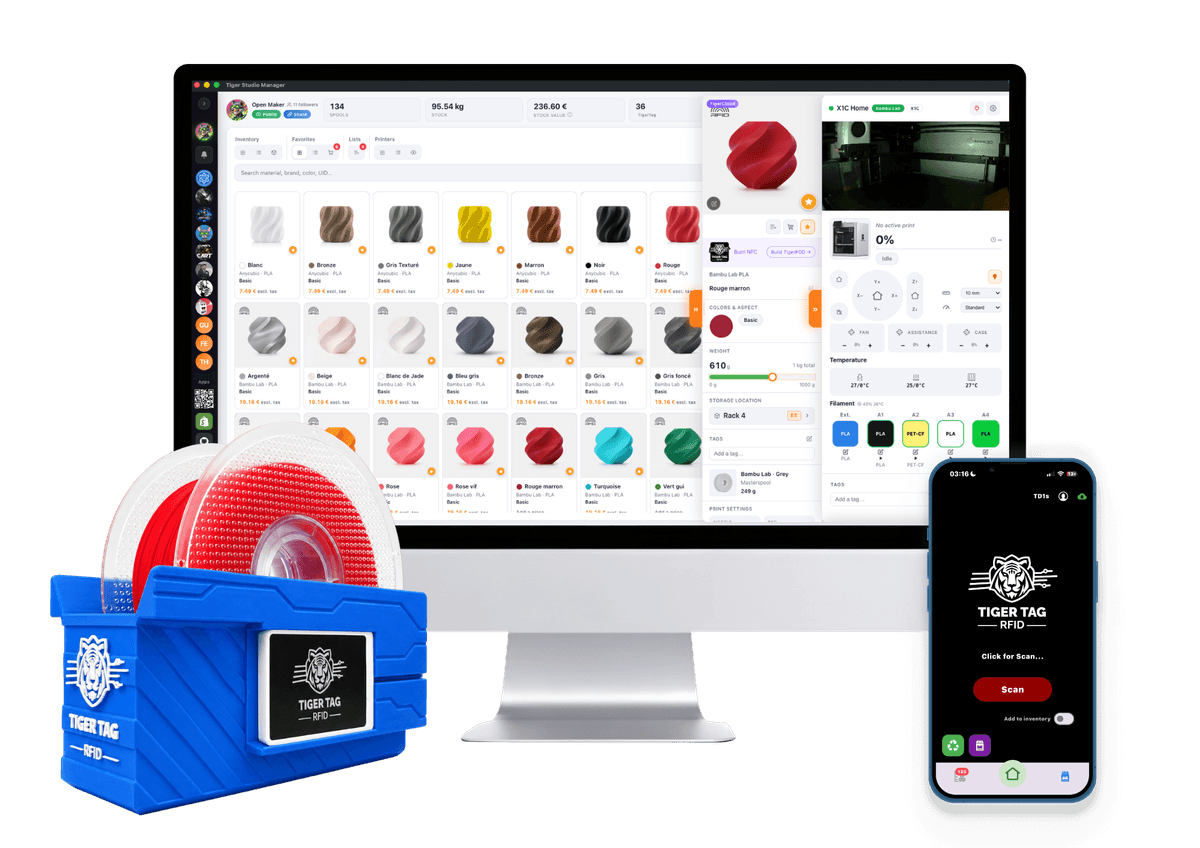
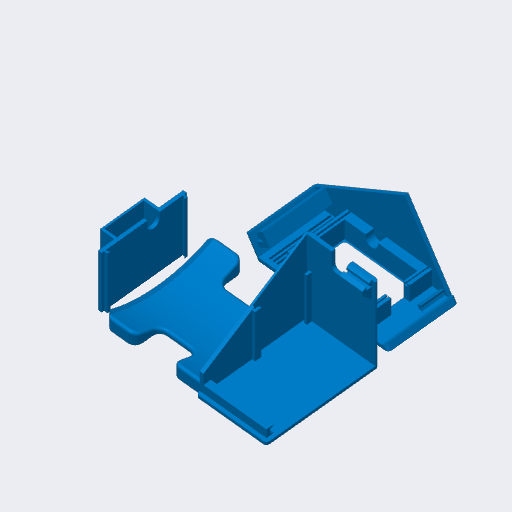
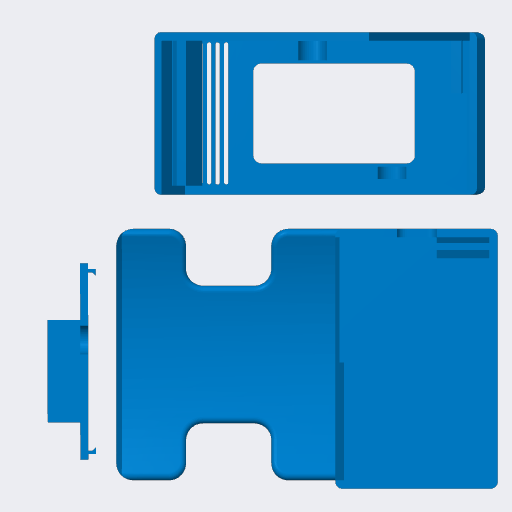
TigerSpool Desktop Stand - Spool on the Left
Source: MakerWorld by TigerSystem.io
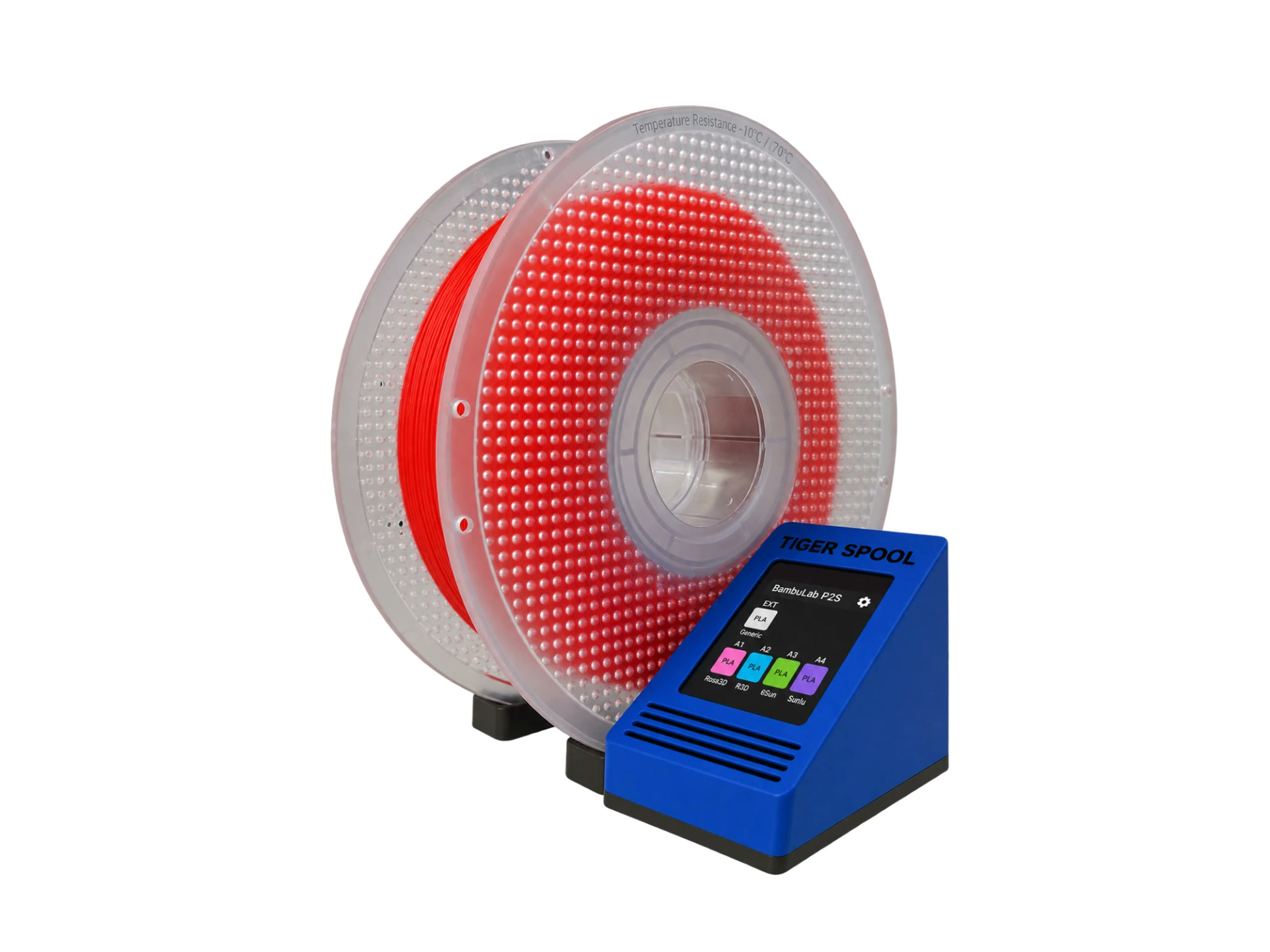
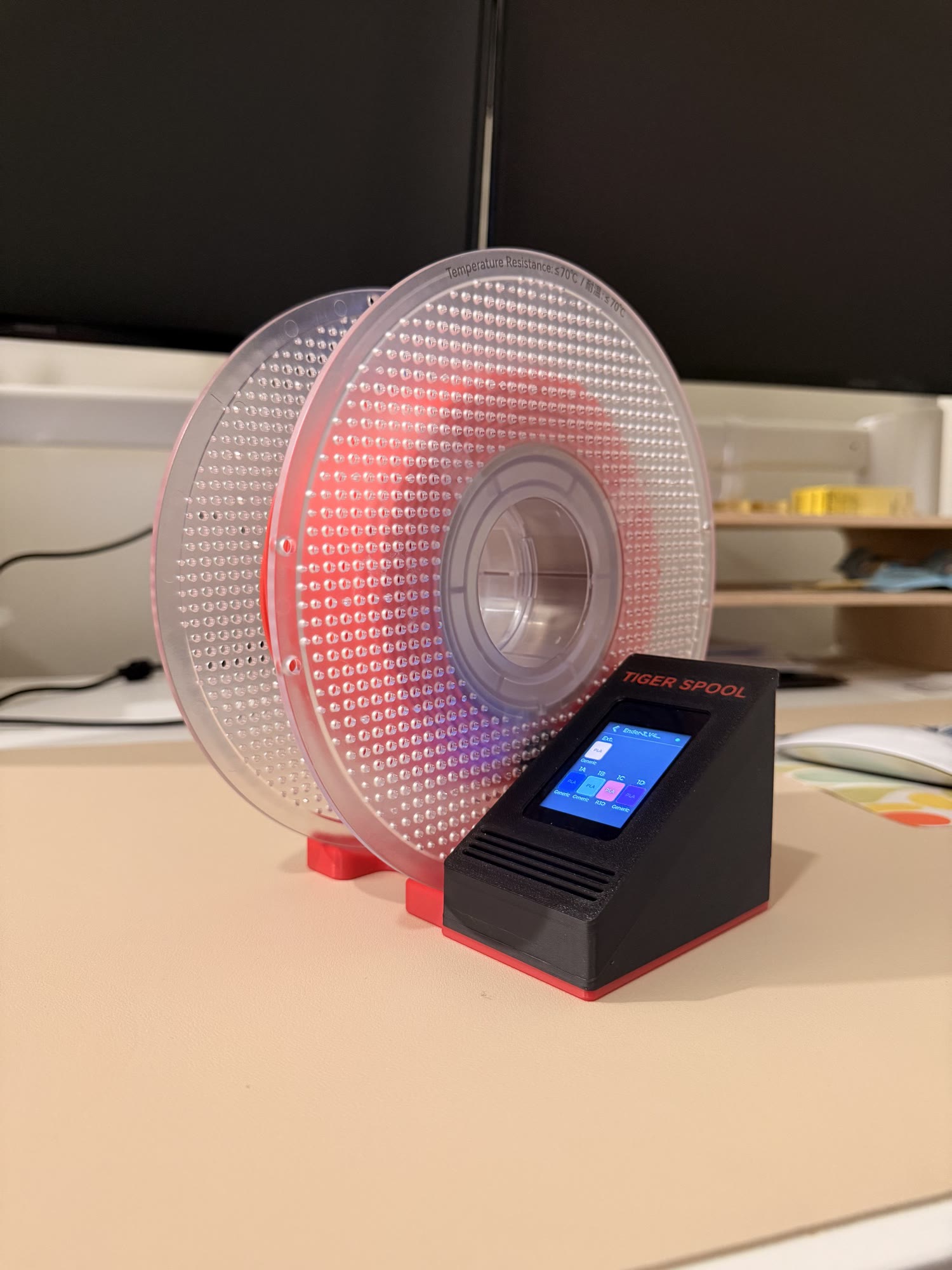
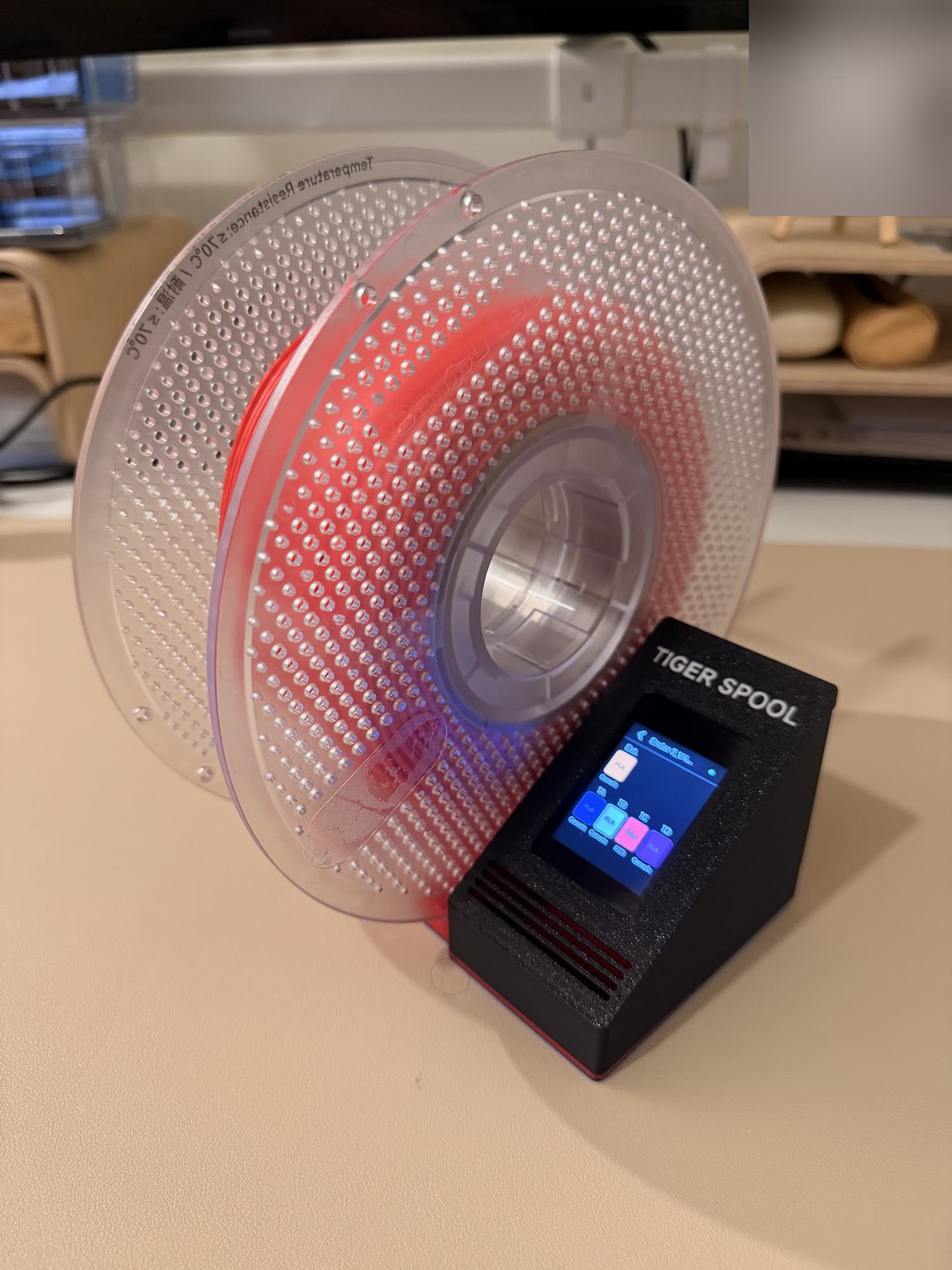
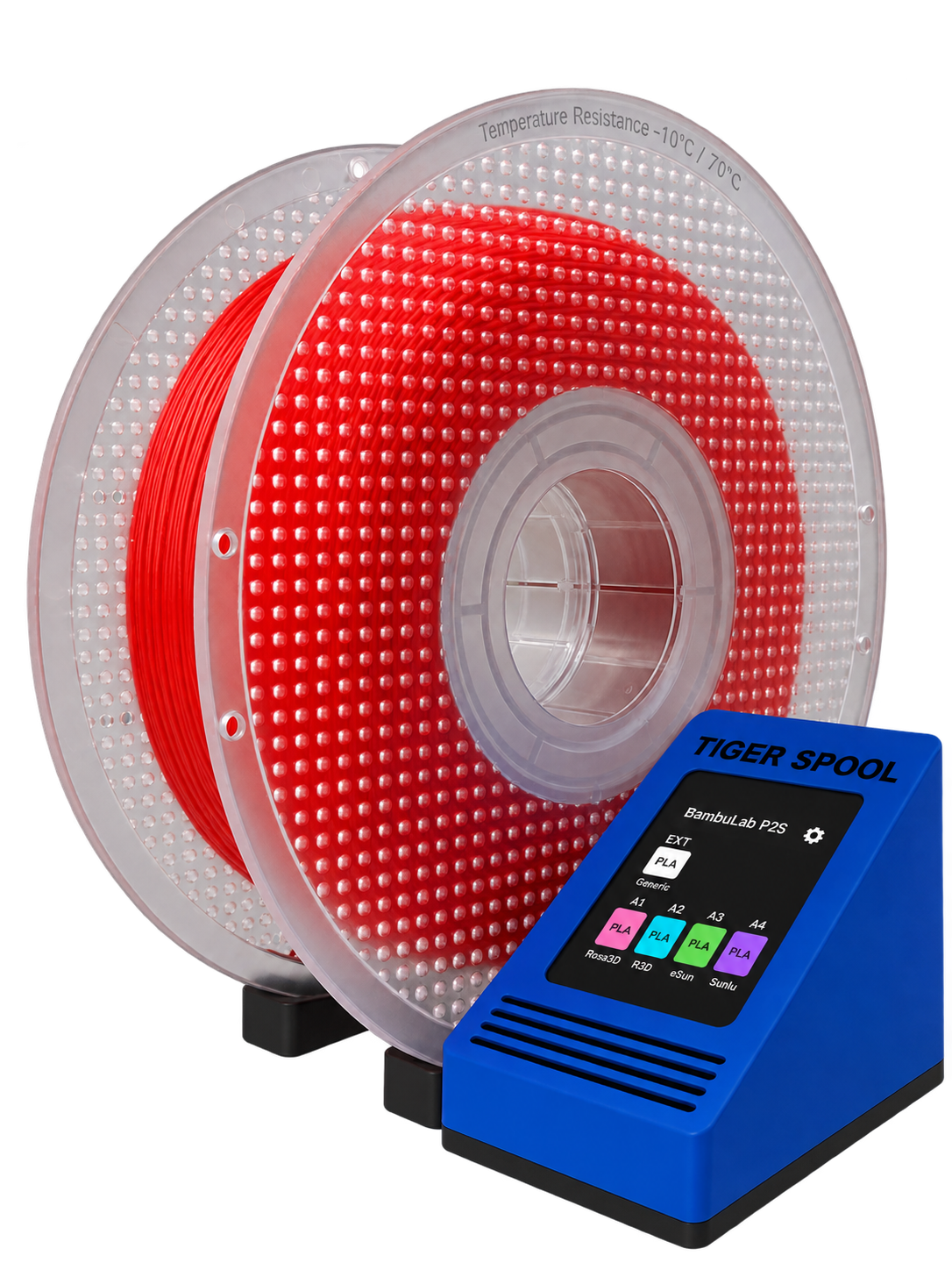
The TigerSpool Desktop Stand - Spool on the Left is a free printable 3D model from MakerWorld by TigerSystem.io. Your spool already knows what it is. You can download the STL file from the original listing below and print it at home.

About this model
Your spool already knows what it is. TigerSpool tells your printer.TigerTag is an open NFC standard for 3D-printing materials: a small chip on the spool carries its material, colour, brand and temperatures. TigerSystem is everything built around it - Tiger Studio on your computer, the TigerTag app on your phone, TigerScale, TigerPOD, and this: TigerSpool, an open-source reader that sits beside your printer.Tap a slot on its screen, hold the spool against it, and the filament is written straight into that slot of your printer - Bambu Lab, Creality, FlashForge, Snapmaker, Elegoo or Anycubic, over your local network. It tells the printer what the spool is; putting it in the AMS, CFS or tray is still up to you.1. Tap a slot · 2. Hold the spool · 3. Sent - load itThis page is the desktop stand,…
Frequently asked questions
- Is this 3D model free to download?
- Yes. TigerSpool Desktop Stand - Spool on the Left is free to download from MakerWorld. Open it in the free Thinger app, or use the "Download from MakerWorld" link above to open the original listing.
- Where is the STL hosted?
- The download is hosted by MakerWorld, not by Thinger. We link you directly to the original listing by TigerSystem.io.
- Who made this model?
- Designed by TigerSystem.io, published on MakerWorld. Please credit the creator when sharing your print online.
- Can I print this at home?
- Yes. This model is intended for home FDM and resin 3D printers. Check the original listing for suggested print settings like layer height and supports.
Similar 3D models in tigerspool


Browse related collections
Filament price drops for your next print
We track hundreds of filaments, resins, nozzles and tools on Amazon several times a day. Don't buy before you compare: see today's best prices and the real discount, measured against 30 days of price history.
 Tsinghoo Matte PLA Filament 1.75mm 2kg 2-Pack Black | Smooth Frosted …
$18.99
 SUNLU 250g Filament Bundle 1.75mm, Multicolor 3D Printer Filament | 8…
$30.39
 Inslogic Pre-Dried High Speed Matte PETG Pro Filament 1.75mm 1KG Blac…
$13.09
Thinger earns a commission from qualifying purchases made through these links, at no extra cost to you. The price on Amazon at checkout is the one that counts. Israeli buyers: free shipping over $49 deals in Hebrew (קונים מישראל: הדילים עם משלוח חינם מעל $49, בעברית).