Bed Level Correction process
Source: Thingiverse by davidhbrown
The Bed Level Correction process is a free printable 3D model from Thingiverse by davidhbrown. (2021) Thingiverse seems to have destroyed / lost multiple additional stages of instructions and reference photos. You can download the STL file from the original listing below and print it at home.

About this model
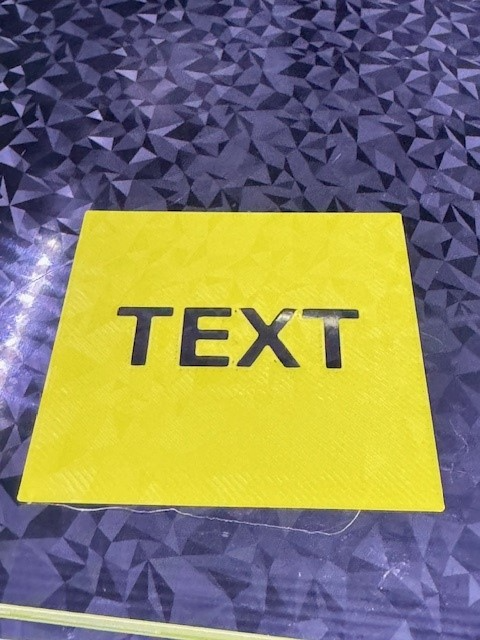
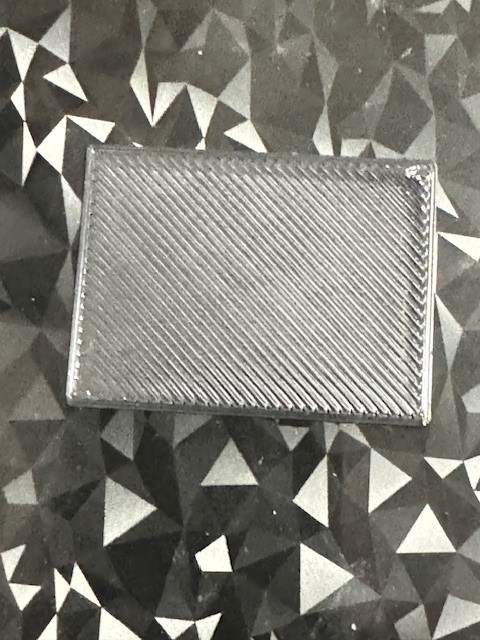
(2021) Thingiverse seems to have destroyed / lost multiple additional stages of instructions and reference photos. I'm not sure it is worth recreating given the advances in automatic mesh bed leveling. Work-in-progress... would be delighted to incorporate suggestions for improvement. Please comment or message me. * 2019-09-11 @wabbitguy suggested connecting the patches to make it easier to keep straight which is which while measuring. Was such a great idea, I had the .scad file updated almost before he sent me a picture. Also added an option to overlay an "X" and "Y" on the connections near the bottom-left origin patch. However, when I first tried to print it, the adhesion on those long skinny lines just didn't hold and made a mess. So I've included a new FirstLayerConnected.ini print sett…
Frequently asked questions
- Is this 3D model free to download?
- Yes. Bed Level Correction process is free to download from Thingiverse. Open it in the free Thinger app, or use the "Download from Thingiverse" link above to open the original listing.
- Where is the STL hosted?
- The download is hosted by Thingiverse, not by Thinger. We link you directly to the original listing by davidhbrown.
- Who made this model?
- Designed by davidhbrown, published on Thingiverse. Please credit the creator when sharing your print online.
- Can I print this at home?
- Yes. This model is intended for home FDM and resin 3D printers. Check the original listing for suggested print settings like layer height and supports.
Similar 3D models in calibration



More from davidhbrown


Browse related collections
Filament on sale for your next print
Price drops on Amazon, checked several times a day with 30-day price history.
 YOOPAI Matte PLA+ Filament 1.75mm, 250g Starter Color Bundle, 4 Rolls
$17.99
YOOPAI Matte PLA+ Filament 1.75mm, 250g Starter Color Bundle, 4 Rolls
$17.99
 UGUESS TPU 95A 3D Printer Filament, Black, 1KG, TPU 95A Filament 1.75…
$15.99
UGUESS TPU 95A 3D Printer Filament, Black, 1KG, TPU 95A Filament 1.75…
$15.99
 Creality Silk PLA 3D Printer Filament 1.75mm, 1kg, Gold | High Glossy…
$18.99
Creality Silk PLA 3D Printer Filament 1.75mm, 1kg, Gold | High Glossy…
$18.99
Thinger earns a commission from qualifying purchases made through these links, at no extra cost to you. The price on Amazon at checkout is the one that counts. Israeli buyers: free shipping over $49 deals in Hebrew.