MUCH easier to customize Business Card Embosser
Source: Thingiverse by Loogyg
The MUCH easier to customize Business Card Embosser is a free printable 3D model from Thingiverse by Loogyg. I couldn't find easy to follow instructions on how to make my own, so I decided to create my own method using Fusion360 and lessons I've learned from other users. You can download the STL file from the original listing below and print it at home.
About this model
I couldn't find easy to follow instructions on how to make my own, so I decided to create my own method using Fusion360 and lessons I've learned from other users. Hope it helps you out. Edit the sketch. Upload an SVG, or create text, or both. Create an offset of whatever you created of negative 0.36 mm (this number was successful for me, you can experiment if you want though). You may have to offset each body individually, since I couldn’t figure out how to do them all at once. Edit the first Emboss feature and Select ALL sketch profiles (original AND offsets) and hit ok. Should be negative 1.1 mm emboss. Edit the second Emboss feature and select only the offsets. Make sure you only select the profiles that will go into each hole created in the previous emboss feature. Should be positive 1…
Frequently asked questions
- Is this 3D model free to download?
- Yes. MUCH easier to customize Business Card Embosser is free to download from Thingiverse. Open it in the free Thinger app, or use the "Download from Thingiverse" link above to open the original listing.
- Where is the STL hosted?
- The download is hosted by Thingiverse, not by Thinger. We link you directly to the original listing by Loogyg.
- Who made this model?
- Designed by Loogyg, published on Thingiverse. Please credit the creator when sharing your print online.
- Can I print this at home?
- Yes. This model is intended for home FDM and resin 3D printers. Check the original listing for suggested print settings like layer height and supports.
Similar 3D models in Autodesk Fusion 360


Browse related collections
Filament price drops for your next print
We track hundreds of filaments, resins, nozzles and tools on Amazon several times a day. Don't buy before you compare: see today's best prices and the real discount, measured against 30 days of price history.
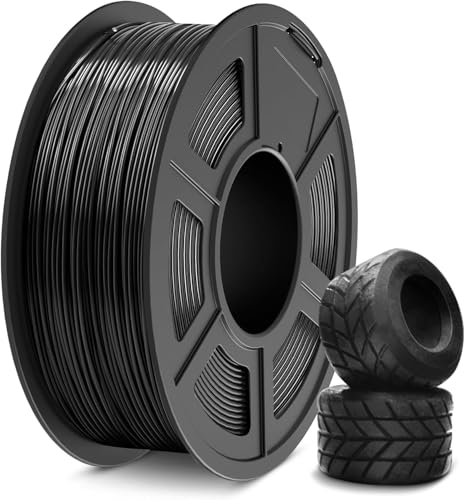 SUNLU TPU Filament 1.75mm,(1kg,Black,95a TPU) | 3D Printer Filament,H…
$20.99
SUNLU TPU Filament 1.75mm,(1kg,Black,95a TPU) | 3D Printer Filament,H…
$20.99
 Dansydaisy 4 Pack 3D Printer Filament Storage Box, Holds up to 6 Roll…
$6.99
Dansydaisy 4 Pack 3D Printer Filament Storage Box, Holds up to 6 Roll…
$6.99
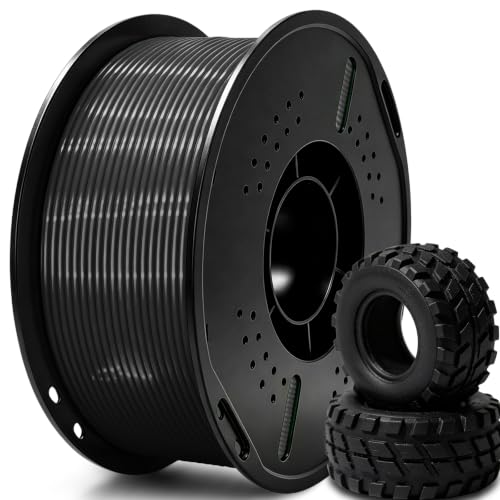 UGUESS TPU 95A 3D Printer Filament, Black, 1KG, TPU 95A Filament 1.75…
$15.99
UGUESS TPU 95A 3D Printer Filament, Black, 1KG, TPU 95A Filament 1.75…
$15.99
Thinger earns a commission from qualifying purchases made through these links, at no extra cost to you. The price on Amazon at checkout is the one that counts. Israeli buyers: free shipping over $49 deals in Hebrew (קונים מישראל: הדילים עם משלוח חינם מעל $49, בעברית).