Anet A6/A8 Y Belt Holder Upgrade
Source: Thingiverse by Area51
The Anet A6/A8 Y Belt Holder Upgrade is a free printable 3D model from Thingiverse by Area51. IMPORTANT: Get the latest updates for this model here on PrusaPrinters. You can download the STL file from the original listing below and print it at home.

About this model
IMPORTANT: Get the latest updates for this model here on PrusaPrinters. In 2021, all updates and uploads of new models were moved to PrusaPrinters, of course still free and under the same conditions... :) Assembling the Anet A6 3D printer kit, I found that the Y Belt mounting was way to high for consistent belt tension. The belts included with the kit are thicker than standard GT-2 belts and more inflexible - I decided to replace them with standard RepRap GT-2 belts (eBay). The model is Prusa Style and comes in two flavors, one for the kit belt and one for the thin RepRap belt (Thin in name). I replaced the screws with 2x M4 10mm and 2x M4 25mm. To tighten the belt, lose the motor screws (or pulley), mount the belt loose, press the motor in place and gently re-tighten the motor screws. >> …
Frequently asked questions
- Is this 3D model free to download?
- Yes. Anet A6/A8 Y Belt Holder Upgrade is free to download from Thingiverse. Open it in the free Thinger app, or use the "Download from Thingiverse" link above to open the original listing.
- Where is the STL hosted?
- The download is hosted by Thingiverse, not by Thinger. We link you directly to the original listing by Area51.
- Who made this model?
- Designed by Area51, published on Thingiverse. Please credit the creator when sharing your print online.
- Can I print this at home?
- Yes. This model is intended for home FDM and resin 3D printers. Check the original listing for suggested print settings like layer height and supports.
Similar 3D models in anet


More from Area51


Browse related collections
Filament price drops for your next print
We track hundreds of filaments, resins, nozzles and tools on Amazon several times a day. Don't buy before you compare: see today's best prices and the real discount, measured against 30 days of price history.
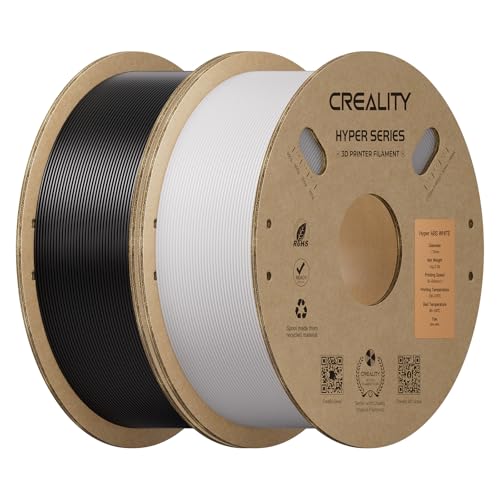 Creality Hyper ABS Filament 1.75mm, Black & White, 2-Pack, 2KG | Heat…
$26.99
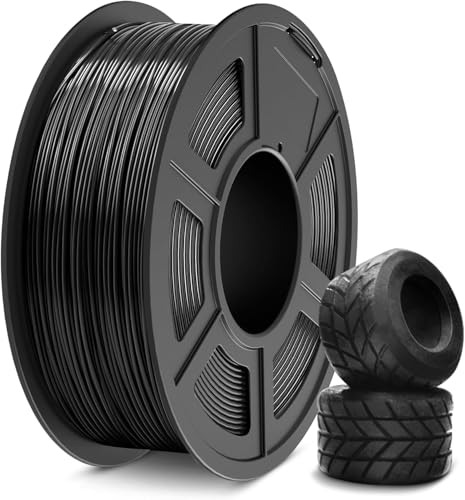 SUNLU TPU Filament 1.75mm,(1kg,Black,95a TPU) | 3D Printer Filament,H…
$20.99
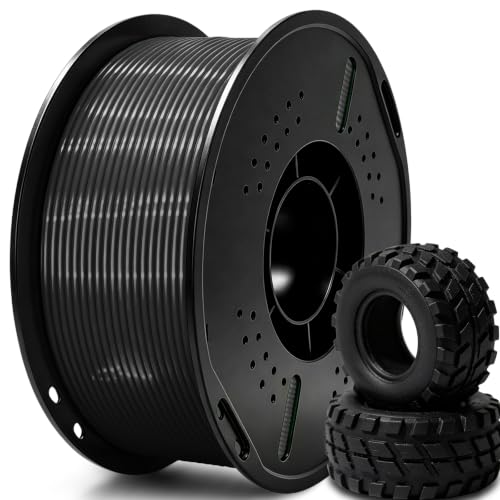 UGUESS TPU 95A 3D Printer Filament, Black, 1KG, TPU 95A Filament 1.75…
$15.99
Thinger earns a commission from qualifying purchases made through these links, at no extra cost to you. The price on Amazon at checkout is the one that counts. Israeli buyers: free shipping over $49 deals in Hebrew (קונים מישראל: הדילים עם משלוח חינם מעל $49, בעברית).