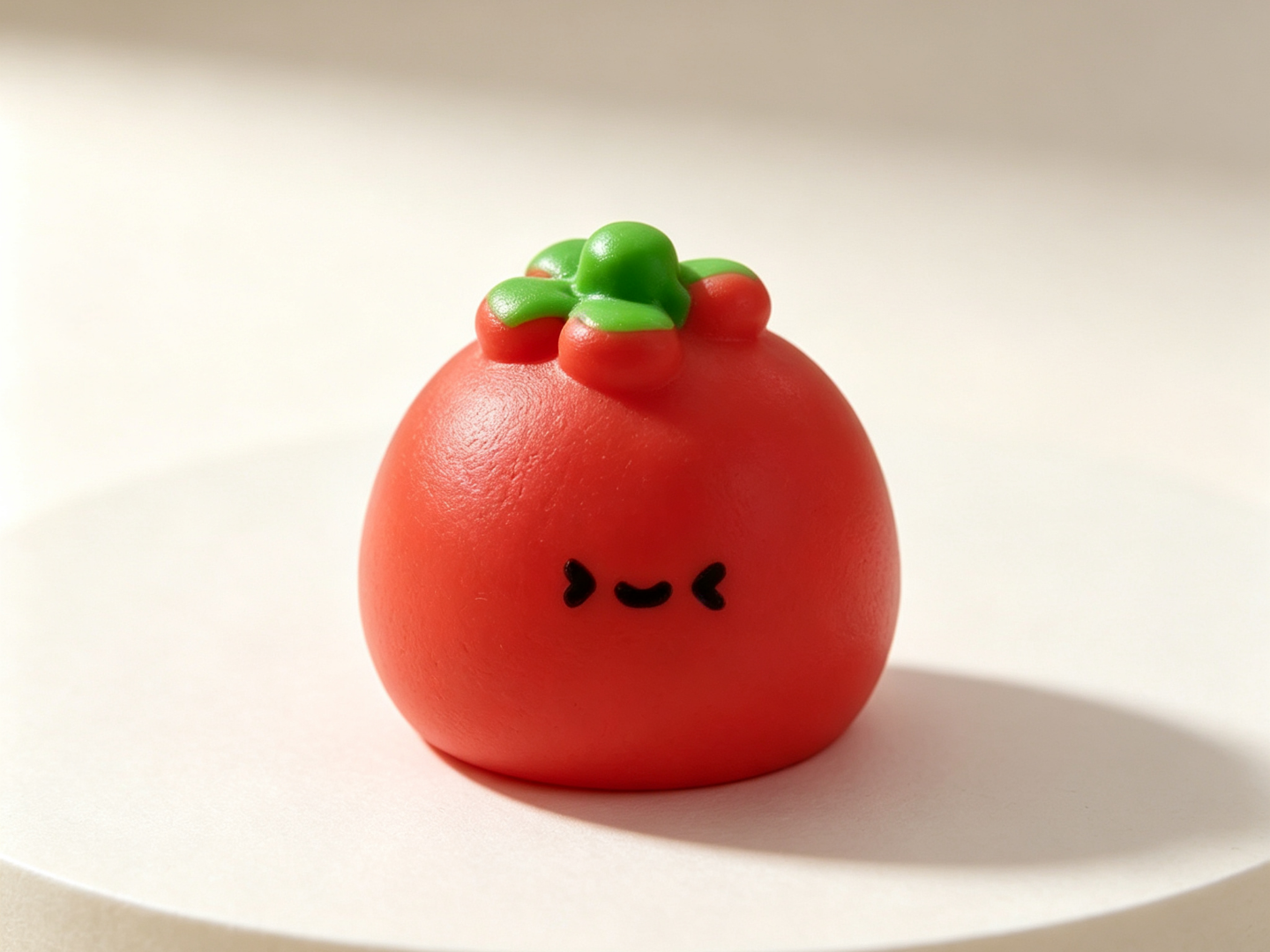
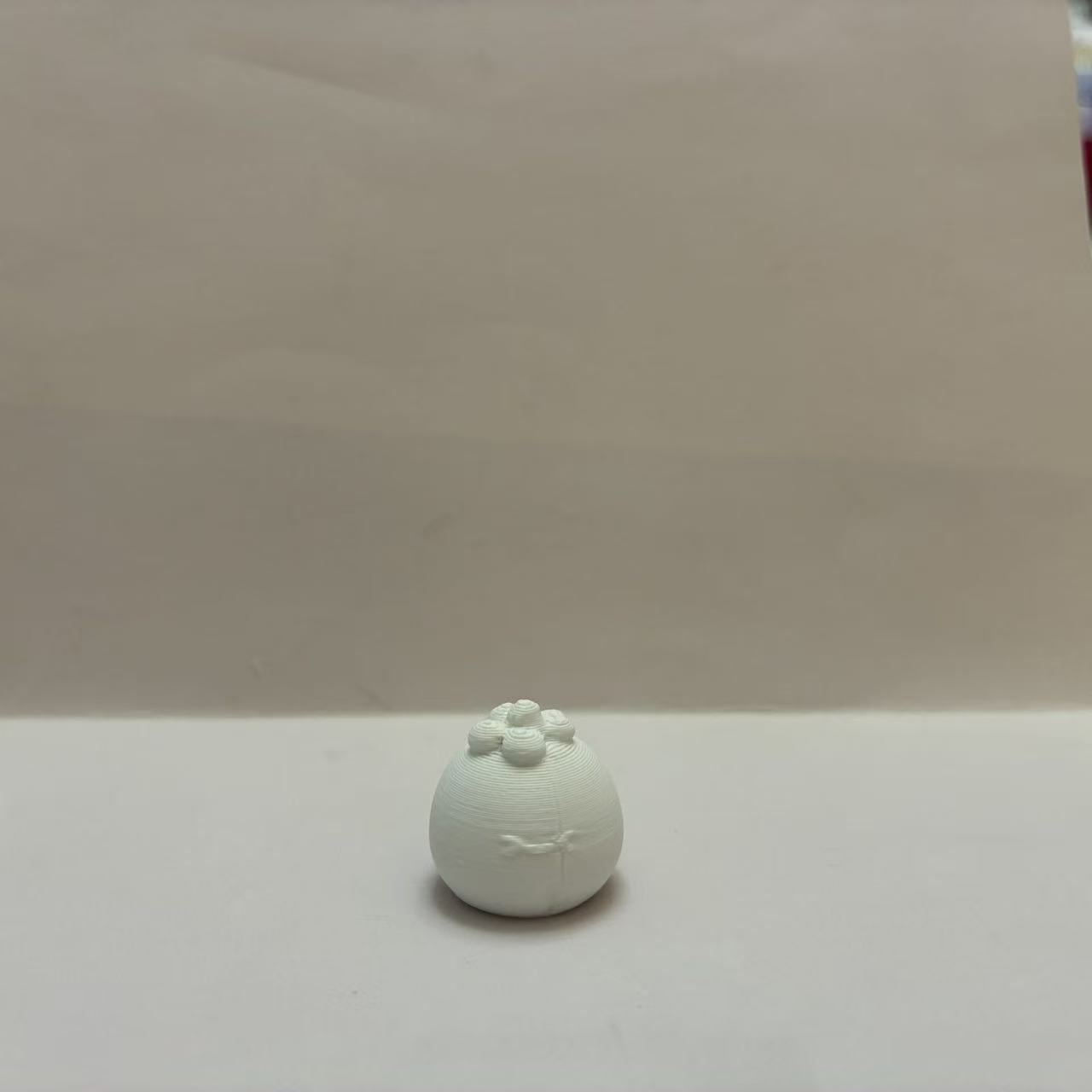
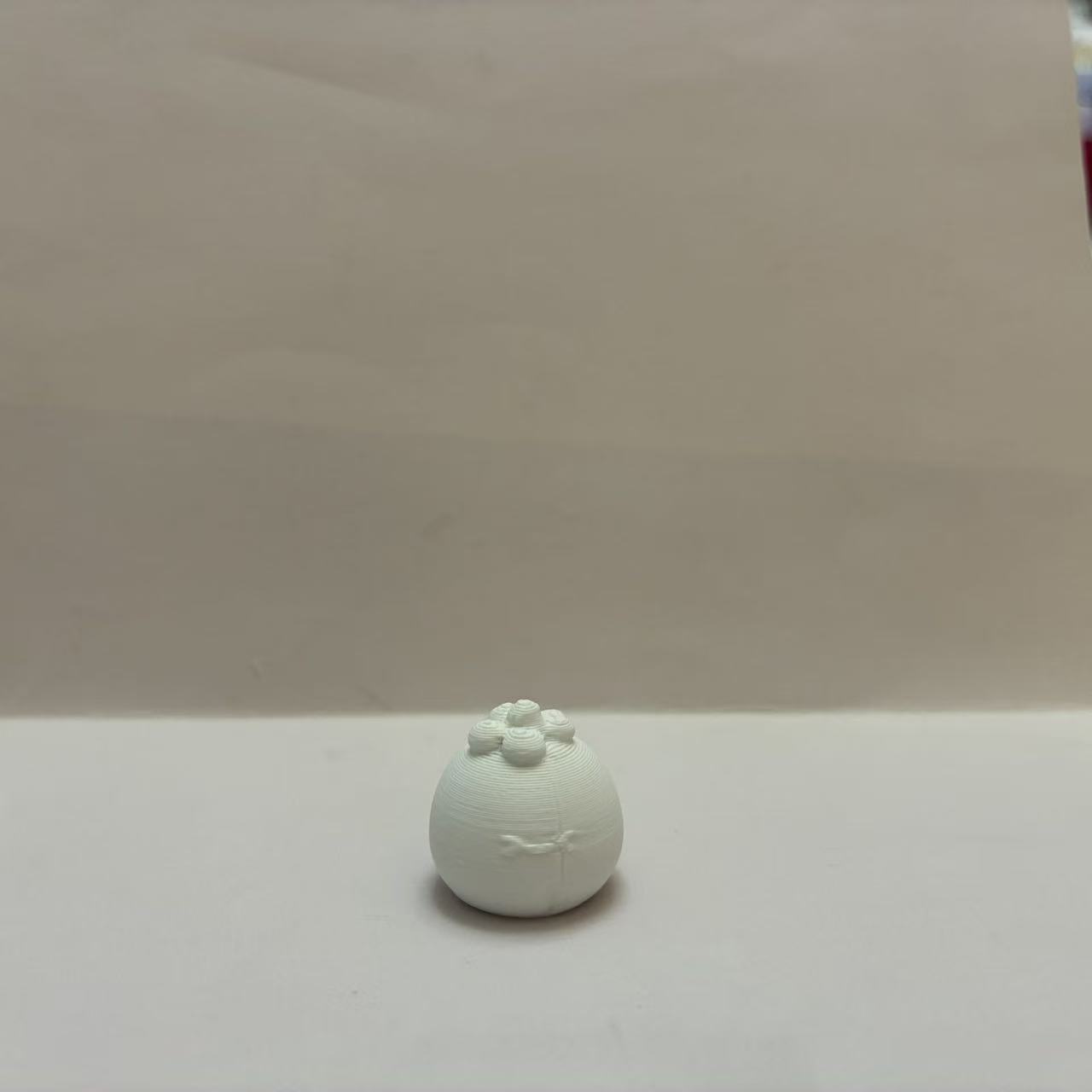
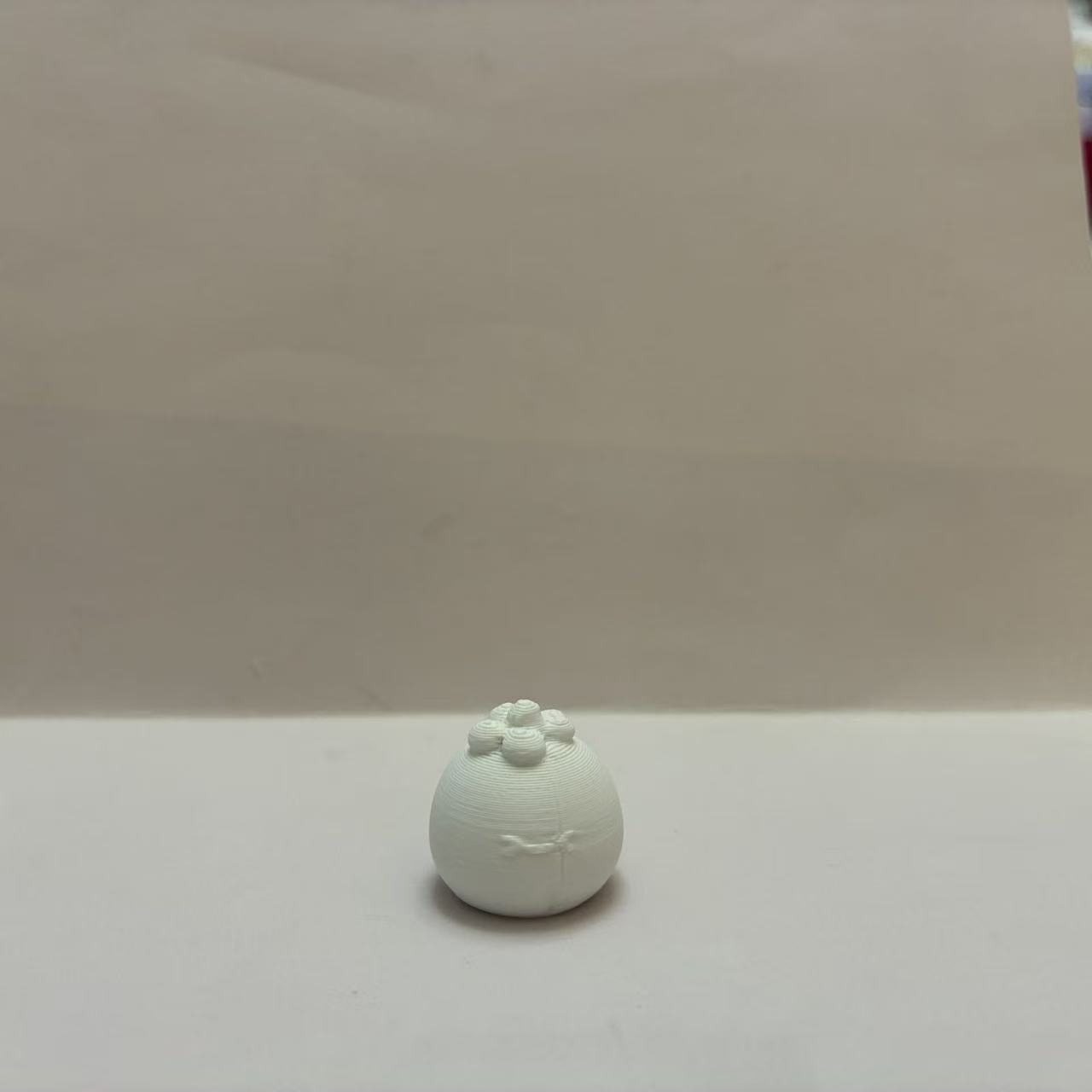
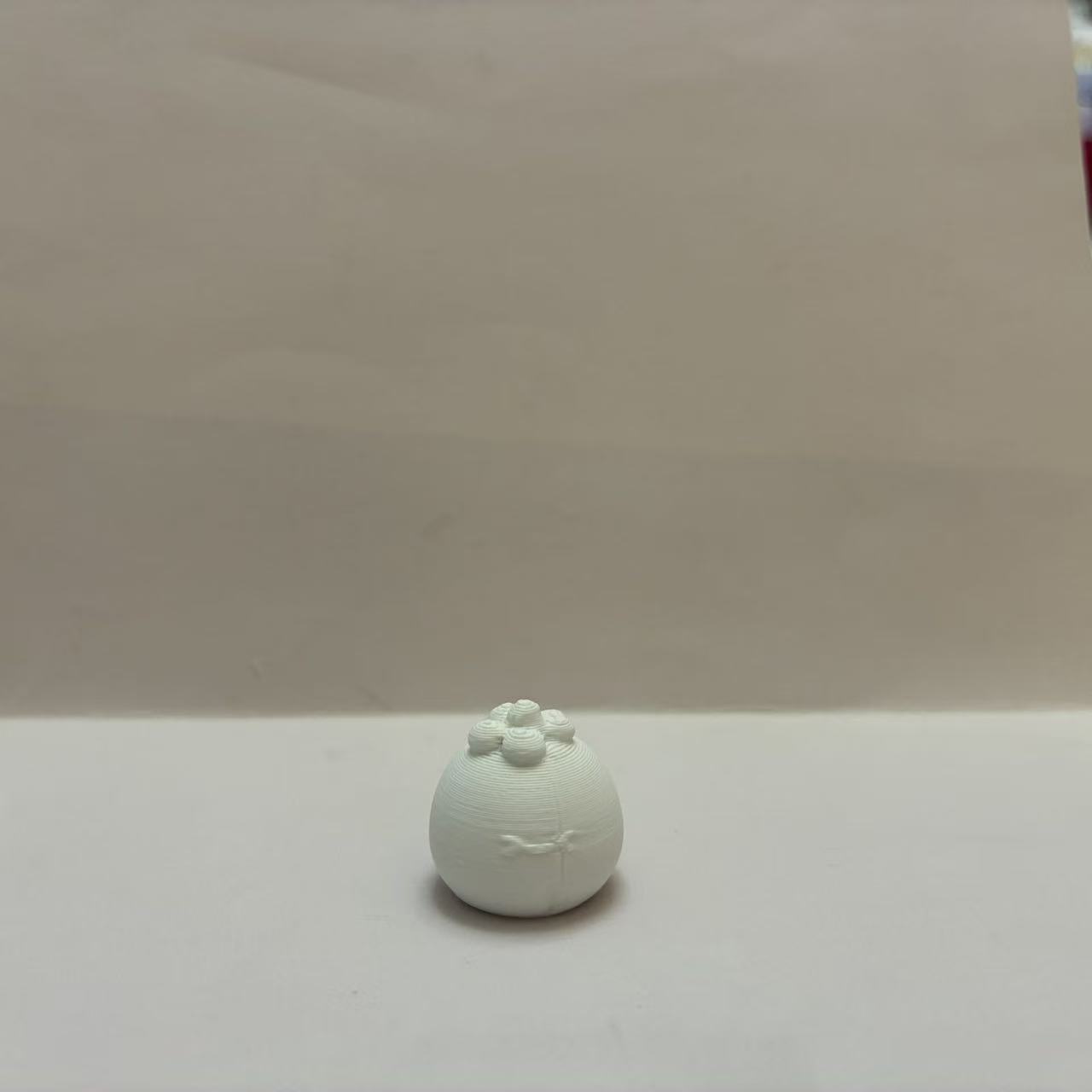
西红柿-Q版可爱仿真蔬菜系列幼儿认知百科-儿童涂色过家家玩具
Source: MakerWorld by whirling
The 西红柿-Q版可爱仿真蔬菜系列幼儿认知百科-儿童涂色过家家玩具 is a free printable 3D model from MakerWorld by whirling. 西红柿。 ----田园蔬菜萌粒系列----卷心菜 <点击跳转>彩椒 <点击跳转>白菜 <点击跳转>生姜 <点击跳转>大蒜 <点击跳转>茄子 <点击跳转>香菇 <点击跳转>胡萝卜 <点击跳转>白萝卜 <点击跳转>番茄 <点击跳转> You can download the STL file from the original listing below and print it at home.

About this model
西红柿。 ----田园蔬菜萌粒系列----卷心菜 <点击跳转>彩椒 <点击跳转>白菜 <点击跳转>生姜 <点击跳转>大蒜 <点击跳转>茄子 <点击跳转>香菇 <点击跳转>胡萝卜 <点击跳转>白萝卜 <点击跳转>番茄 <点击跳转>
Frequently asked questions
- Is this 3D model free to download?
- Yes. 西红柿-Q版可爱仿真蔬菜系列幼儿认知百科-儿童涂色过家家玩具 is free to download from MakerWorld. Open it in the free Thinger app, or use the "Download from MakerWorld" link above to open the original listing.
- Where is the STL hosted?
- The download is hosted by MakerWorld, not by Thinger. We link you directly to the original listing by whirling.
- Who made this model?
- Designed by whirling, published on MakerWorld. Please credit the creator when sharing your print online.
- Can I print this at home?
- Yes. This model is intended for home FDM and resin 3D printers. Check the original listing for suggested print settings like layer height and supports.
Similar 3D models in 西红柿


More from whirling
Filament on sale for your next print
Price drops on Amazon, checked several times a day with 30-day price history.
 YOOPAI Matte PLA+ Filament 1.75mm, 250g Starter Color Bundle, 4 Rolls
$17.99
YOOPAI Matte PLA+ Filament 1.75mm, 250g Starter Color Bundle, 4 Rolls
$17.99
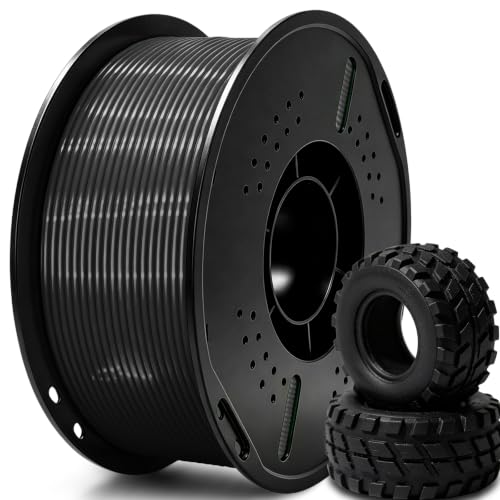 UGUESS TPU 95A 3D Printer Filament, Black, 1KG, TPU 95A Filament 1.75…
$15.99
UGUESS TPU 95A 3D Printer Filament, Black, 1KG, TPU 95A Filament 1.75…
$15.99
 Creality Silk PLA 3D Printer Filament 1.75mm, 1kg, Gold | High Glossy…
$18.99
Creality Silk PLA 3D Printer Filament 1.75mm, 1kg, Gold | High Glossy…
$18.99
Thinger earns a commission from qualifying purchases made through these links, at no extra cost to you. The price on Amazon at checkout is the one that counts. Israeli buyers: free shipping over $49 deals in Hebrew.