怎么可以吃兔兔 笔架 摆件
Source: MakerWorld by 大脑袋小许
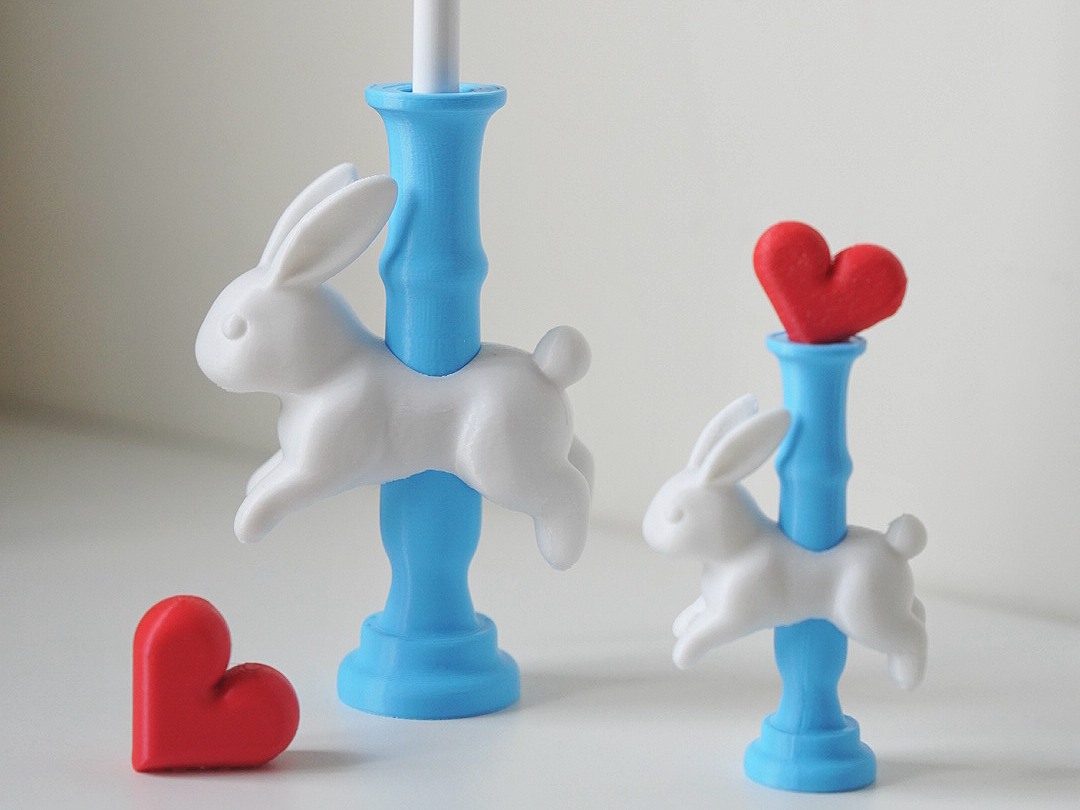
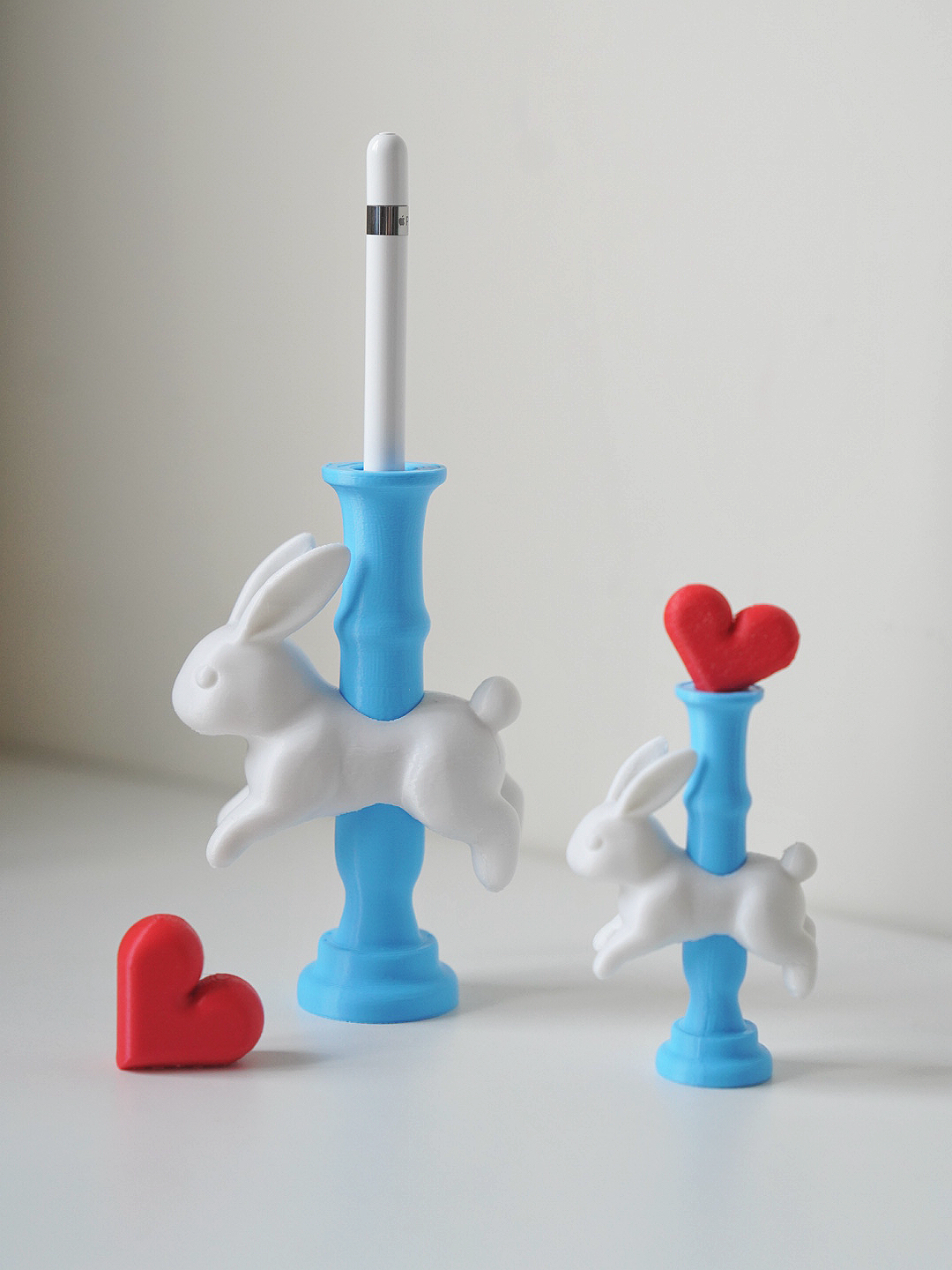
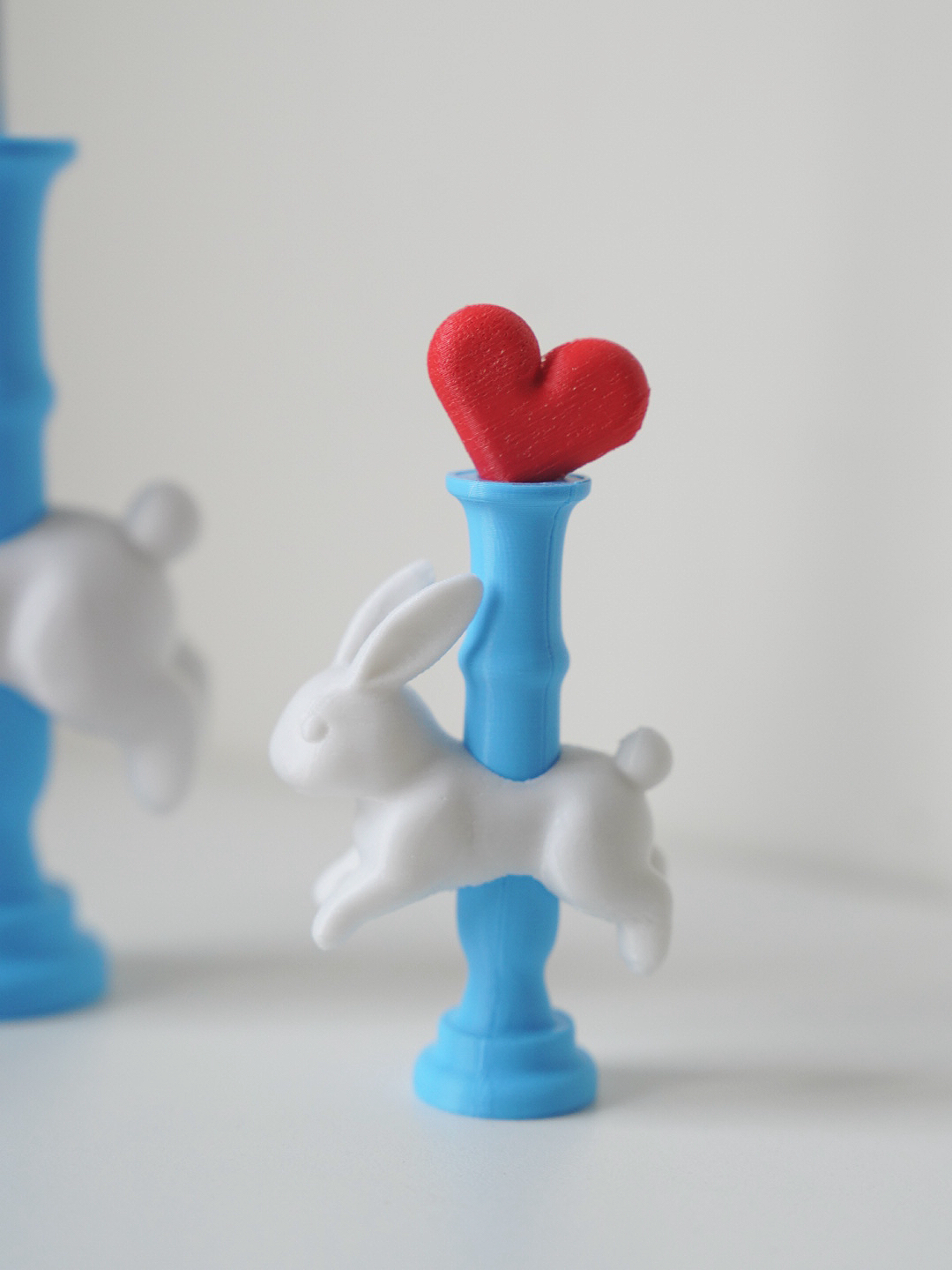
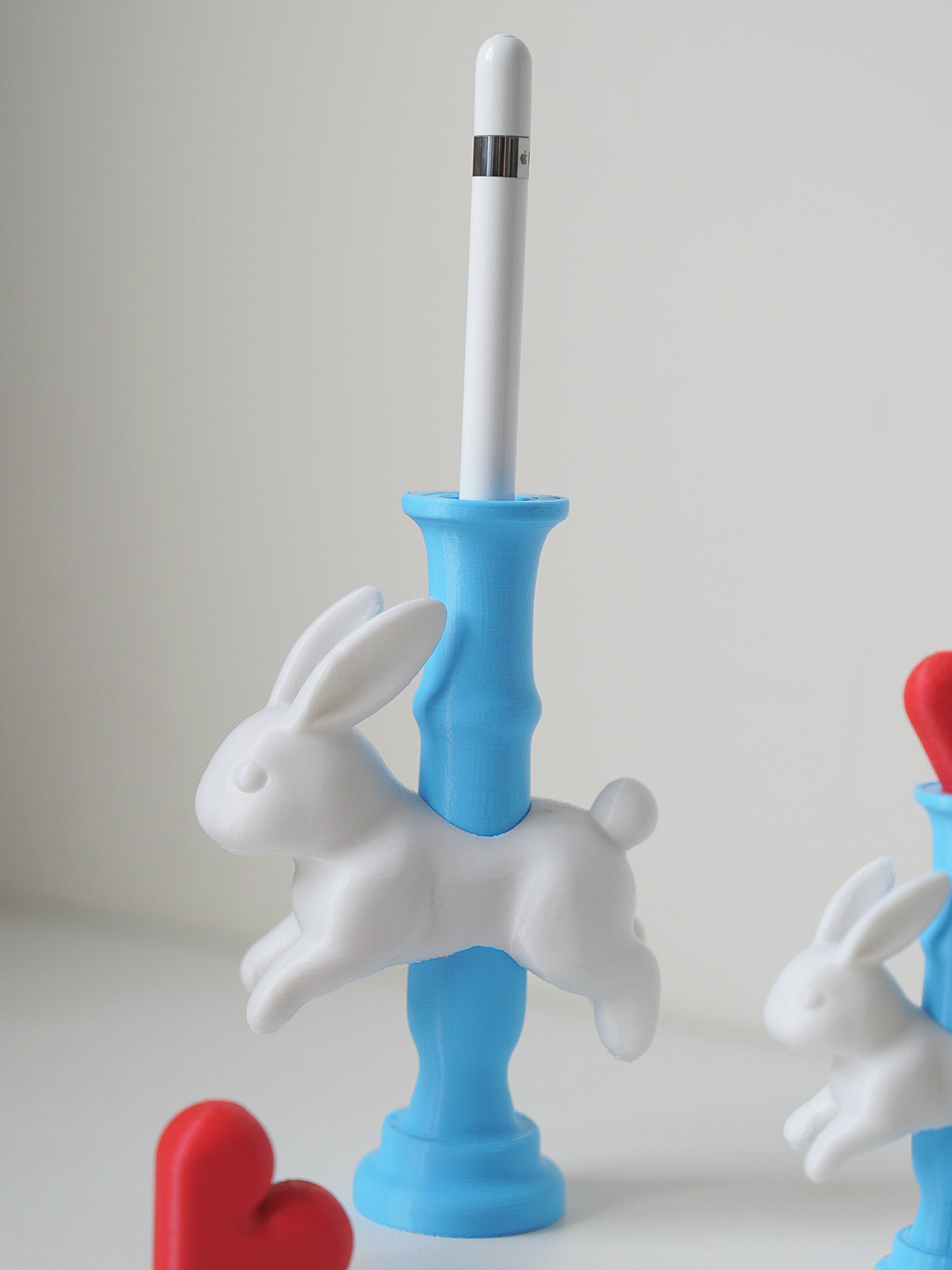
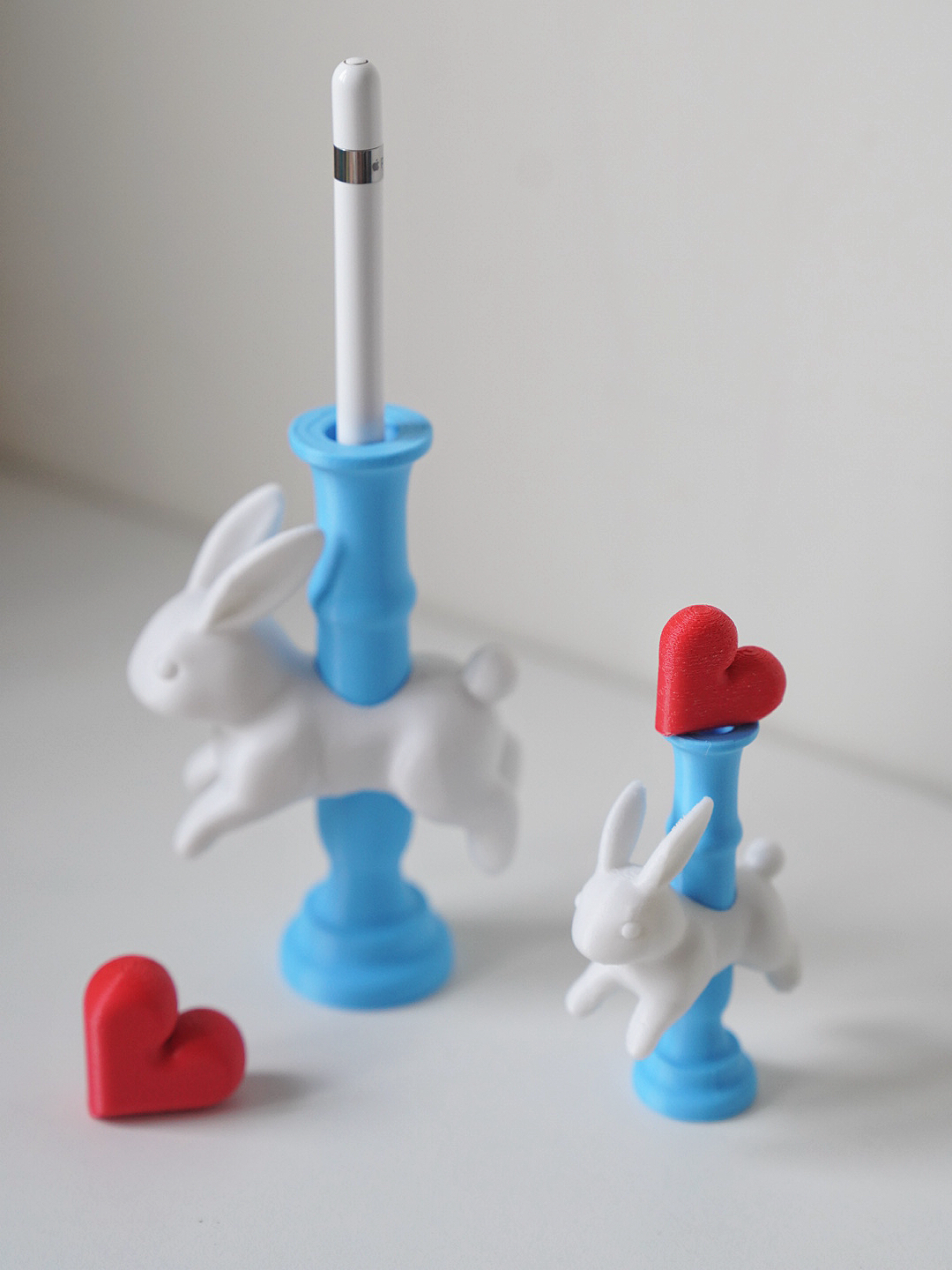
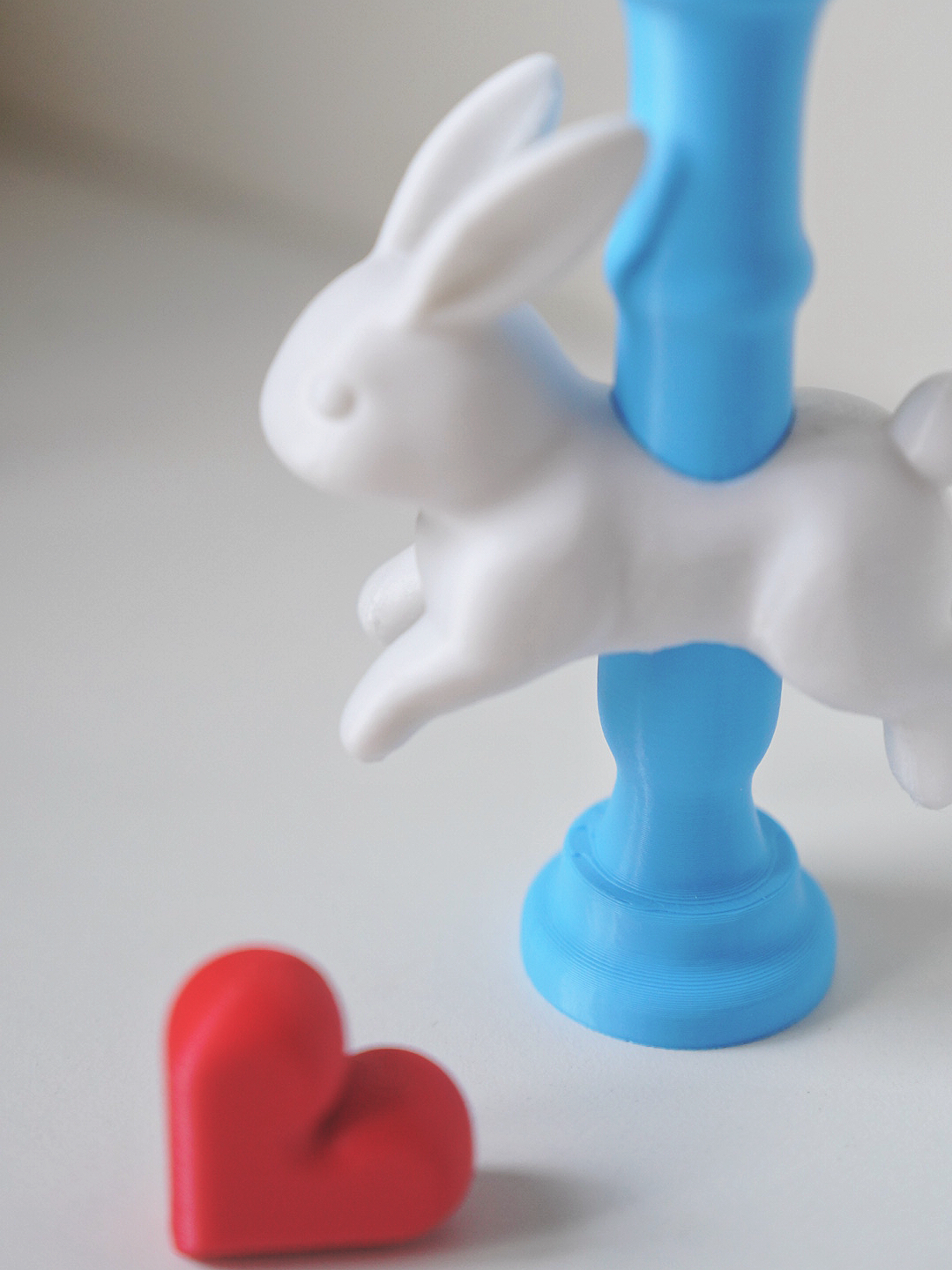
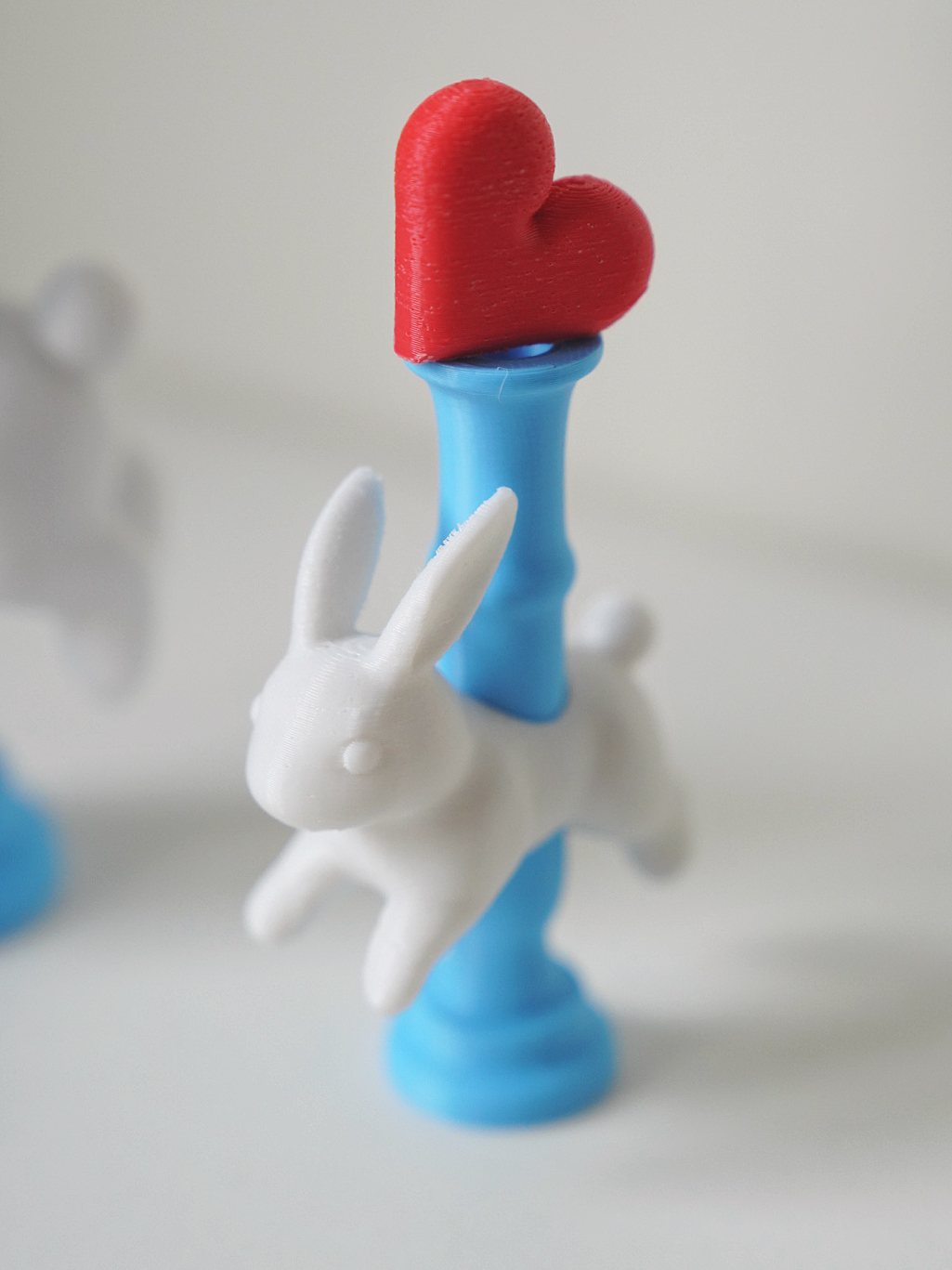
The 怎么可以吃兔兔 笔架 摆件 is a free printable 3D model from MakerWorld by 大脑袋小许. 为我助力 跃兔爱心笔插,灵动白兔纵身跃过竹节笔杆,造型俏皮充满童话感,可搭配可拆卸爱心装饰件,自由搭配。 蓝白撞色清新明快,质朴又富有手工温度。 笔杆空腔可放置 Apple Pencil、钢笔等,兼具装饰与收纳功能。 兔子象征温柔与欢喜,爱心点缀增添浪漫气息,打破传统文具的沉闷。 摆放在书桌,既是实用笔座,也是治愈系桌面小雕塑。 数字造物将童趣幻想实体化,. You can download the STL file from the original listing below and print it at home.

About this model
为我助力 跃兔爱心笔插,灵动白兔纵身跃过竹节笔杆,造型俏皮充满童话感,可搭配可拆卸爱心装饰件,自由搭配。 蓝白撞色清新明快,质朴又富有手工温度。 笔杆空腔可放置 Apple Pencil、钢笔等,兼具装饰与收纳功能。 兔子象征温柔与欢喜,爱心点缀增添浪漫气息,打破传统文具的沉闷。 摆放在书桌,既是实用笔座,也是治愈系桌面小雕塑。 数字造物将童趣幻想实体化,在伏案的日常里,收获一份灵动可爱的小美好。
Frequently asked questions
- Is this 3D model free to download?
- Yes. 怎么可以吃兔兔 笔架 摆件 is free to download from MakerWorld. Open it in the free Thinger app, or use the "Download from MakerWorld" link above to open the original listing.
- Where is the STL hosted?
- The download is hosted by MakerWorld, not by Thinger. We link you directly to the original listing by 大脑袋小许.
- Who made this model?
- Designed by 大脑袋小许, published on MakerWorld. Please credit the creator when sharing your print online.
- Can I print this at home?
- Yes. This model is intended for home FDM and resin 3D printers. Check the original listing for suggested print settings like layer height and supports.
Similar 3D models in 笔架


/https://fbi.cults3d.com/uploaders/37219279/illustration-file/8197f219-f70c-41df-946e-4bca42d9c54b/2024-09-03_070fb3f33ca93.webp)
/https://fbi.cults3d.com/uploaders/37219279/illustration-file/b75cfc09-4e30-4f42-b47a-aa158c456f40/2024-08-27_11ded2f4dac77.webp)
/https://fbi.cults3d.com/uploaders/44589824/illustration-file/417e137a-ddf3-4416-9083-55da540bfaf5/Screenshot_2026_09_14-13.png)
More from 大脑袋小许
Gear / Paid link The gear we print with Filament, tools, build plates and the hardware behind the models on Thinger, in one shoppable photo on our Amazon storefront. See the gear → Thinger earns a commission from qualifying purchases made through this link, at no extra cost to you.
Filament on sale for your next print
Price drops on Amazon, checked several times a day with 30-day price history.
 YOOPAI Matte PLA+ Filament 1.75mm, 250g Starter Color Bundle, 4 Rolls
$17.99
YOOPAI Matte PLA+ Filament 1.75mm, 250g Starter Color Bundle, 4 Rolls
$17.99
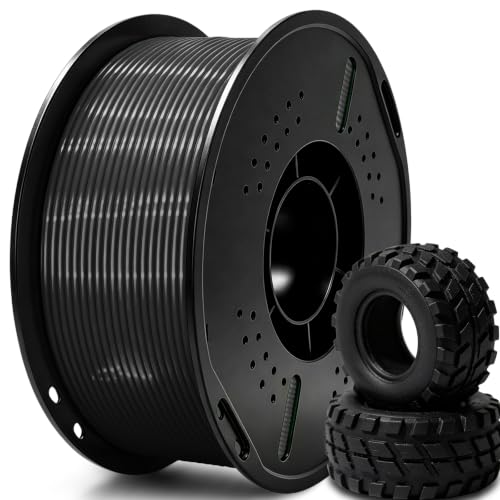 UGUESS TPU 95A 3D Printer Filament, Black, 1KG, TPU 95A Filament 1.75…
$15.99
UGUESS TPU 95A 3D Printer Filament, Black, 1KG, TPU 95A Filament 1.75…
$15.99
 Creality Silk PLA 3D Printer Filament 1.75mm, 1kg, Gold | High Glossy…
$18.99
Creality Silk PLA 3D Printer Filament 1.75mm, 1kg, Gold | High Glossy…
$18.99
Thinger earns a commission from qualifying purchases made through these links, at no extra cost to you. The price on Amazon at checkout is the one that counts. Israeli buyers: free shipping over $49 deals in Hebrew.