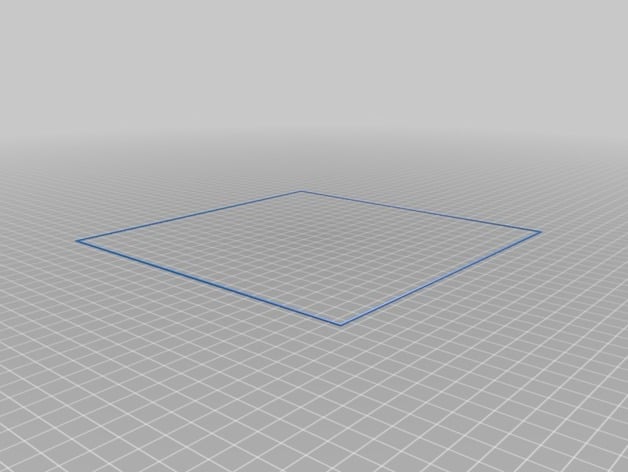
Ender-3 Bed-leveling procedure
Source: Thingiverse by Jfearnside
The Ender-3 Bed-leveling procedure is a free printable 3D model from Thingiverse by Jfearnside. This is an Ender-3 Bed leveling procedure. You can download the STL file from the original listing below and print it at home.

About this model
This is an Ender-3 Bed leveling procedure. It will start with a 4 point bed leveling which is run twice. Copy the gcode provided to your SD card and insert into the printer. Turn on the Ender-3 and go to "Print from SD" and select the bed leveling gcode. Basically it will move your nozzle to a point above the first bed leveling screw. Put a piece of copy paper under it and adjust the leveling screw until it it gripping the paper. Click the control wheel on the display to move to the next screw location. Repeat the above until all 4 points are gripping the paper. The bed leveling will then be checked once more. After that, the Ender-3 will print a large square on the bed, This takes about 4 minutes. You must load PLA before the test. The square should stick to the bed. See video for detaile…
Frequently asked questions
- Is this 3D model free to download?
- Yes. Ender-3 Bed-leveling procedure is free to download from Thingiverse. Open it in the free Thinger app, or use the "Download from Thingiverse" link above to open the original listing.
- Where is the STL hosted?
- The download is hosted by Thingiverse, not by Thinger. We link you directly to the original listing by Jfearnside.
- Who made this model?
- Designed by Jfearnside, published on Thingiverse. Please credit the creator when sharing your print online.
- Can I print this at home?
- Yes. This model is intended for home FDM and resin 3D printers. Check the original listing for suggested print settings like layer height and supports.
Similar 3D models in Ender-3