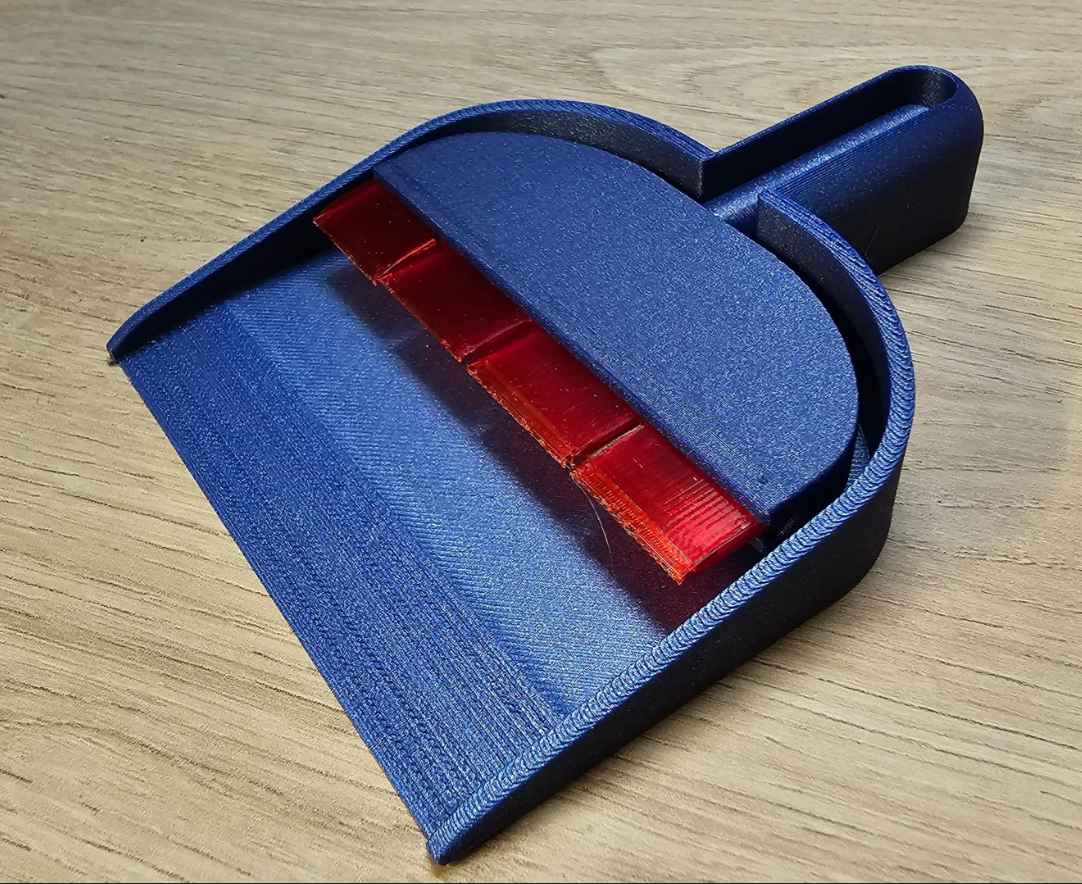
Desktop Dustpan & Brush
Source: MakerWorld by BC Designs
The Desktop Dustpan & Brush is a free printable 3D model from MakerWorld by BC Designs. A desktop dustpan and brush, designed mainly for scooping out the odd bits of filament in enclosed printers like the X1C and P1S. RequiredTPU - I used eSUN TPU-95a.Magnets 8mm x. You can download the STL file from the original listing below and print it at home.

About this model
A desktop dustpan and brush, designed mainly for scooping out the odd bits of filament in enclosed printers like the X1C and P1S. RequiredTPU - I used eSUN TPU-95a.Magnets 8mm x 3mm Print settingsThe included 3mf file is ready to print, supported where needed. If you are printing the STL files manually, use the following:Print the Dust pan in PLA @ 0.20 with support on build plate only. Support are just for the magnet holesPrint the Handle in PLA @ 0.20 with NO SUPPORTS but with a brim.Print the TPU Brush End.stl in TPU as the model imports @ 0.16. No supports. Have faith. PEI sheet works well here as TPU stick very well. InstallationPop the supports out of the Dustpan and insert magnets into the 2 holes. Glue if needed.Insert magnets into the Brush Handle, Glue if needed.Add a magnet to t…
Frequently asked questions
- Is this 3D model free to download?
- Yes. Desktop Dustpan & Brush is free to download from MakerWorld. Open it in the free Thinger app, or use the "Download from MakerWorld" link above to open the original listing.
- Where is the STL hosted?
- The download is hosted by MakerWorld, not by Thinger. We link you directly to the original listing by BC Designs.
- Who made this model?
- Designed by BC Designs, published on MakerWorld. Please credit the creator when sharing your print online.
- Can I print this at home?
- Yes. This model is intended for home FDM and resin 3D printers. Check the original listing for suggested print settings like layer height and supports.
Similar 3D models in dustpan
More from BC Designs

Browse related collections
Gear / Paid link The gear we print with Filament, tools, build plates and the hardware behind the models on Thinger, in one shoppable photo on our Amazon storefront. See the gear → Thinger earns a commission from qualifying purchases made through this link, at no extra cost to you.Filament on sale for your next print
Price drops on Amazon, checked several times a day with 30-day price history.
 YOOPAI Matte PLA+ Filament 1.75mm, 250g Starter Color Bundle, 4 Rolls
$17.99
YOOPAI Matte PLA+ Filament 1.75mm, 250g Starter Color Bundle, 4 Rolls
$17.99
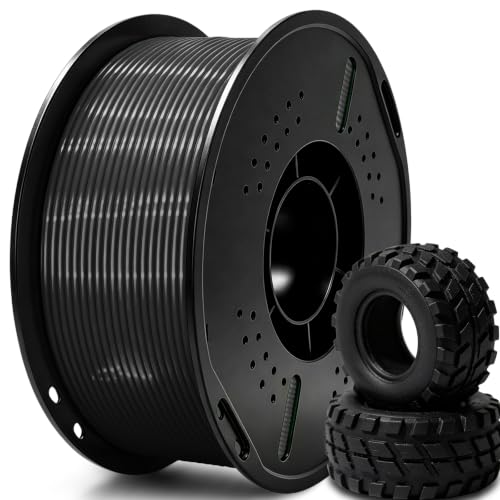 UGUESS TPU 95A 3D Printer Filament, Black, 1KG, TPU 95A Filament 1.75…
$15.99
UGUESS TPU 95A 3D Printer Filament, Black, 1KG, TPU 95A Filament 1.75…
$15.99
 Creality Silk PLA 3D Printer Filament 1.75mm, 1kg, Gold | High Glossy…
$18.99
Creality Silk PLA 3D Printer Filament 1.75mm, 1kg, Gold | High Glossy…
$18.99
Thinger earns a commission from qualifying purchases made through these links, at no extra cost to you. The price on Amazon at checkout is the one that counts. Israeli buyers: free shipping over $49 deals in Hebrew.