THE TEST DISC | Z-Offset Calibration Disc
Source: MakerWorld by K2_Kevin
The THE TEST DISC | Z-Offset Calibration Disc is a free printable 3D model from MakerWorld by K2_Kevin. THE TEST DISCThe Bambu Printers do not have an easy Z-Offset baby steping interface. You can download the STL file from the original listing below and print it at home.

About this model
THE TEST DISCThe Bambu Printers do not have an easy Z-Offset baby steping interface. If you notice your prints do not have a perfectly smooth first/bottom layer (you see layer lines), you can change the z-offset in Bambu Studio to give it more squish.Goto to Printer Settings | Machine G-code |Machine start G-code. You will need to scroll down until you find the section for z-offset on textured build plate. Change the value one at a time (from the default -0.04 to -0.05 etc.) and retest with a Test Disc. change this to a higher negitive number brings the bed closer to the nozzle. WARNING if you change this number incorrectly, you could cause damage to your bed, nozzle or other parts. Do this at your own risk! BAMBU X1C Example Above: I started at the default z-offset = -0.04, using this cal…
Frequently asked questions
- Is this 3D model free to download?
- Yes. THE TEST DISC | Z-Offset Calibration Disc is free to download from MakerWorld. Open it in the free Thinger app, or use the "Download from MakerWorld" link above to open the original listing.
- Where is the STL hosted?
- The download is hosted by MakerWorld, not by Thinger. We link you directly to the original listing by K2_Kevin.
- Who made this model?
- Designed by K2_Kevin, published on MakerWorld. Please credit the creator when sharing your print online.
- Can I print this at home?
- Yes. This model is intended for home FDM and resin 3D printers. Check the original listing for suggested print settings like layer height and supports.
Similar 3D models in z-offset
/https://fbi.cults3d.com/uploaders/52361276/illustration-file/afba8955-01da-423c-bd7b-e7fc7982dc52/05-fdm-photo.png)


/https://fbi.cults3d.com/uploaders/52531647/illustration-file/7016401c-cee6-469a-aad9-9c87baffb928/01_teacher-s-apple-magnet.jpg)
/https://fbi.cults3d.com/uploaders/34424257/illustration-file/f12063be-95cd-478f-885b-dee0f9f47e9b/Screenshot-2026-10-24-130956.png)
More from K2_Kevin
Browse related collections
Filament price drops for your next print
We track hundreds of filaments, resins, nozzles and tools on Amazon several times a day. Don't buy before you compare: see today's best prices and the real discount, measured against 30 days of price history.
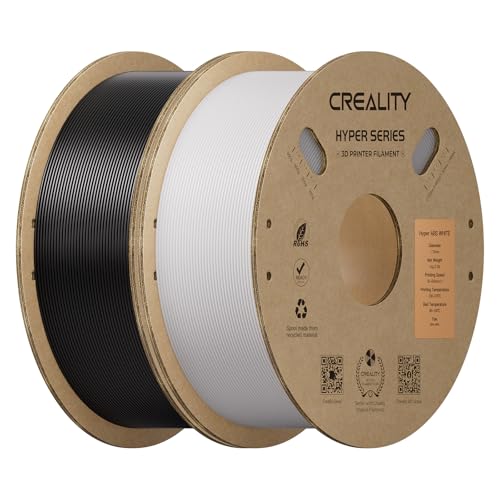 Creality Hyper ABS Filament 1.75mm, Black & White, 2-Pack, 2KG | Heat…
$26.99
Creality Hyper ABS Filament 1.75mm, Black & White, 2-Pack, 2KG | Heat…
$26.99
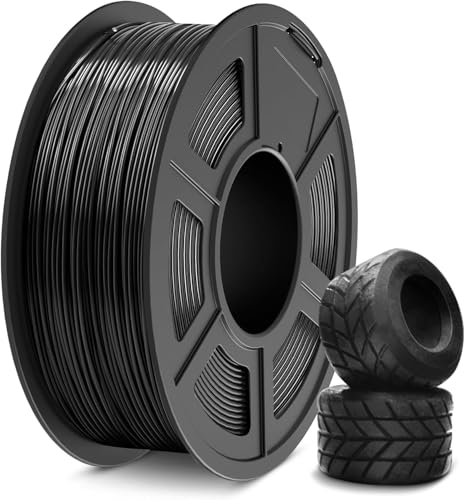 SUNLU TPU Filament 1.75mm,(1kg,Black,95a TPU) | 3D Printer Filament,H…
$20.99
SUNLU TPU Filament 1.75mm,(1kg,Black,95a TPU) | 3D Printer Filament,H…
$20.99
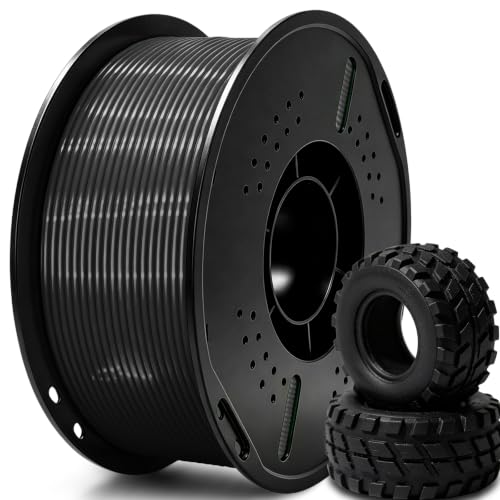 UGUESS TPU 95A 3D Printer Filament, Black, 1KG, TPU 95A Filament 1.75…
$15.99
UGUESS TPU 95A 3D Printer Filament, Black, 1KG, TPU 95A Filament 1.75…
$15.99
Thinger earns a commission from qualifying purchases made through these links, at no extra cost to you. The price on Amazon at checkout is the one that counts. Israeli buyers: free shipping over $49 deals in Hebrew (קונים מישראל: הדילים עם משלוח חינם מעל $49, בעברית).