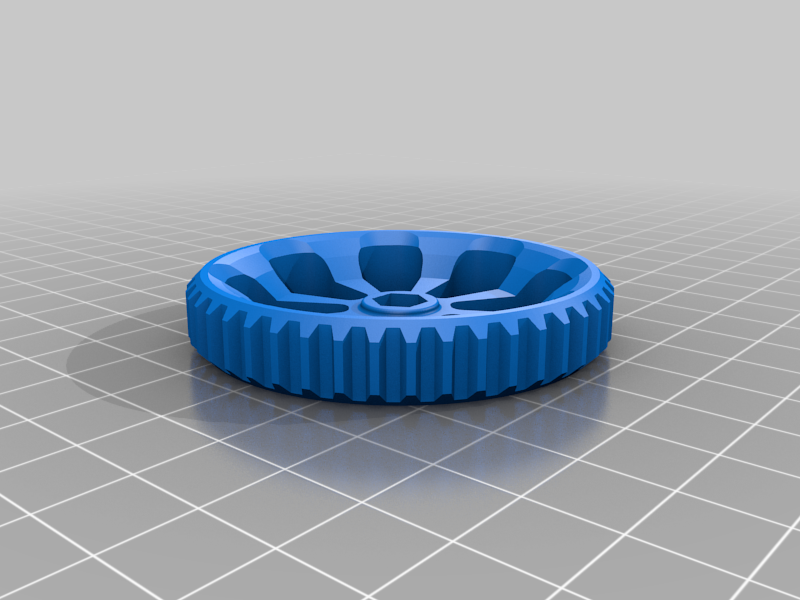
Bed levelling knob for M4 nyloc nut
Source: MakerWorld by Matteeee
The Bed levelling knob for M4 nyloc nut is a free printable 3D model from MakerWorld by Matteeee. SummaryIssues levelling your Creality printer bed? Does it change over time? Did you get the yellow springs to fix it? Did it help, but not completely? This is for you.This is a. You can download the STL file from the original listing below and print it at home.

About this model
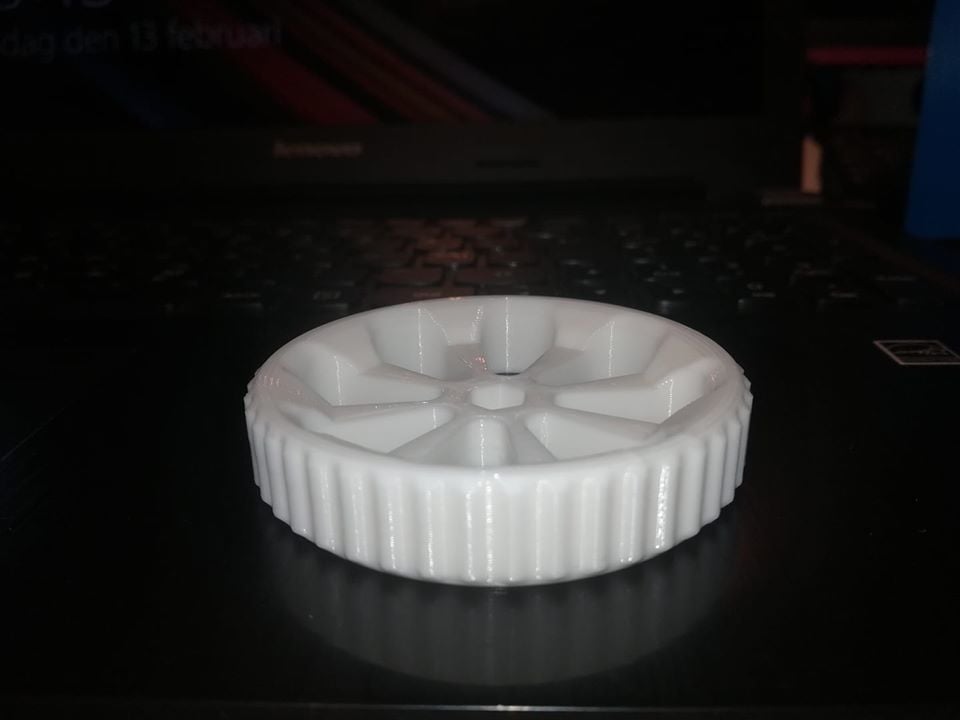
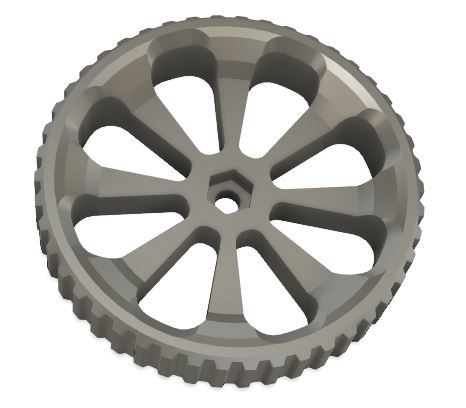
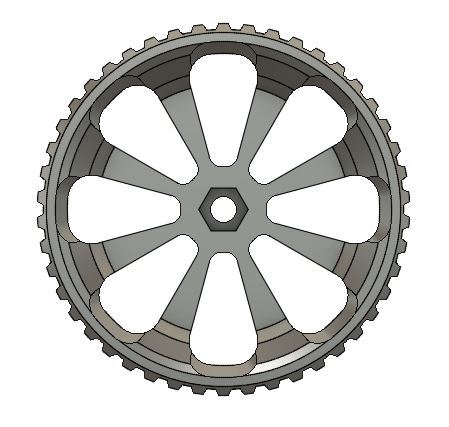
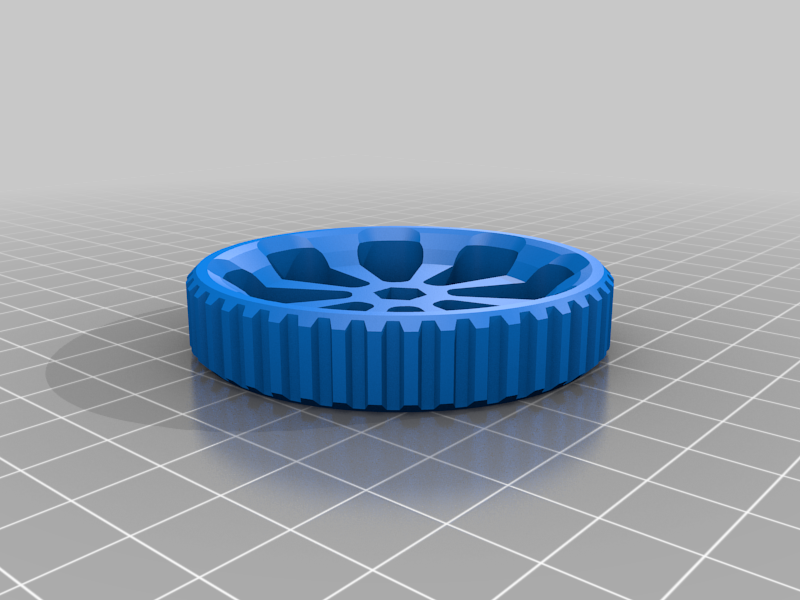
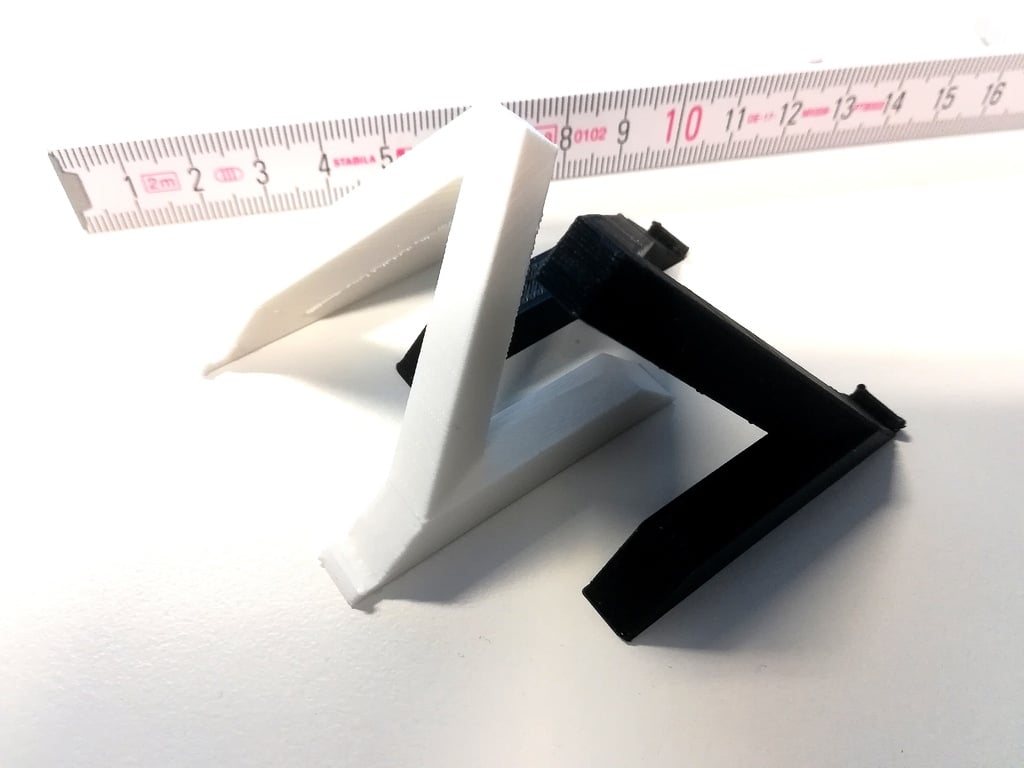
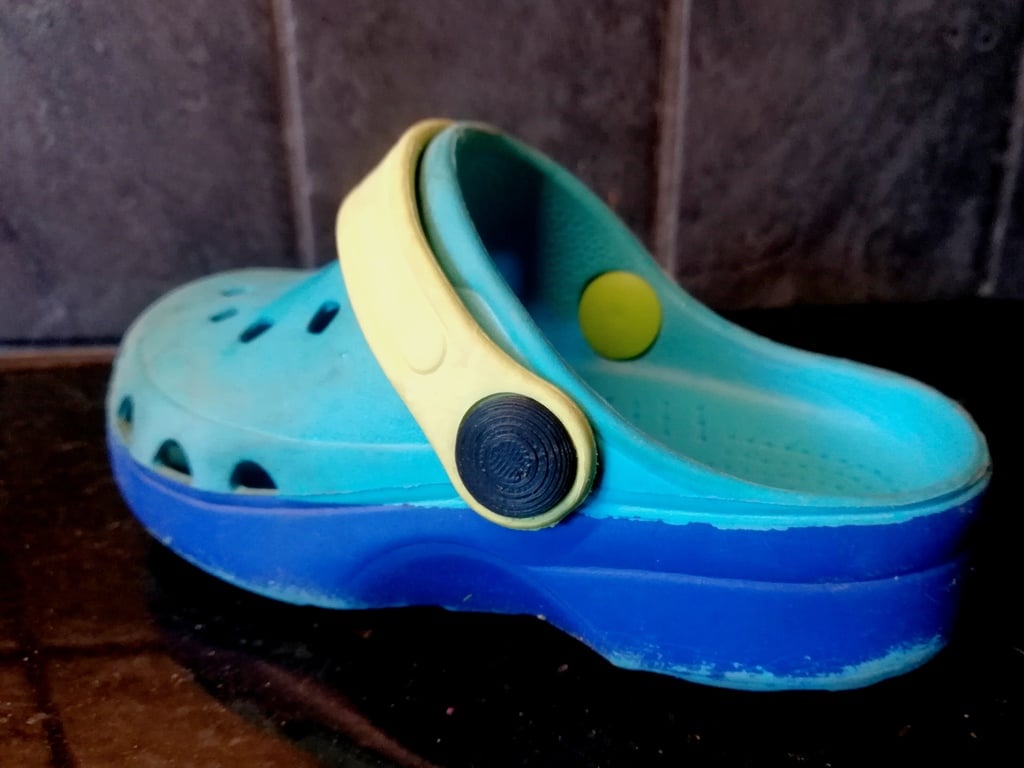
SummaryIssues levelling your Creality printer bed? Does it change over time? Did you get the yellow springs to fix it? Did it help, but not completely? This is for you.This is a replacement knob for the bed levelling knobs on Creality Ender 5 (will fit more printers too). Put an M4 Nyloc nut in the center and exchange this for the stock knob on your printer and bed levelling issues will be gone (as long as your bed is straight!).Sometimes you need an M4 nut to keep the screw from turning - put it between the bed and the spring and tighten it towards the bed.Hardware needed: 4x M4 Nyloc nuts (locking nuts)Might be needed: 4x M4 nutsNeeds aprox. 17gr of filamentAdded V2 which is slightly smaller (needs aprox. 13gr of filament) and tighter on the nyloc nut.
Frequently asked questions
- Is this 3D model free to download?
- Yes. Bed levelling knob for M4 nyloc nut is free to download from MakerWorld. Open it in the free Thinger app, or use the "Download from MakerWorld" link above to open the original listing.
- Where is the STL hosted?
- The download is hosted by MakerWorld, not by Thinger. We link you directly to the original listing by Matteeee.
- Who made this model?
- Designed by Matteeee, published on MakerWorld. Please credit the creator when sharing your print online.
- Can I print this at home?
- Yes. This model is intended for home FDM and resin 3D printers. Check the original listing for suggested print settings like layer height and supports.
Similar 3D models in adjust


More from Matteeee
Browse related collections
Filament on sale for your next print
Price drops on Amazon, checked several times a day with 30-day price history.
 YOOPAI Matte PLA+ Filament 1.75mm, 250g Starter Color Bundle, 4 Rolls
$17.99
YOOPAI Matte PLA+ Filament 1.75mm, 250g Starter Color Bundle, 4 Rolls
$17.99
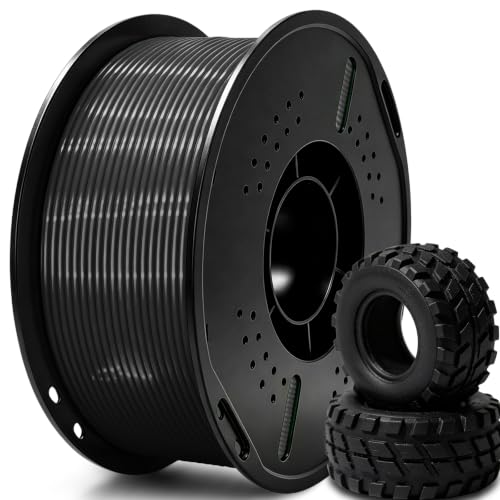 UGUESS TPU 95A 3D Printer Filament, Black, 1KG, TPU 95A Filament 1.75…
$15.99
UGUESS TPU 95A 3D Printer Filament, Black, 1KG, TPU 95A Filament 1.75…
$15.99
 Creality Silk PLA 3D Printer Filament 1.75mm, 1kg, Gold | High Glossy…
$18.99
Creality Silk PLA 3D Printer Filament 1.75mm, 1kg, Gold | High Glossy…
$18.99
Thinger earns a commission from qualifying purchases made through these links, at no extra cost to you. The price on Amazon at checkout is the one that counts. Israeli buyers: free shipping over $49 deals in Hebrew.