

How To Directions & Calibration Cube Internal Calibration (X-Y Compensation) Bambu X1 X1C P1P P1S
Source: MakerWorld by 3dPrint2024
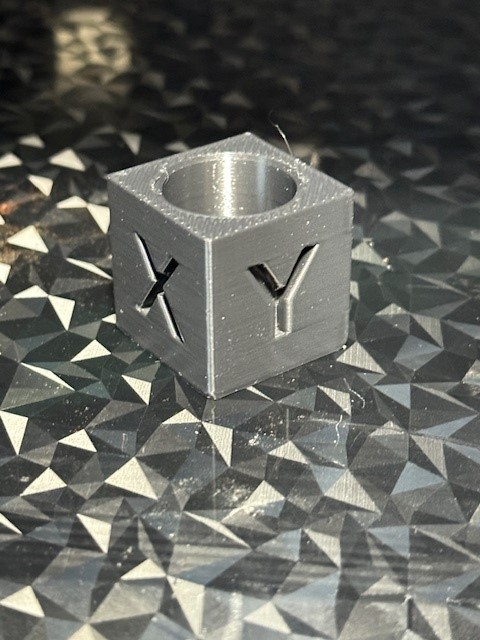
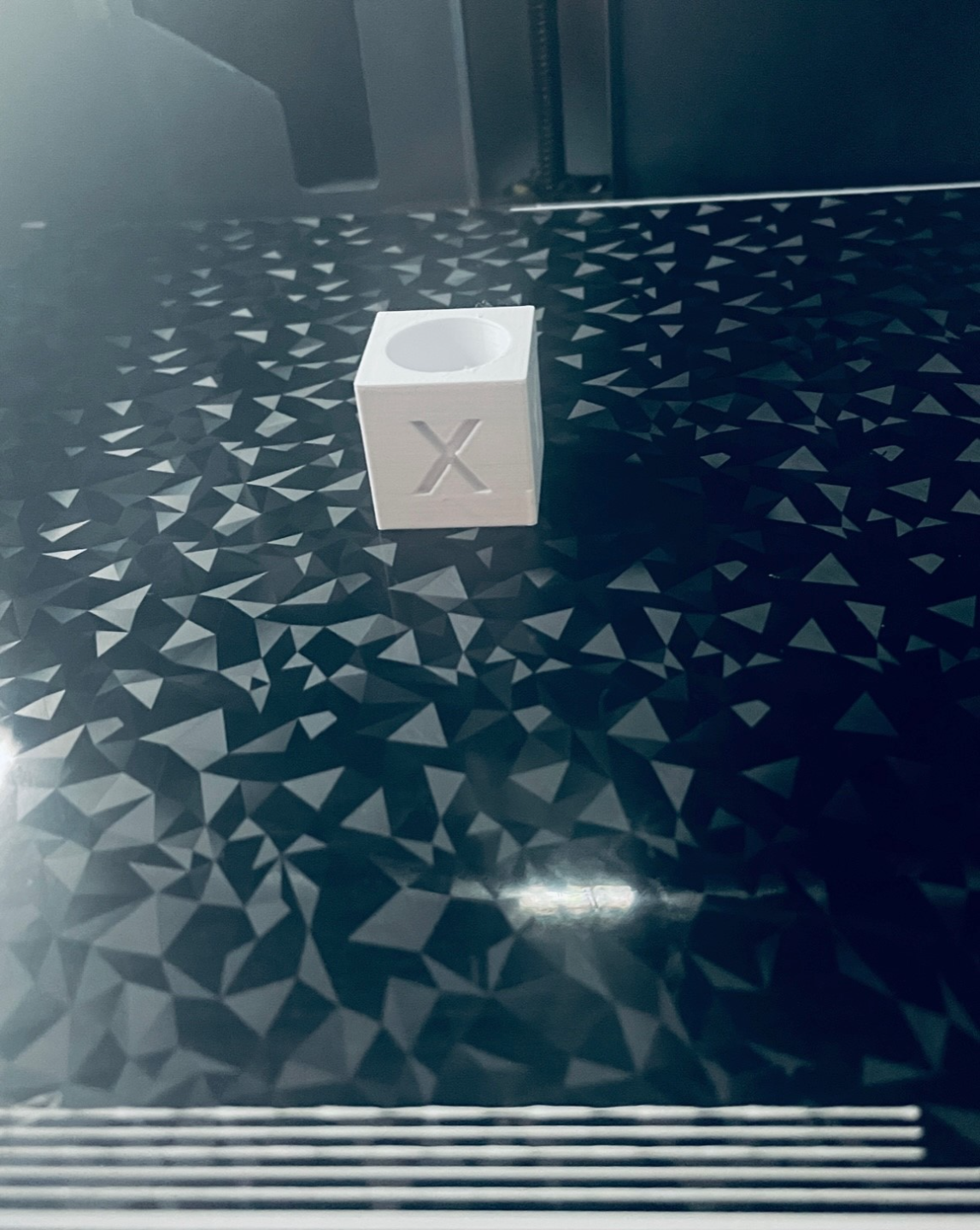
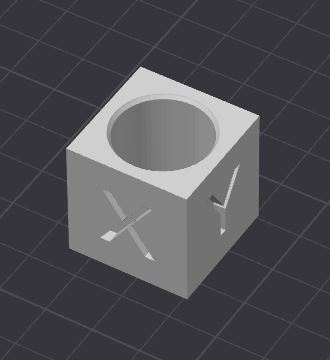
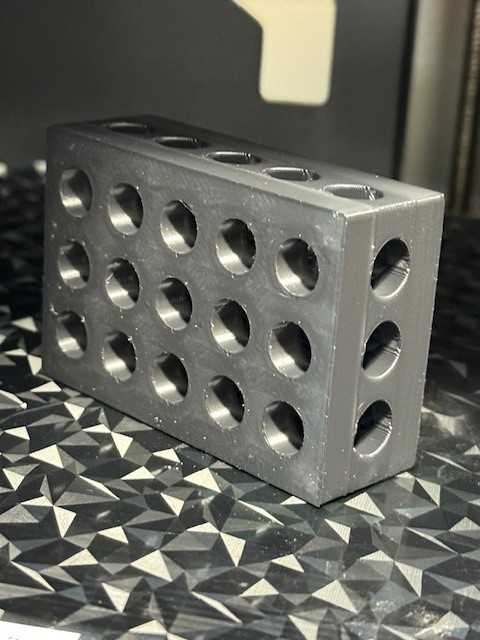
The How To Directions & Calibration Cube Internal Calibration (X-Y Compensation) Bambu X1 X1C P1P P1S is a free printable 3D model from MakerWorld by 3dPrint2024. I wanted to calibrate both inside and outside size at same time, I have also added a small radius to top of block bore to prevent top layer from causing hole to read. You can download the STL file from the original listing below and print it at home.

About this model
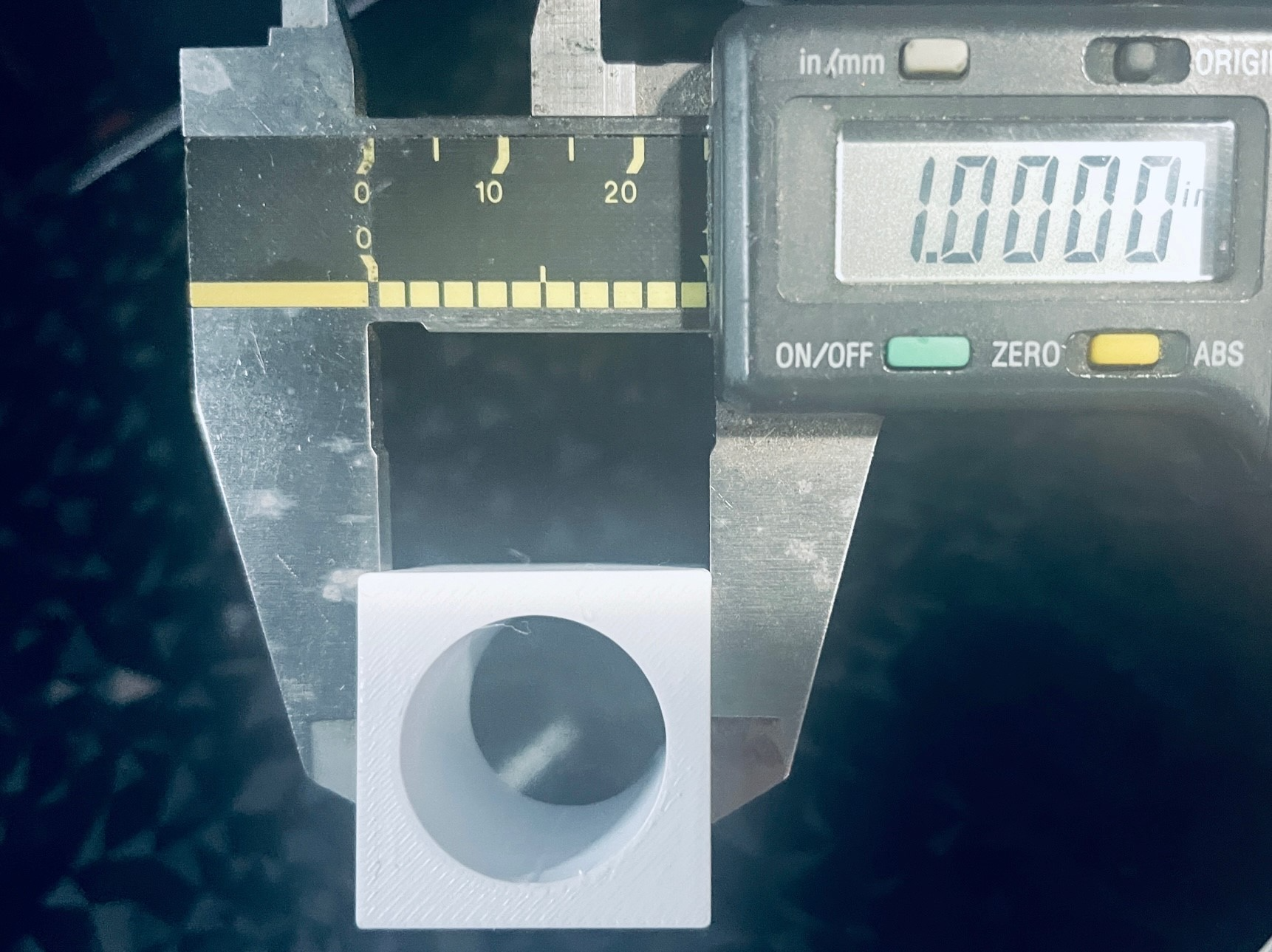
I wanted to calibrate both inside and outside size at same time, I have also added a small radius to top of block bore to prevent top layer from causing hole to read smaller. Calibrate Layers, Temp, Speed, Exterior & Inside Size.Print Model Nominal outside is 1"x1"x1" (Adjust X-Y Compensation)Nominal inside is .750" (Adjust X-Y Contour Compensation) ****.05mm will change size approx .002"I used smooth plate3 Top/Bottom layers2 walls15% infill.2 layer height This is my first time uploading on any site, here or… the other, if this gains some likes I will add many more models I have created over the years. Thank You!
Frequently asked questions
- Is this 3D model free to download?
- Yes. How To Directions & Calibration Cube Internal Calibration (X-Y Compensation) Bambu X1 X1C P1P P1S is free to download from MakerWorld. Open it in the free Thinger app, or use the "Download from MakerWorld" link above to open the original listing.
- Where is the STL hosted?
- The download is hosted by MakerWorld, not by Thinger. We link you directly to the original listing by 3dPrint2024.
- Who made this model?
- Designed by 3dPrint2024, published on MakerWorld. Please credit the creator when sharing your print online.
- Can I print this at home?
- Yes. This model is intended for home FDM and resin 3D printers. Check the original listing for suggested print settings like layer height and supports.
Similar 3D models in calibrate


More from 3dPrint2024

Browse related collections
Filament price drops for your next print
We track hundreds of filaments, resins, nozzles and tools on Amazon several times a day. Don't buy before you compare: see today's best prices and the real discount, measured against 30 days of price history.
 Creality Hyper ABS Filament 1.75mm, Black & White, 2-Pack, 2KG | Heat…
$26.99
Creality Hyper ABS Filament 1.75mm, Black & White, 2-Pack, 2KG | Heat…
$26.99
 SUNLU TPU Filament 1.75mm,(1kg,Black,95a TPU) | 3D Printer Filament,H…
$20.99
SUNLU TPU Filament 1.75mm,(1kg,Black,95a TPU) | 3D Printer Filament,H…
$20.99
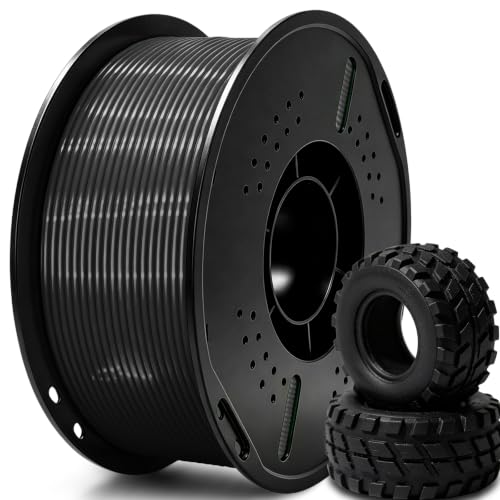 UGUESS TPU 95A 3D Printer Filament, Black, 1KG, TPU 95A Filament 1.75…
$15.99
UGUESS TPU 95A 3D Printer Filament, Black, 1KG, TPU 95A Filament 1.75…
$15.99
Thinger earns a commission from qualifying purchases made through these links, at no extra cost to you. The price on Amazon at checkout is the one that counts. Israeli buyers: free shipping over $49 deals in Hebrew (קונים מישראל: הדילים עם משלוח חינם מעל $49, בעברית).