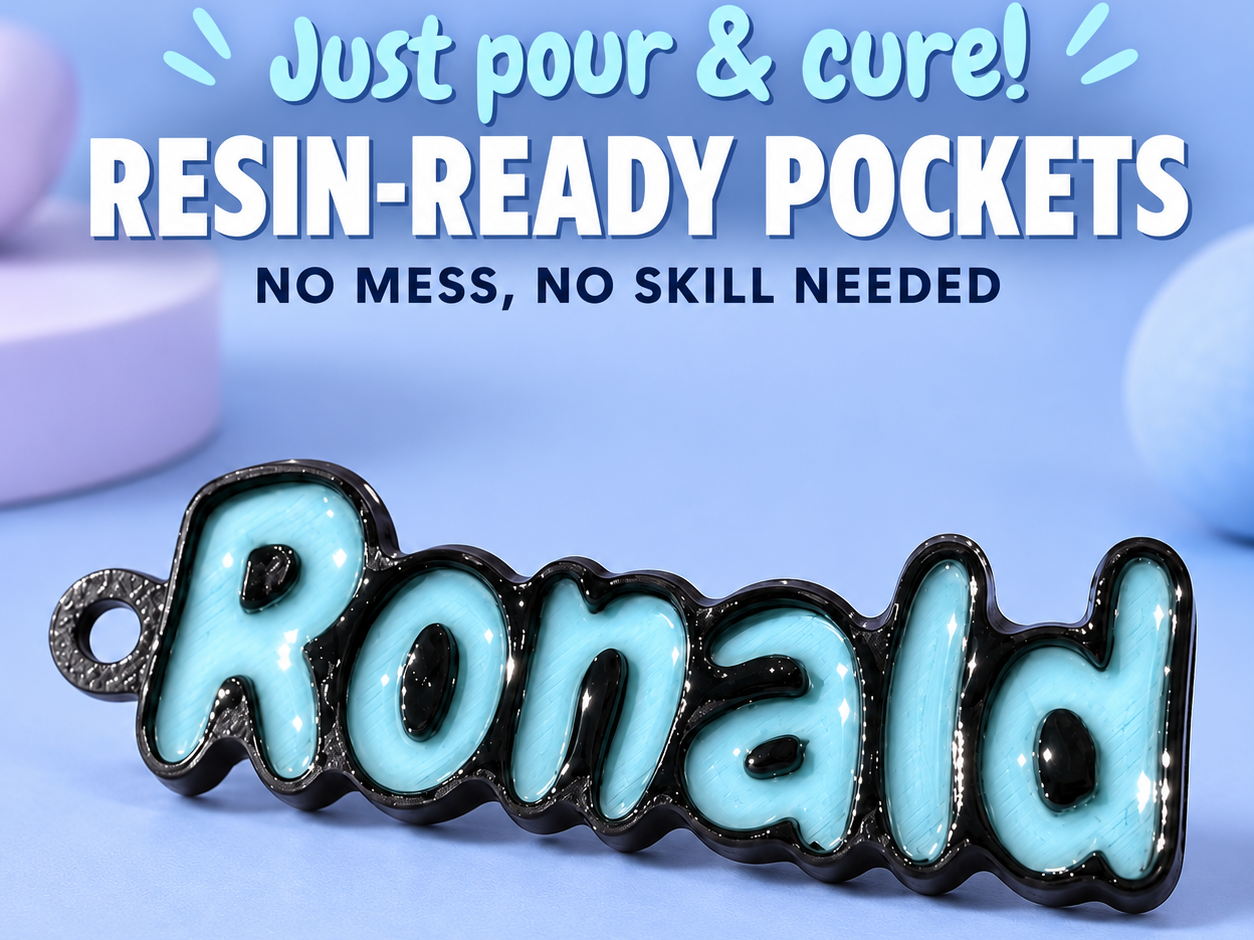
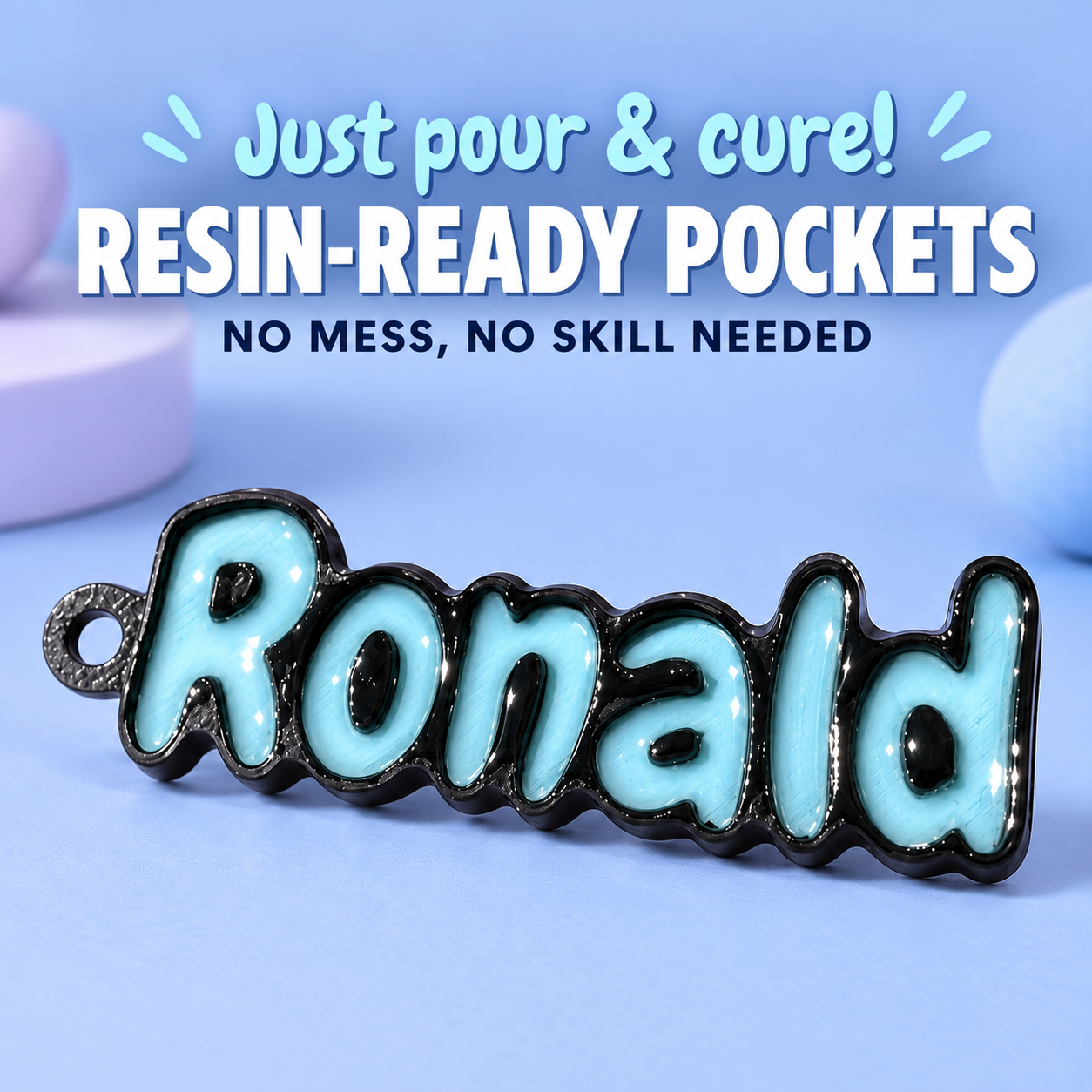
Easy 2 use Resin pouring custom name keychain
Source: MakerWorld by Ember & Rune
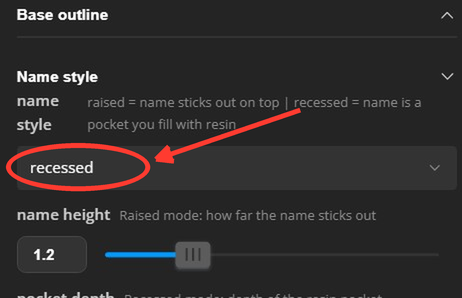
The Easy 2 use Resin pouring custom name keychain is a free printable 3D model from MakerWorld by Ember & Rune. PLEASE READ THIS TO GET THE RESIN POURING EFFECT:Open the model in the Customizer (Parametric Model Maker) and type your name.Under Name style, change name_style from raised to. You can download the STL file from the original listing below and print it at home.

About this model
PLEASE READ THIS TO GET THE RESIN POURING EFFECT:Open the model in the Customizer (Parametric Model Maker) and type your name.Under Name style, change name_style from raised to recessed. The name becomes a pocket for the resin.Set pocket_depth to 1.2–1.6 mm. Too shallow and the resin spills over.Optional: set floor_layer to 0.4 and pick a light floor_color, like white. It makes translucent or glitter resin pop. If you use it, print as two colours.Leave part on both and generate or export the model.Print it. Turn on ironing for a clean top edge.Pour UV resin or epoxy into the letters until it just domes above the edge. Don't overfill.Pop any bubbles with a heat gun or a toothpick, then cure under a UV lamp (or 24 hours for epoxy). We have launched our Patreon (click here) with a first ev…
Frequently asked questions
- Is this 3D model free to download?
- Yes. Easy 2 use Resin pouring custom name keychain is free to download from MakerWorld. Open it in the free Thinger app, or use the "Download from MakerWorld" link above to open the original listing.
- Where is the STL hosted?
- The download is hosted by MakerWorld, not by Thinger. We link you directly to the original listing by Ember & Rune.
- Who made this model?
- Designed by Ember & Rune, published on MakerWorld. Please credit the creator when sharing your print online.
- Can I print this at home?
- Yes. This model is intended for home FDM and resin 3D printers. Check the original listing for suggested print settings like layer height and supports.
Similar 3D models in resin


Browse related collections
Gear / Paid link The gear we print with Filament, tools, build plates and the hardware behind the models on Thinger, in one shoppable photo on our Amazon storefront. See the gear → Thinger earns a commission from qualifying purchases made through this link, at no extra cost to you.Filament price drops for your next print
We track hundreds of filaments, resins, nozzles and tools on Amazon several times a day. Don't buy before you compare: see today's best prices and the real discount, measured against 30 days of price history.
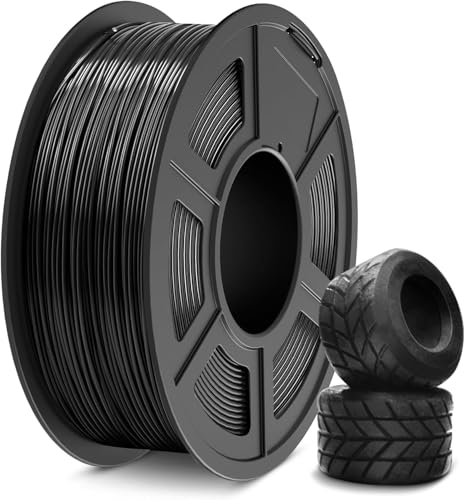 SUNLU TPU Filament 1.75mm,(1kg,Black,95a TPU) | 3D Printer Filament,H…
$20.99
SUNLU TPU Filament 1.75mm,(1kg,Black,95a TPU) | 3D Printer Filament,H…
$20.99
 Creality Hyper ABS Filament 1.75mm, Black & Grey, 2-Pack, 2KG | Heat-…
$26.99
Creality Hyper ABS Filament 1.75mm, Black & Grey, 2-Pack, 2KG | Heat-…
$26.99
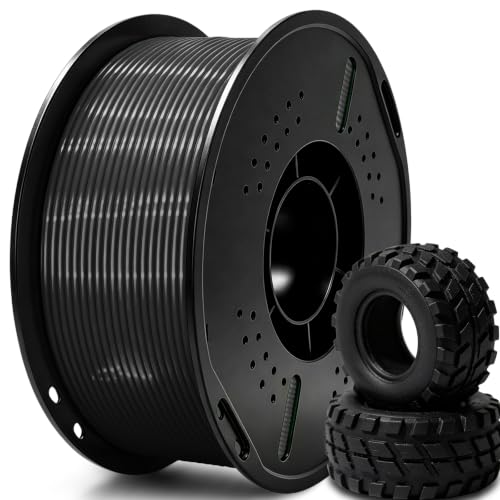 UGUESS TPU 95A 3D Printer Filament, Black, 1KG, TPU 95A Filament 1.75…
$15.99
UGUESS TPU 95A 3D Printer Filament, Black, 1KG, TPU 95A Filament 1.75…
$15.99
Thinger earns a commission from qualifying purchases made through these links, at no extra cost to you. The price on Amazon at checkout is the one that counts. Israeli buyers: free shipping over $49 deals in Hebrew (קונים מישראל: הדילים עם משלוח חינם מעל $49, בעברית).