Model S Comma/Windshield Cable Management
Source: Thingiverse by jmbrunick
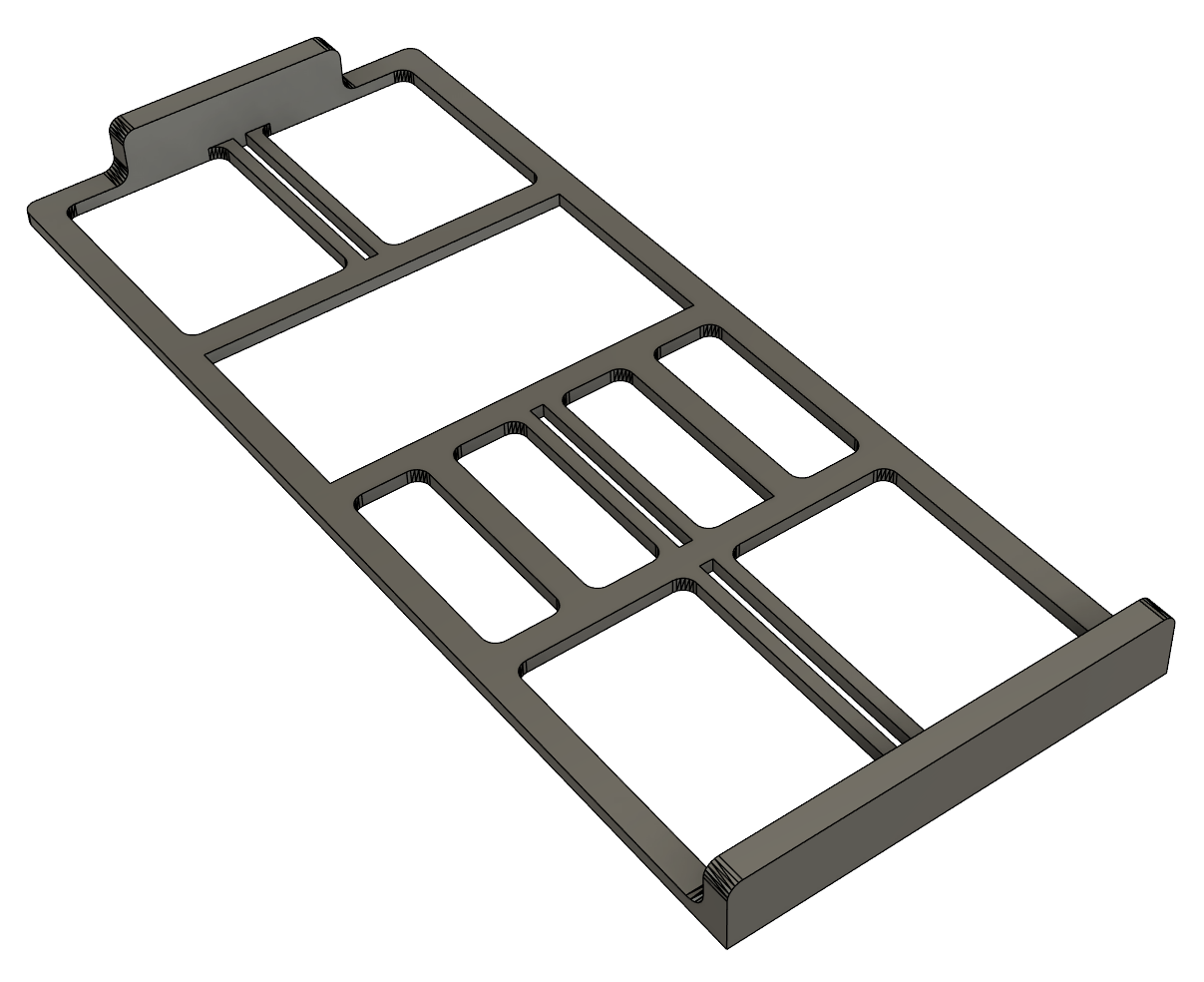
The Model S Comma/Windshield Cable Management is a free printable 3D model from Thingiverse by jmbrunick. This is a windshield mount to secure cables for the USB-C cable to run a Comma device. You can download the STL file from the original listing below and print it at home.
About this model
This is a windshield mount to secure cables for the USB-C cable to run a Comma device. Could be used for most window mount dash cams/radar detector/etc as long as the device permits this routing. Designed to run the cable on the right-hand side of the rearview mirror on Pre-AP Model S, but dimensions would likely suit AP1 and later as well if desired. This will take some heat, so choose material according. I used PETG with 20% infill, but ABS would work great as well I'm sure. PLA likely wouldn't hold up in most climates. - Place durable light/heat resistant double sided tape on the back (opposite zip tie mounts) of the USB-C WS Mount. - Set the mount on the windshield with about 1/16" gap between the top of the mount (horizontal portion of the "L") and the headliner of the car. Make sure …
Frequently asked questions
- Is this 3D model free to download?
- Yes. Model S Comma/Windshield Cable Management is free to download from Thingiverse. Open it in the free Thinger app, or use the "Download from Thingiverse" link above to open the original listing.
- Where is the STL hosted?
- The download is hosted by Thingiverse, not by Thinger. We link you directly to the original listing by jmbrunick.
- Who made this model?
- Designed by jmbrunick, published on Thingiverse. Please credit the creator when sharing your print online.
- Can I print this at home?
- Yes. This model is intended for home FDM and resin 3D printers. Check the original listing for suggested print settings like layer height and supports.
Similar 3D models in comma
Browse related collections
Filament on sale for your next print
Price drops on Amazon, checked several times a day with 30-day price history.
 YOOPAI Matte PLA+ Filament 1.75mm, 250g Starter Color Bundle, 4 Rolls
$17.99
YOOPAI Matte PLA+ Filament 1.75mm, 250g Starter Color Bundle, 4 Rolls
$17.99
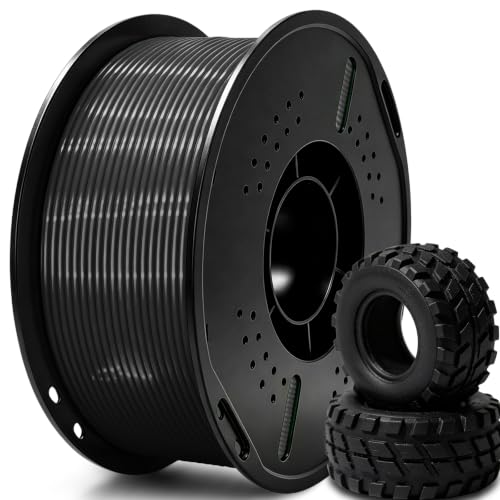 UGUESS TPU 95A 3D Printer Filament, Black, 1KG, TPU 95A Filament 1.75…
$15.99
UGUESS TPU 95A 3D Printer Filament, Black, 1KG, TPU 95A Filament 1.75…
$15.99
 Creality Silk PLA 3D Printer Filament 1.75mm, 1kg, Gold | High Glossy…
$18.99
Creality Silk PLA 3D Printer Filament 1.75mm, 1kg, Gold | High Glossy…
$18.99
Thinger earns a commission from qualifying purchases made through these links, at no extra cost to you. The price on Amazon at checkout is the one that counts. Israeli buyers: free shipping over $49 deals in Hebrew.