Your Bambu Lab printer arrived, you ran the first job from the SD card, you watched it print at slightly alarming speed, and now you are staring at the software wondering what to do next. The good news: the machine almost certainly works. Bambu printers come pre-calibrated more thoroughly than most, so your instinct to immediately print something enormous and complicated is not entirely wrong. But there are five smaller prints worth making first. They will save you time later, teach you something useful about your specific machine, and one of them will genuinely improve the experience if you have the AMS.
Start here: Bambu's own Benchy
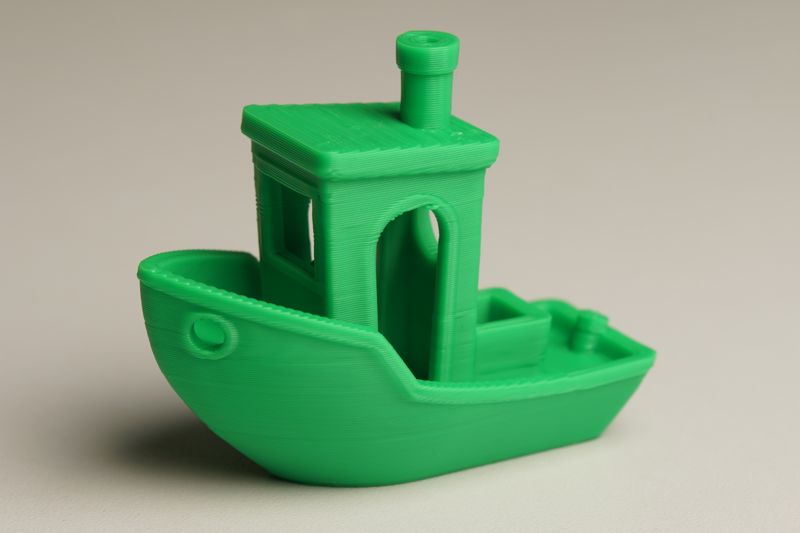
The classic Benchy from Thingiverse is fine, but Bambu Lab posted their own version to MakerWorld with settings matched to the PLA that ships with most of their printers. The temperature profile, speed, and first-layer settings are dialled for their hardware rather than adjusted after the fact. Print this one before you start changing anything, because it gives you a fair reference point for what your specific machine produces at factory settings. After that, every other print tells you something: if quality drops, you know from where.
The calibration cat
Dezign's Cali Cat on Thingiverse has been making the rounds since 2016 and shows no signs of retirement. It is a cat-shaped test model that exercises overhangs, bridging, fine surface detail, and vertical resolution in a single 30-minute print, in a form that is somehow more informative than a featureless cube. Print it right after your Benchy. The two together take about an hour, and if both look clean you are in good shape to start the project you actually bought the printer for.

The poop bin (AMS owners, this one is for you)
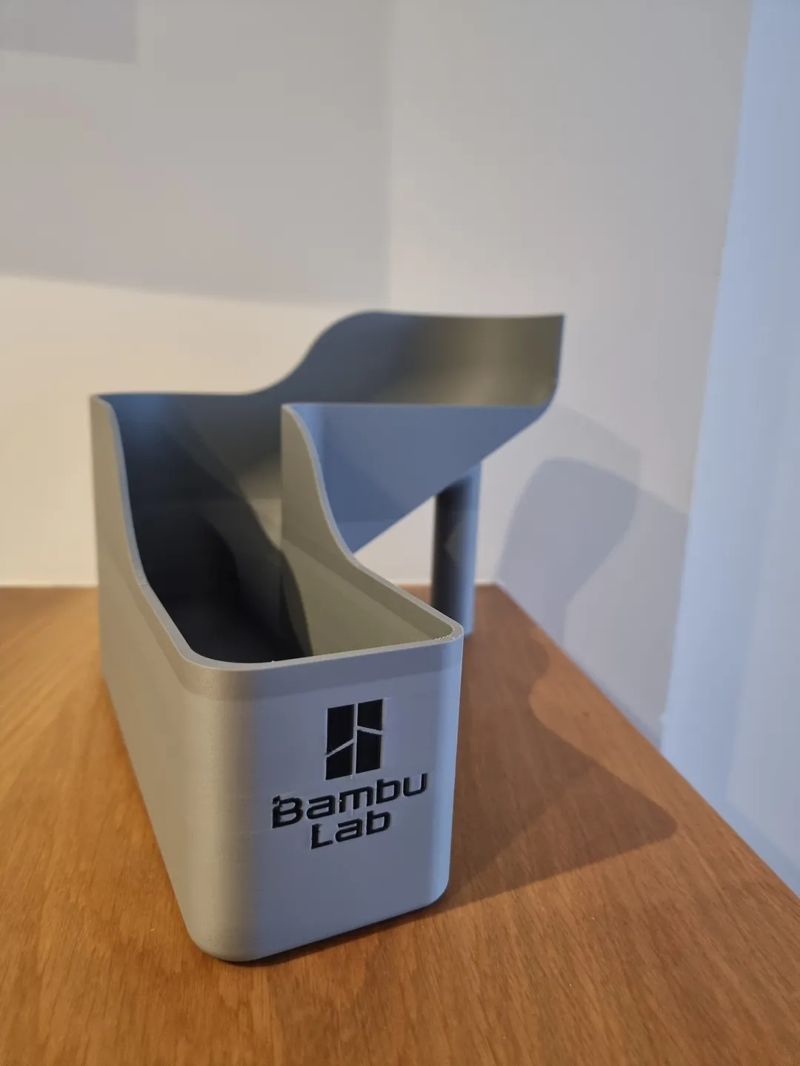
This section does not apply to you if you do not have the AMS. If you do: between colour changes, the AMS purges a small blob of filament to clear the previous colour from the nozzle. By default this lands in a small bin inside the printer. It fills up faster than you expect on multi-colour prints. harrypulvirenti's Filament Poop Bin sits next to the printer instead, connected by a short PTFE tube, and catches all of that purge material in an external container you can empty at your leisure. It takes one print and about five minutes to set up, and then you forget it exists.
Know what colour you actually have
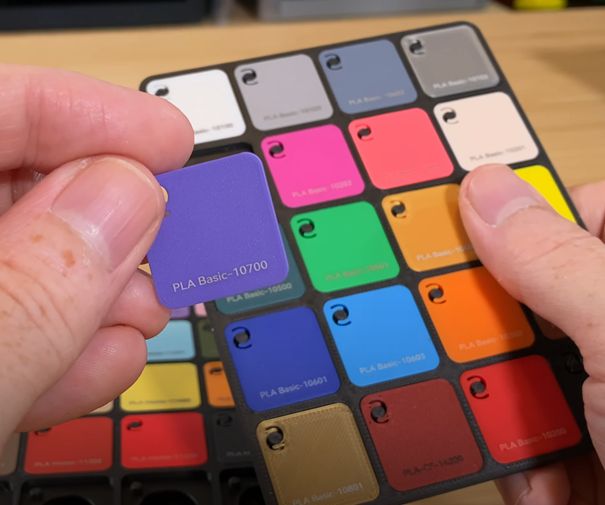
This sounds obvious until you are 30 hours into a project and realize the grey on screen does not match the grey on the shelf. Foxart3D's Bambu Filament Swatches print as a labelled set you snap onto the end of each spool. Print a batch for every colour you own right at the start, keep them together near the printer, and the next time you are reaching for a spool by memory you will be grateful your earlier self took an afternoon.
Give your spools somewhere to live
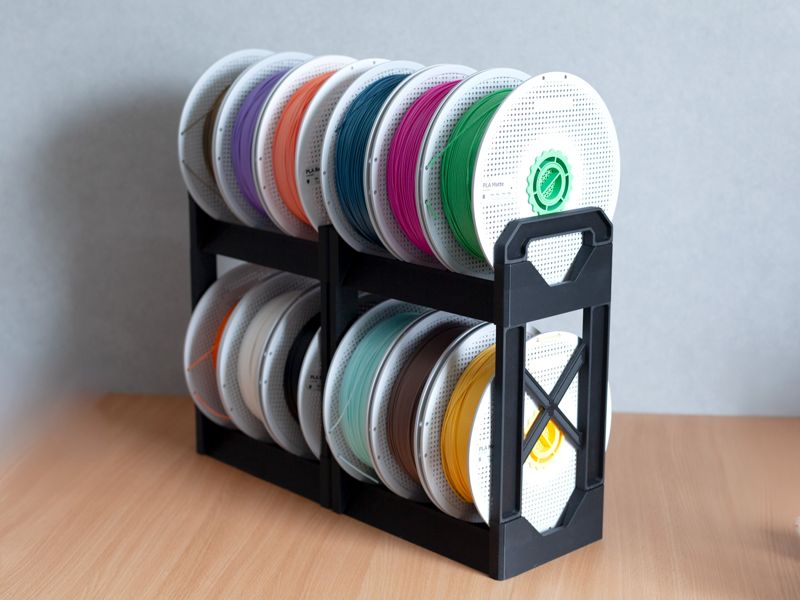
You ordered the printer and then immediately ordered eight spools of filament, because that is how it goes. Antiphrasis's Sturdy Modular Filament Spool Rack is fully printable, completely adjustable, and expandable as your collection grows. Print the first few segments while you are still learning your machine's quirks. By the end of the weekend you will have a rack sized exactly to the number of spools you currently own, with one extra slot because you are already eyeing a fourth grey.
Where to go from here
The Bambu P1S collection and Bambu A1 collection on Thinger have the community's best upgrades and accessories, pulled from MakerWorld, Printables, and Thingiverse in one place. If you want to search across all the major platforms at once for whatever comes next, the free Thinger app searches over 600,000 free models in one place. Your print queue is about to get very long. That is, I am told, entirely normal.