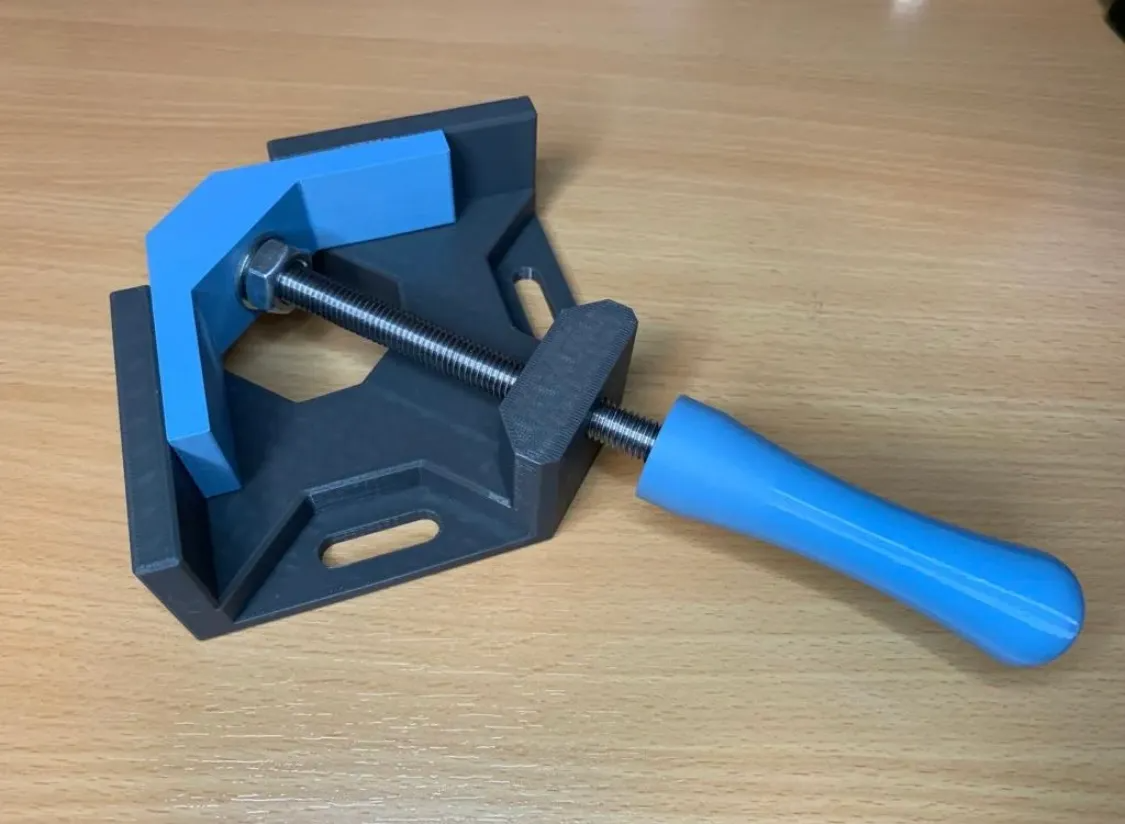
Angle / Corner Clamp woodworking
Source: MakerWorld by RestoreDoctor
The Angle / Corner Clamp woodworking is a free printable 3D model from MakerWorld by RestoreDoctor. Hardware:4 x M10 nuts (self locking)1 x M10 Washer1 x threaded rod M10 - 200mm lenghtThreadlocker Settings:0.20mm Standard +custom settings:Wall loops: min. You can download the STL file from the original listing below and print it at home.

About this model
Hardware:4 x M10 nuts (self locking)1 x M10 Washer1 x threaded rod M10 - 200mm lenghtThreadlocker Settings:0.20mm Standard +custom settings:Wall loops: min. 5Outer wall: 25 mm/sInfill 30 %supports are not necessaryABS / PETG Base Part Add a pause in Slicer at 36mm height - that you can insert an M10 nut with 17mm wrench size. HandleAdd a pause in Slicer at 18,2mm height - that you can insert an M10 nut with 17mm wrench size Assembling:As a reminder, if you use threadlocker instead of self-locking nuts, you must let it dry first before use. Step 1Turn the threaded rod into the main part. Then put an M10 nut and a washer on it. Step 2Put the clamp part on it and then the second nut, fix the outer nut with threadedlocker or a self locking nut so that the nut and the rod are flush (green line…
Frequently asked questions
- Is this 3D model free to download?
- Yes. Angle / Corner Clamp woodworking is free to download from MakerWorld. Open it in the free Thinger app, or use the "Download from MakerWorld" link above to open the original listing.
- Where is the STL hosted?
- The download is hosted by MakerWorld, not by Thinger. We link you directly to the original listing by RestoreDoctor.
- Who made this model?
- Designed by RestoreDoctor, published on MakerWorld. Please credit the creator when sharing your print online.
- Can I print this at home?
- Yes. This model is intended for home FDM and resin 3D printers. Check the original listing for suggested print settings like layer height and supports.
Similar 3D models in angle


More from RestoreDoctor
Browse related collections
Gear / Paid link The gear we print with Filament, tools, build plates and the hardware behind the models on Thinger, in one shoppable photo on our Amazon storefront. See the gear → Thinger earns a commission from qualifying purchases made through this link, at no extra cost to you.Filament price drops for your next print
We track hundreds of filaments, resins, nozzles and tools on Amazon several times a day. Don't buy before you compare: see today's best prices and the real discount, measured against 30 days of price history.
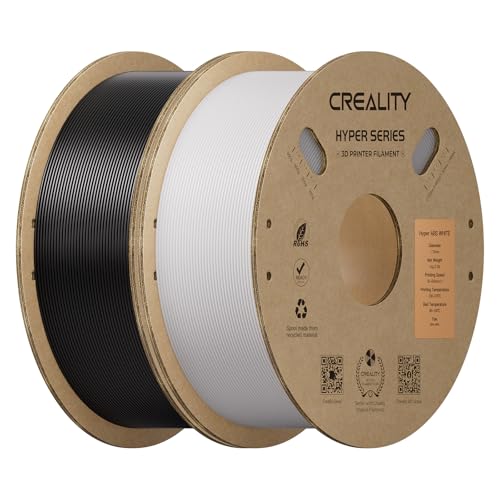 Creality Hyper ABS Filament 1.75mm, Black & White, 2-Pack, 2KG | Heat…
$26.99
Creality Hyper ABS Filament 1.75mm, Black & White, 2-Pack, 2KG | Heat…
$26.99
 Frucindra ASA 3D Printer Filament Bundle 1.75mm, UV & Weather Resista…
$28.99
Frucindra ASA 3D Printer Filament Bundle 1.75mm, UV & Weather Resista…
$28.99
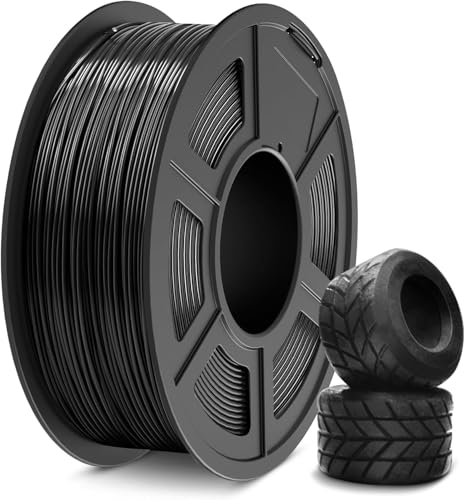 SUNLU TPU Filament 1.75mm,(1kg,Black,95a TPU) | 3D Printer Filament,H…
$20.99
SUNLU TPU Filament 1.75mm,(1kg,Black,95a TPU) | 3D Printer Filament,H…
$20.99
Thinger earns a commission from qualifying purchases made through these links, at no extra cost to you. The price on Amazon at checkout is the one that counts. Israeli buyers: free shipping over $49 deals in Hebrew (קונים מישראל: הדילים עם משלוח חינם מעל $49, בעברית).