Fusion 360 Designed Chess Pieces
Source: MakerWorld by kevr102
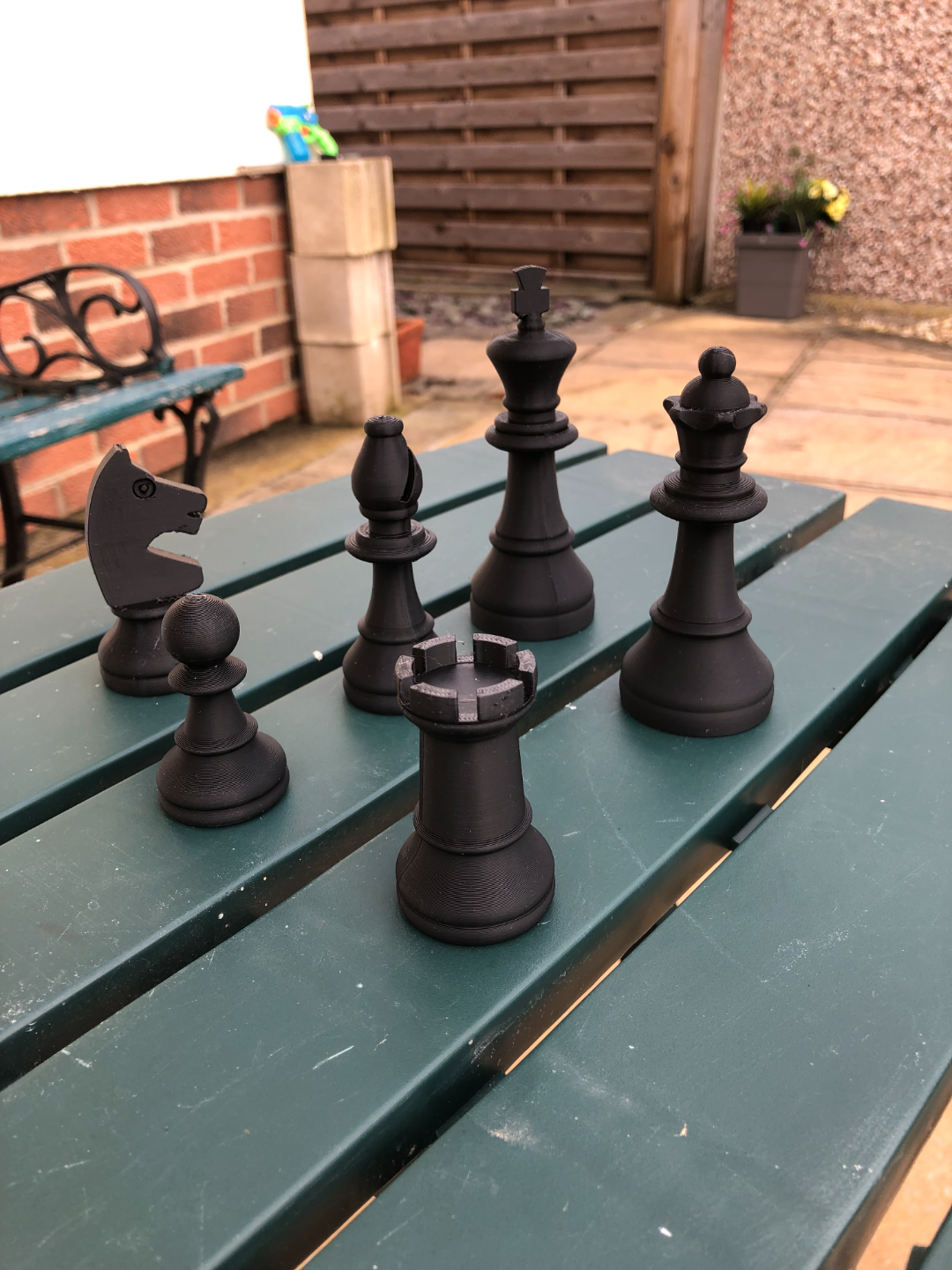
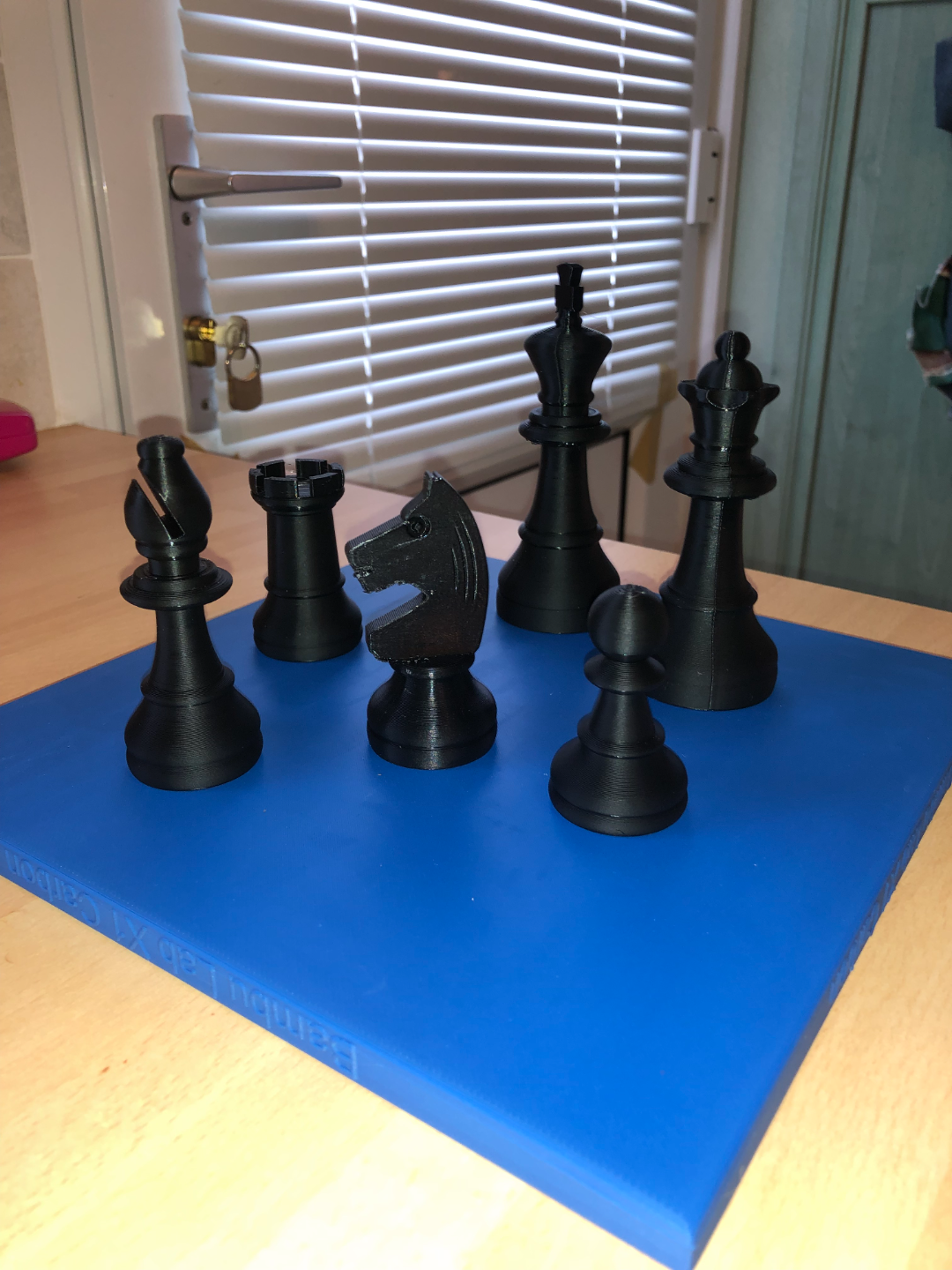
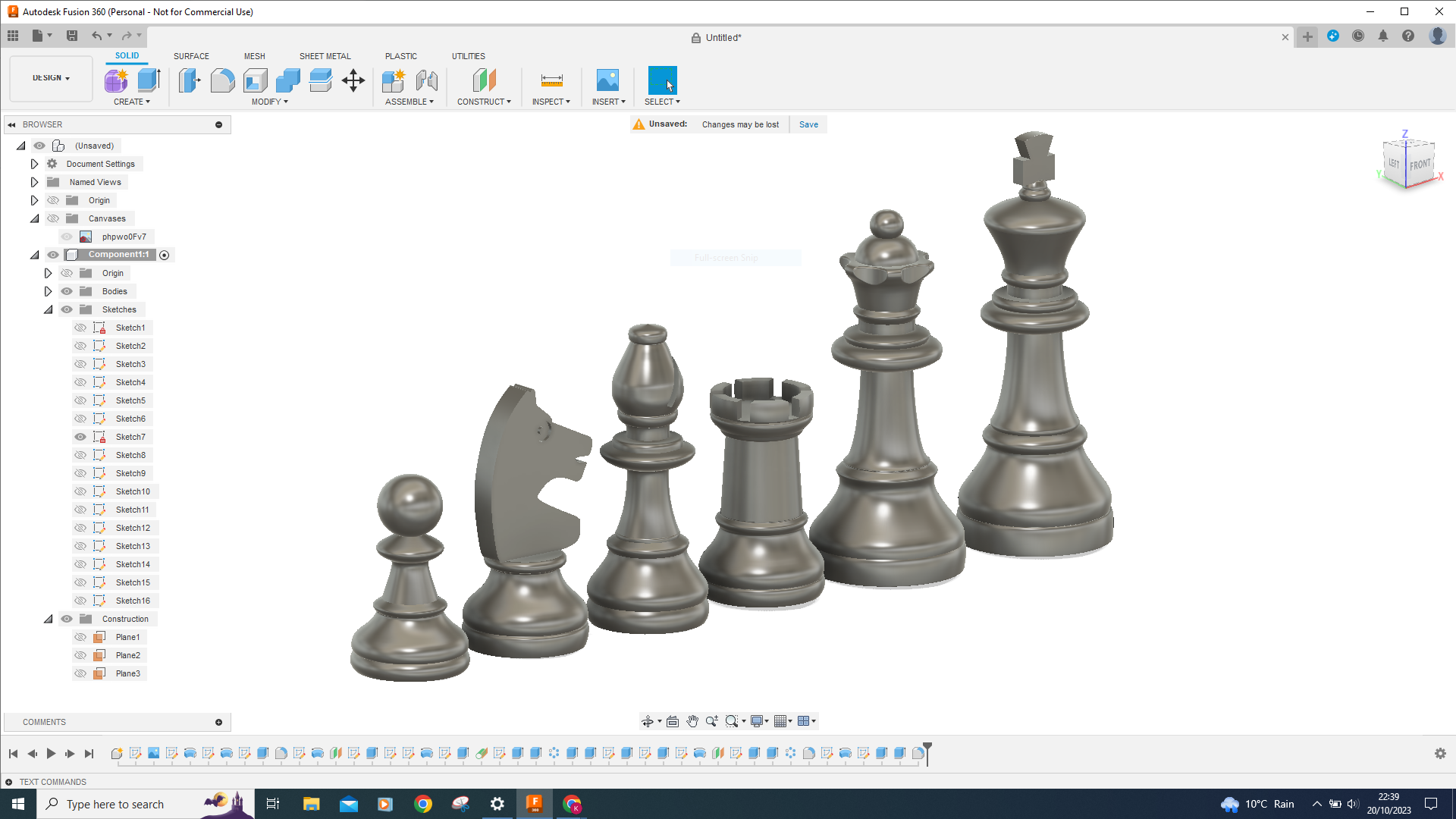
The Fusion 360 Designed Chess Pieces is a free printable 3D model from MakerWorld by kevr102. These Chess pieces are designed in Fusion 360 initially importing a free image and then import as a canvas and calibrate to size, the average size of a standard Pawn chess piece. You can download the STL file from the original listing below and print it at home.

About this model
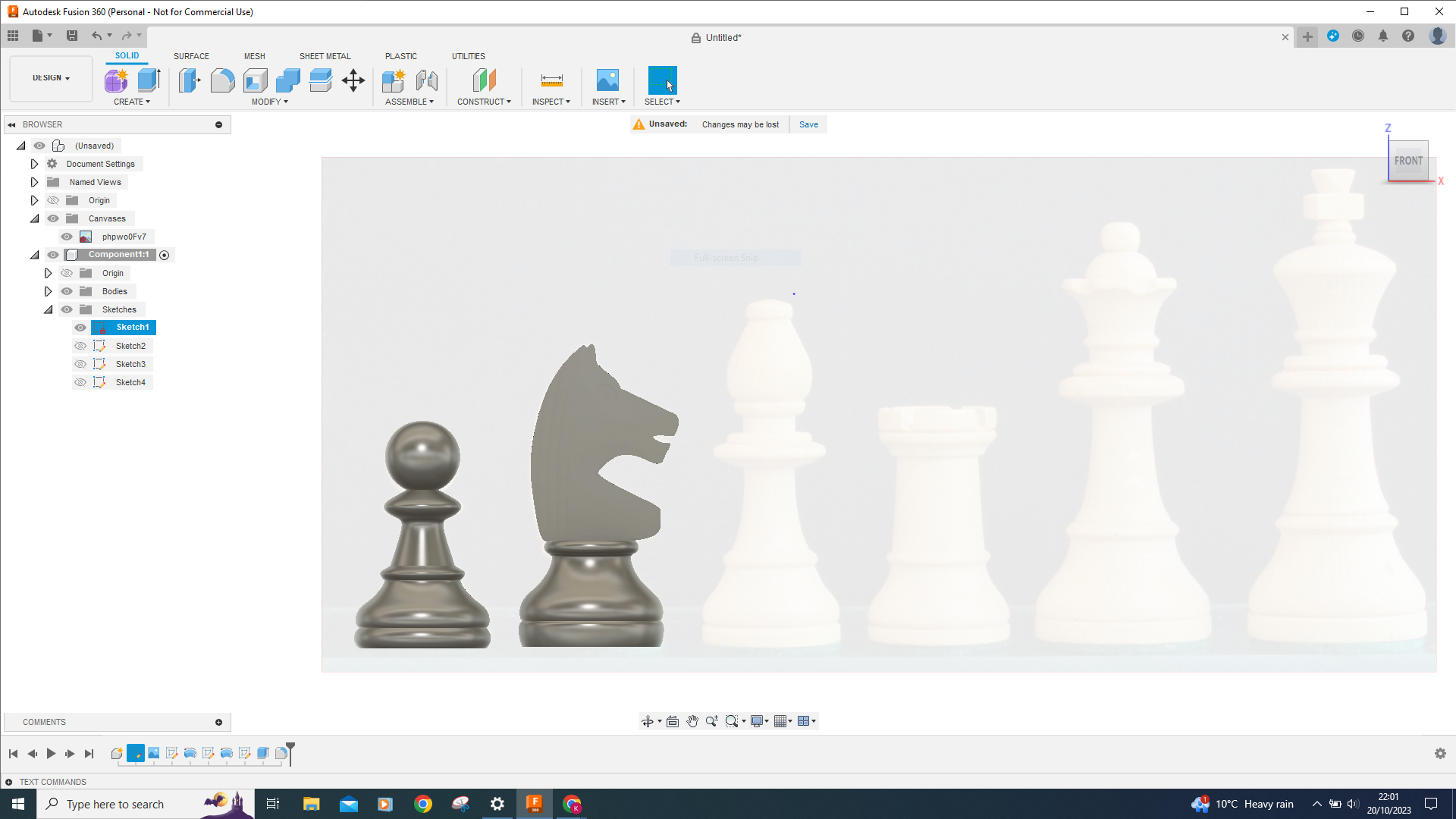
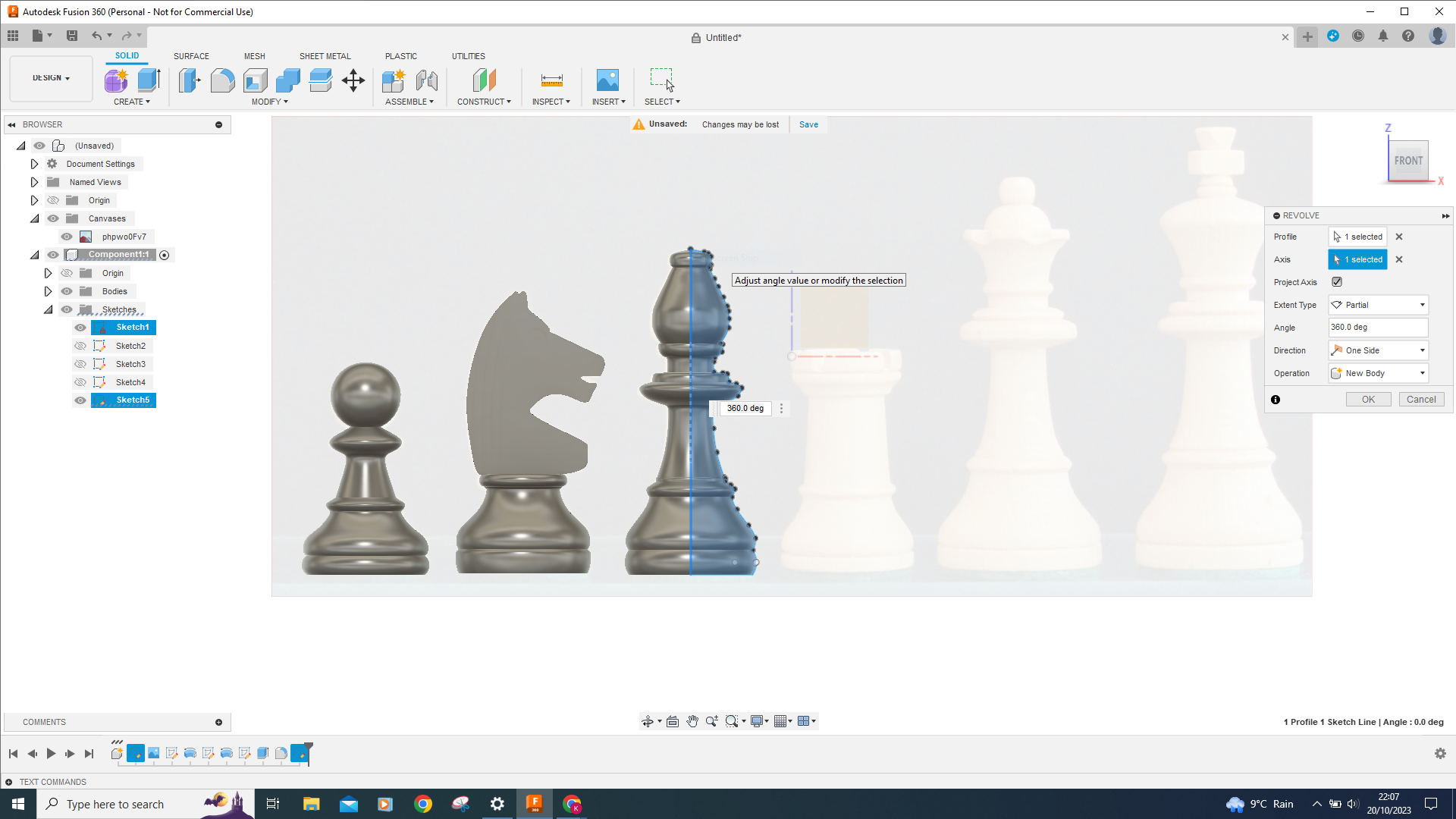
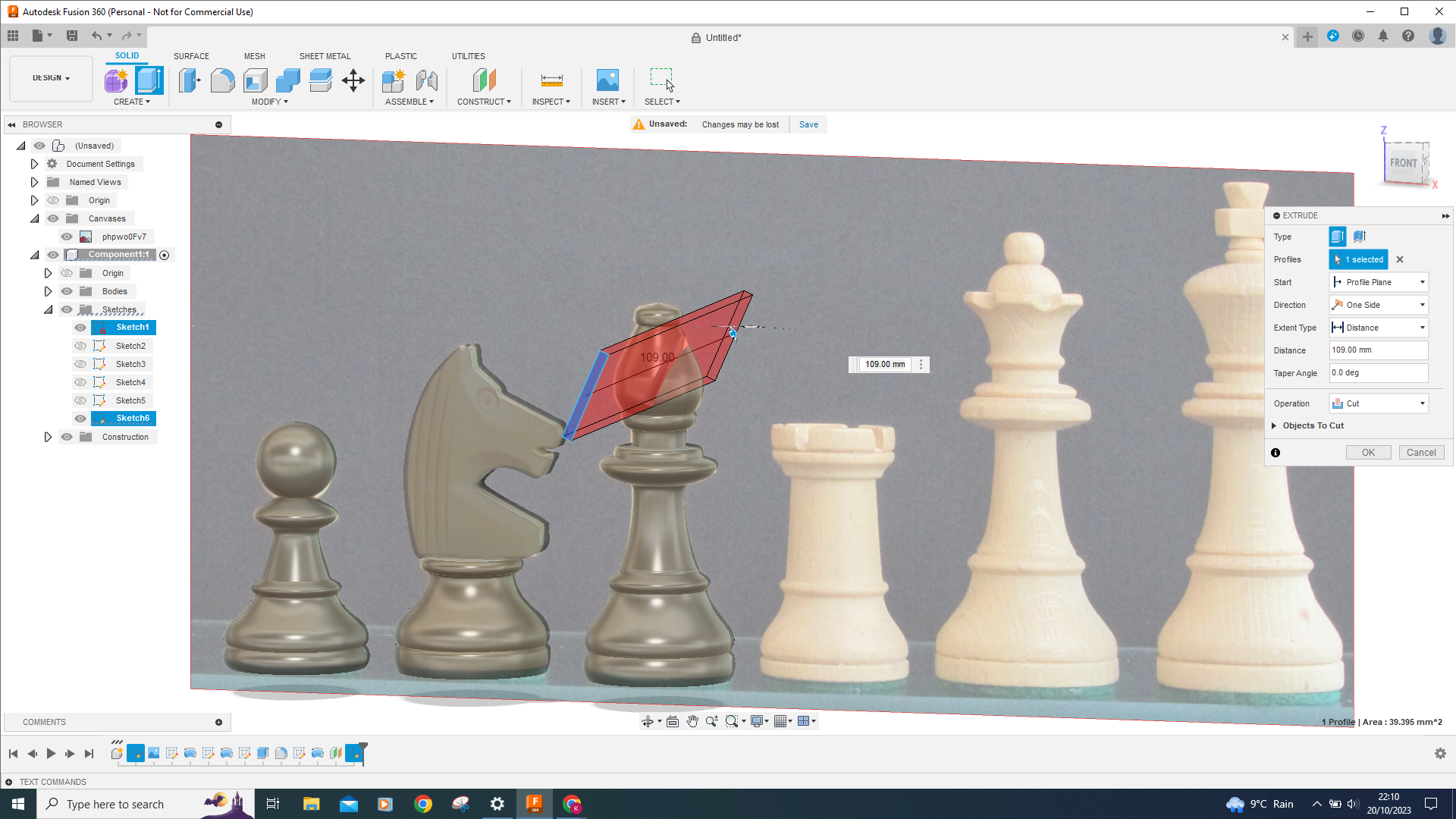
These Chess pieces are designed in Fusion 360 initially importing a free image and then import as a canvas and calibrate to size, the average size of a standard Pawn chess piece is 50mm, the easiest way to describe the procedure is that you start a new sketch and then sketch a line from top to bottom of the piece you want to make, then using the fix point spline tool you trace the outline of the piece, I used 3 Point Arcs as well, when the piece is traced you use the revolve tool and hey presto you have a chess piece, there is more to do like the slot in the bishops mitre and the scallops around the top of the queen, cut outs in the castle top etc, but it's fun trying to do these additions to each piece.All apart from the knight printed without any support.There is more detail on how you d…
Frequently asked questions
- Is this 3D model free to download?
- Yes. Fusion 360 Designed Chess Pieces is free to download from MakerWorld. Open it in the free Thinger app, or use the "Download from MakerWorld" link above to open the original listing.
- Where is the STL hosted?
- The download is hosted by MakerWorld, not by Thinger. We link you directly to the original listing by kevr102.
- Who made this model?
- Designed by kevr102, published on MakerWorld. Please credit the creator when sharing your print online.
- Can I print this at home?
- Yes. This model is intended for home FDM and resin 3D printers. Check the original listing for suggested print settings like layer height and supports.
Similar 3D models in chess pieces


More from kevr102