X6100 Xiegu Light Weight Clip On Cooling
Source: Thingiverse by willie42
The X6100 Xiegu Light Weight Clip On Cooling is a free printable 3D model from Thingiverse by willie42. When out for Pota I had issues with temperature while calling CQ in CW on a hot summer day. You can download the STL file from the original listing below and print it at home.

About this model
When out for Pota I had issues with temperature while calling CQ in CW on a hot summer day. So I designed this simple cooling device. It uses a 50 mm fan. You can use whatever voltage you want. I choosed 5V fans with an USB-Connector. In that case use a little powerbank or - without additional gear - look for and USB-C adapter and plug it into the port of the Xiegu itself, like show on the picture. If you even more cooling, just clip a second fan - powered using a little USB-c hub ;) Put it on the middle of your device. There are openings on the left and right, so the air is blown across the back cover. Additional openings on top and bottom let the air pass by the cooling ribs. Best used with stands like this: Happy Pota!
Frequently asked questions
- Is this 3D model free to download?
- Yes. X6100 Xiegu Light Weight Clip On Cooling is free to download from Thingiverse. Open it in the free Thinger app, or use the "Download from Thingiverse" link above to open the original listing.
- Where is the STL hosted?
- The download is hosted by Thingiverse, not by Thinger. We link you directly to the original listing by willie42.
- Who made this model?
- Designed by willie42, published on Thingiverse. Please credit the creator when sharing your print online.
- Can I print this at home?
- Yes. This model is intended for home FDM and resin 3D printers. Check the original listing for suggested print settings like layer height and supports.
Similar 3D models in cooling fan


More from willie42


Browse related collections
Filament price drops for your next print
We track hundreds of filaments, resins, nozzles and tools on Amazon several times a day. Don't buy before you compare: see today's best prices and the real discount, measured against 30 days of price history.
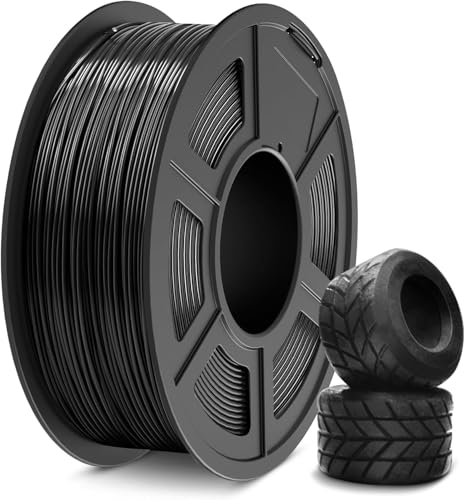 SUNLU TPU Filament 1.75mm,(1kg,Black,95a TPU) | 3D Printer Filament,H…
$20.99
SUNLU TPU Filament 1.75mm,(1kg,Black,95a TPU) | 3D Printer Filament,H…
$20.99
 Creality Hyper ABS Filament 1.75mm, Black & Grey, 2-Pack, 2KG | Heat-…
$26.99
Creality Hyper ABS Filament 1.75mm, Black & Grey, 2-Pack, 2KG | Heat-…
$26.99
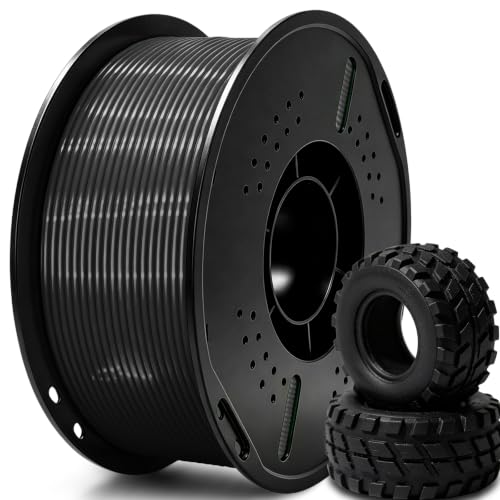 UGUESS TPU 95A 3D Printer Filament, Black, 1KG, TPU 95A Filament 1.75…
$15.99
UGUESS TPU 95A 3D Printer Filament, Black, 1KG, TPU 95A Filament 1.75…
$15.99
Thinger earns a commission from qualifying purchases made through these links, at no extra cost to you. The price on Amazon at checkout is the one that counts. Israeli buyers: free shipping over $49 deals in Hebrew (קונים מישראל: הדילים עם משלוח חינם מעל $49, בעברית).