Free Articulated Dragon STL Files: Print-in-Place Flexi Dragons
3D print articulated dragons that flex straight off the bed, from crystal dragons to winged flexi dragons
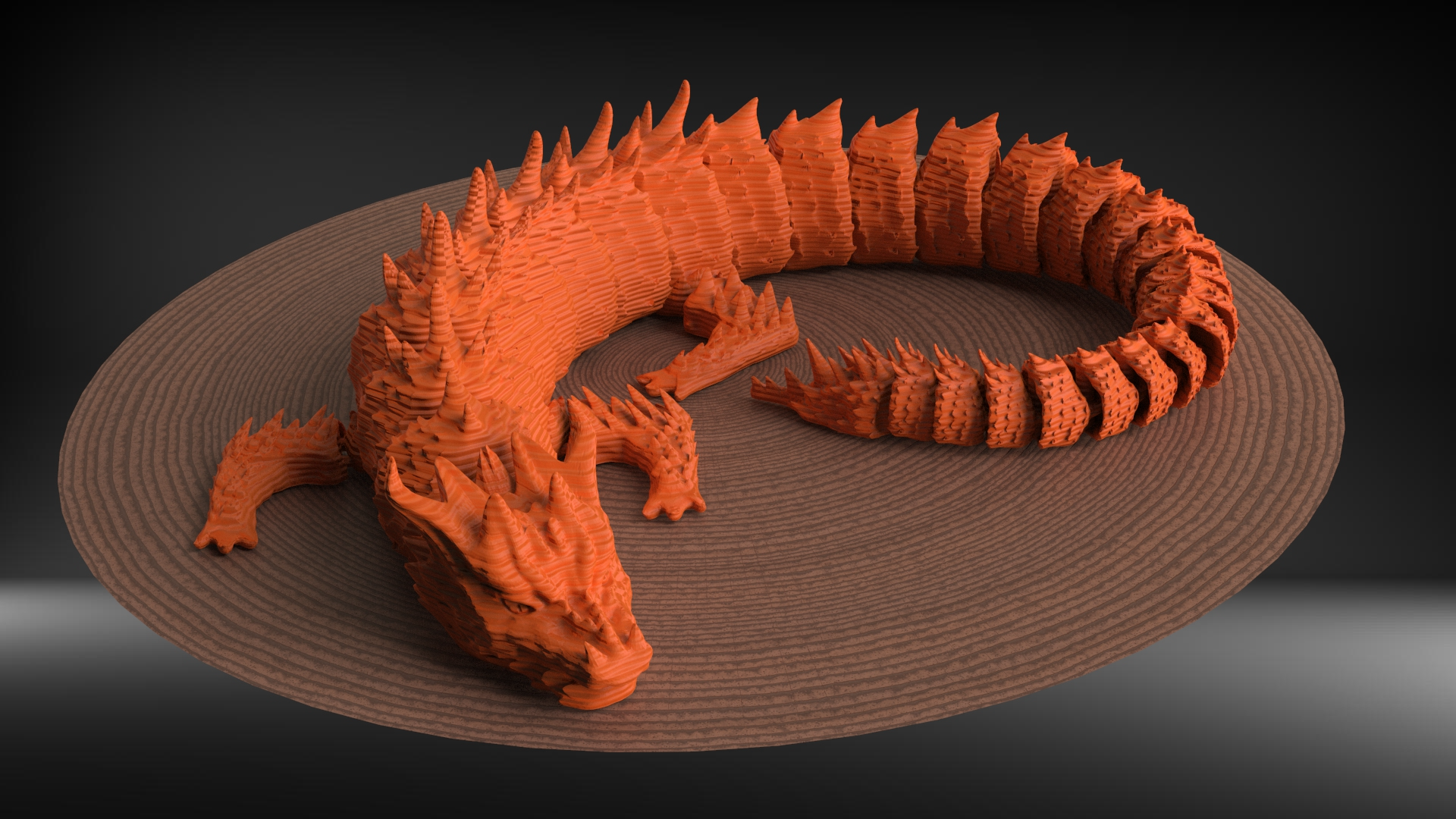
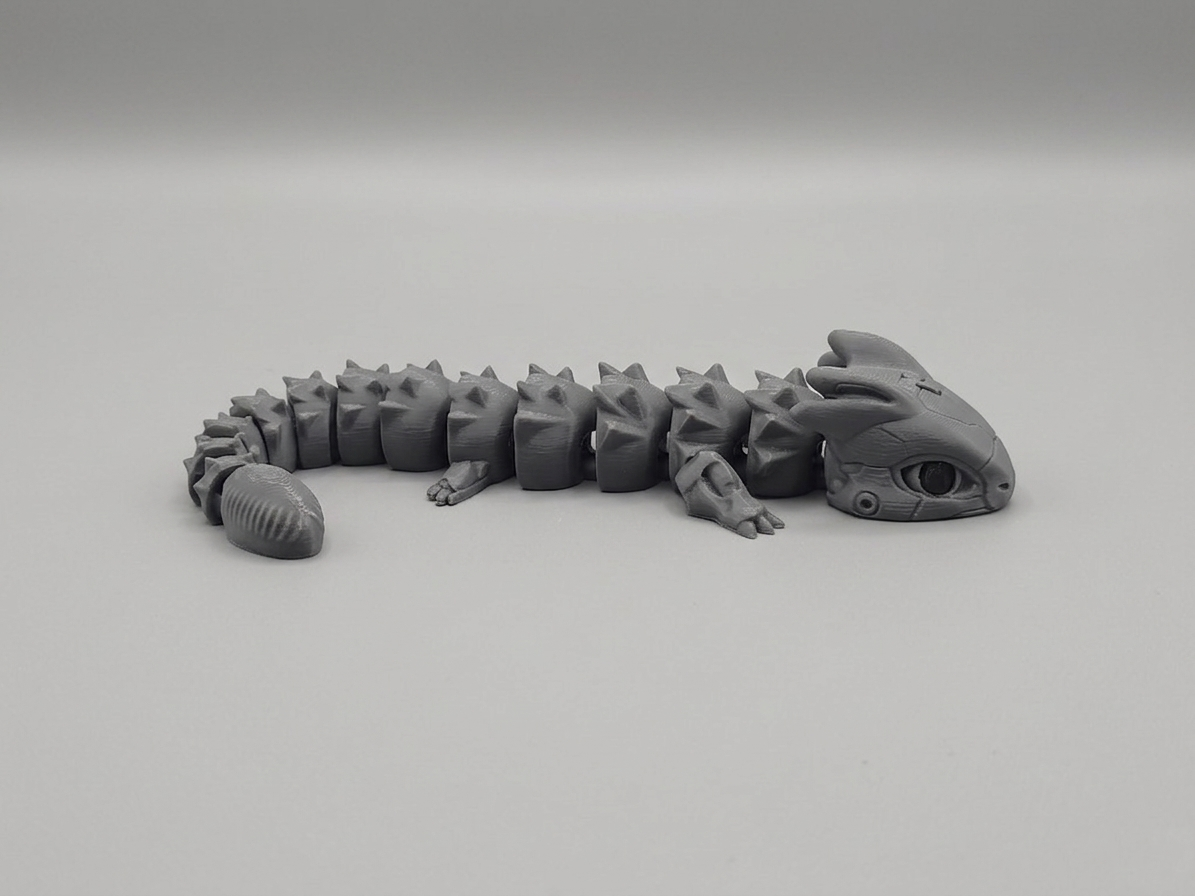
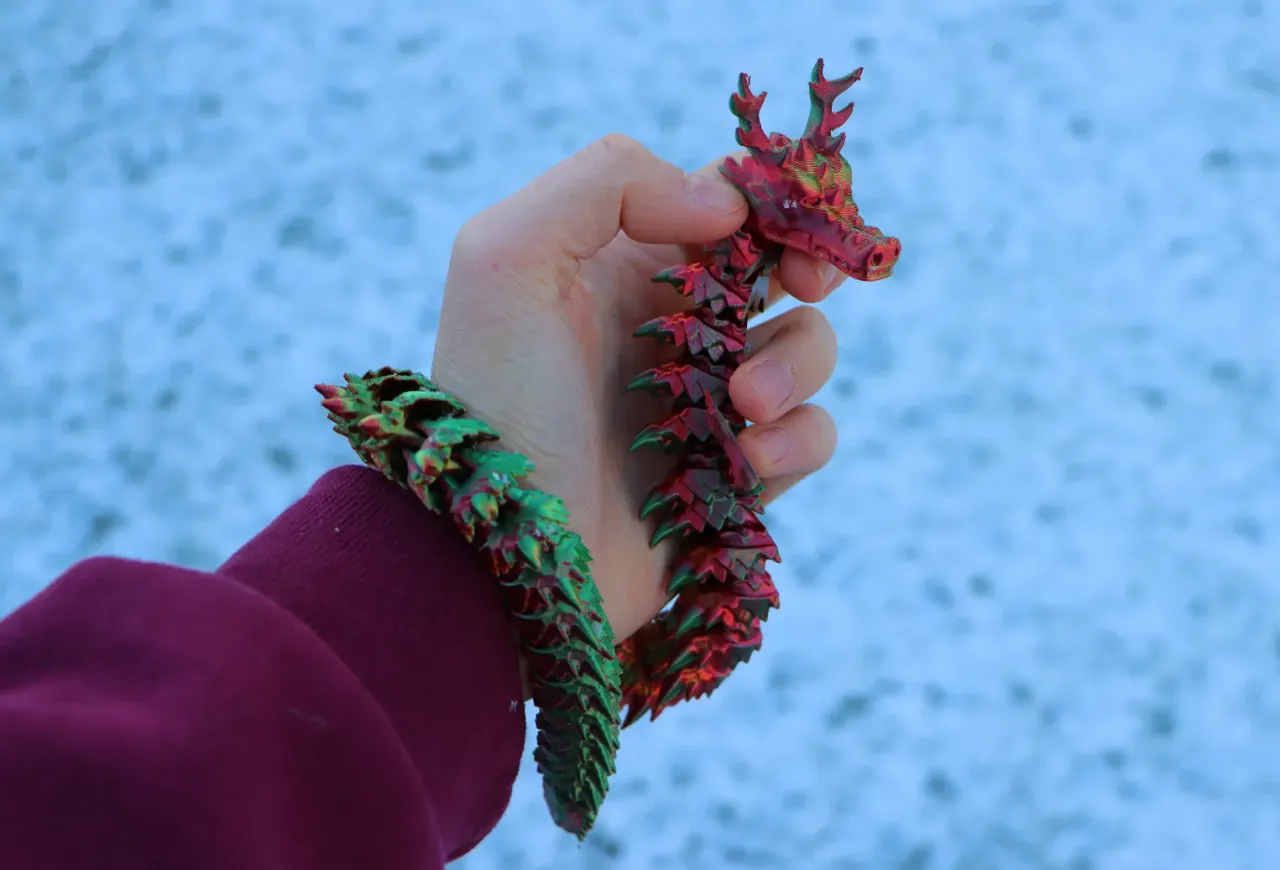
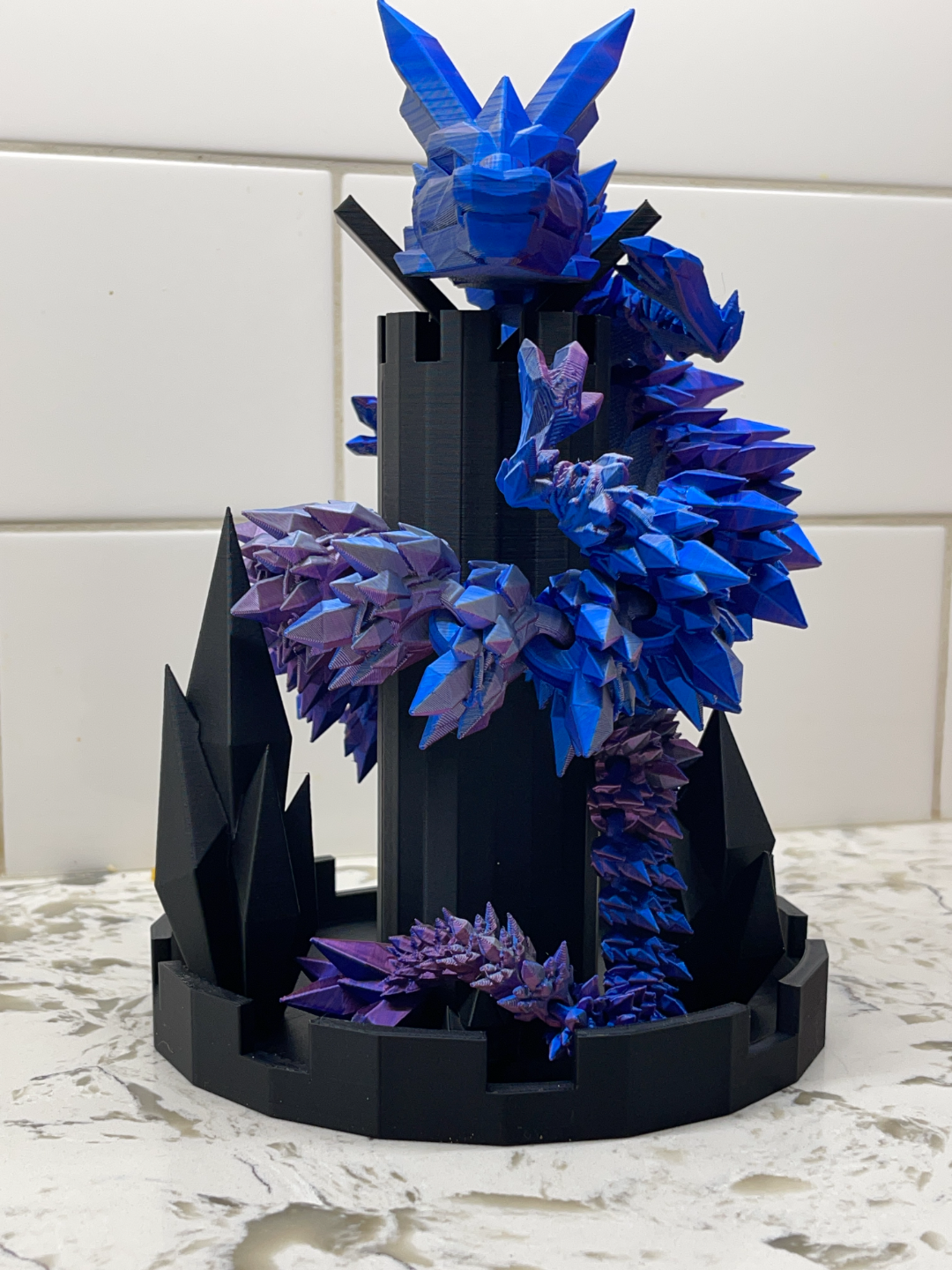
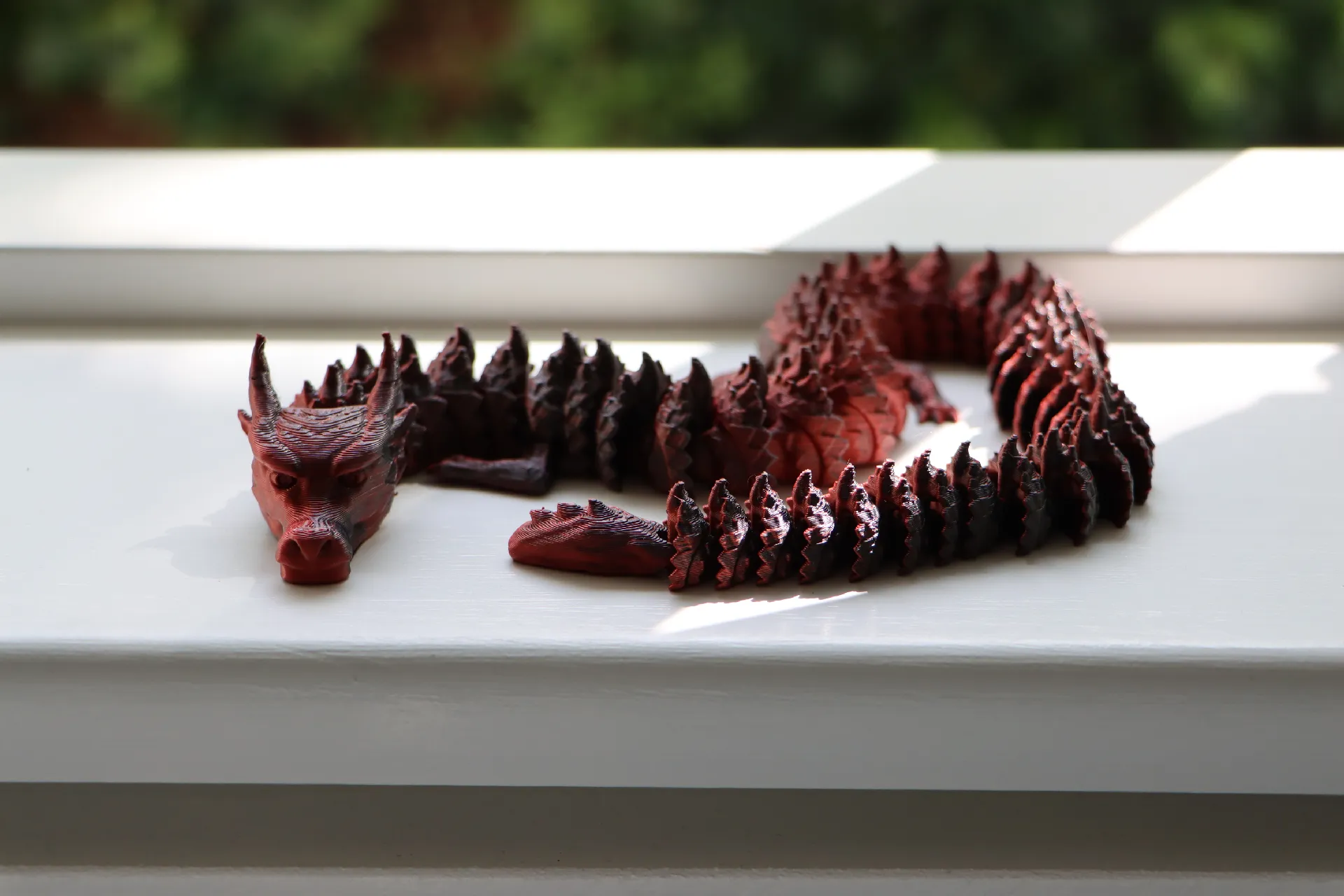
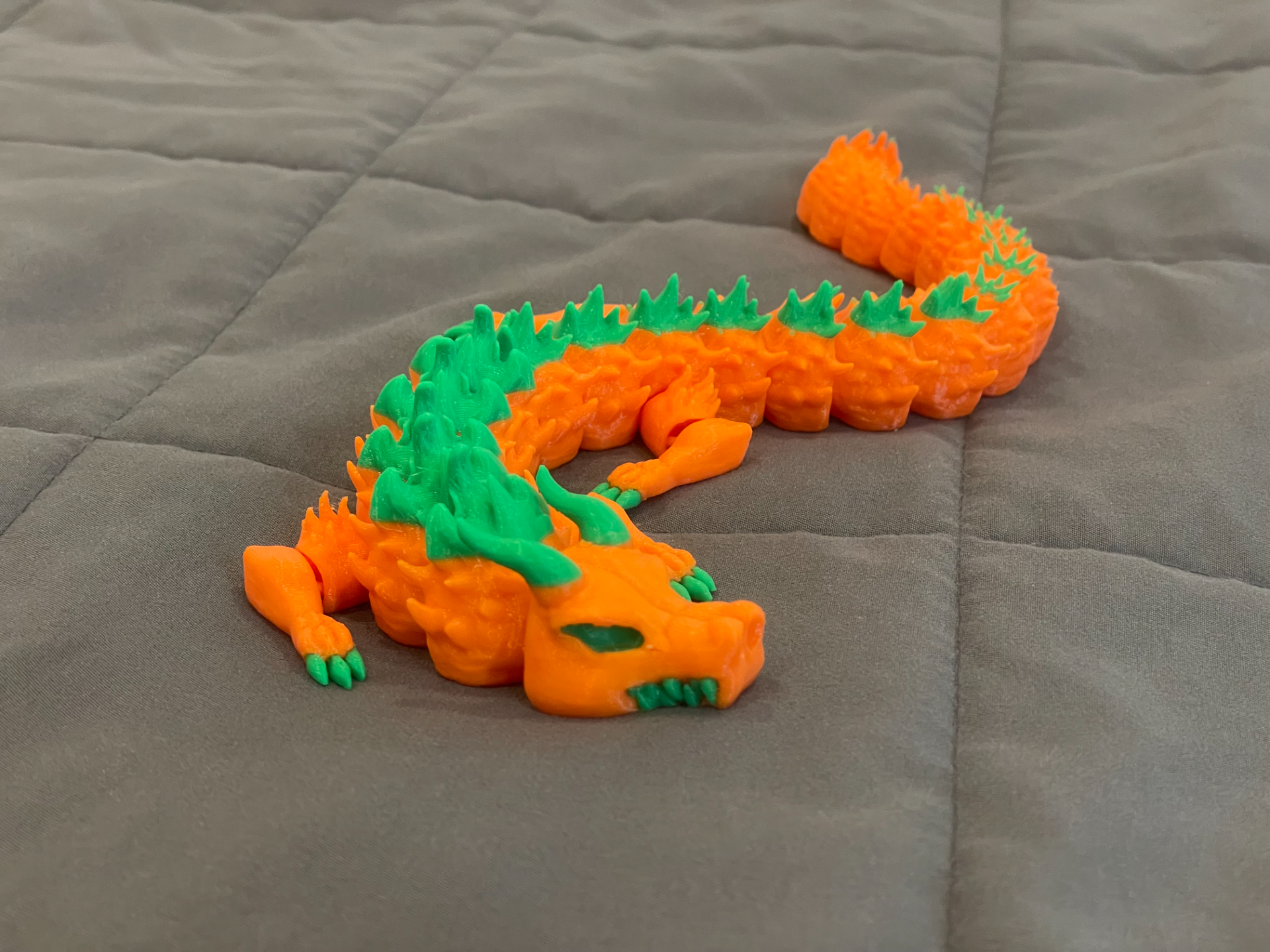
An articulated dragon 3D print is the file that gets most people hooked on 3D printing: you drop the STL into your slicer, hit print, and a fully posable, segmented dragon comes off the build plate already assembled. No supports, no glue, every joint already moving. Cinderwing3D and friends made the flexi dragon famous on TikTok, and the free model scene has followed with crystal dragons, winged dragons, long oriental dragons, and baby dragons that fit in a palm.
This collection gathers the best free articulated dragon and articulating flexi dragon models from Cults3D, MyMiniFactory, Thingiverse, Printables, and MakerWorld, ordered by how often Thinger users save them. Every model is free to download as an STL file from the original creator's page. Most print in place as a single part; a few larger wing or horn pieces snap on afterwards.
A 3D print dragon with movable joints needs a clean first layer and tuned retraction more than anything else. Print flat as the creator oriented it, keep part cooling high, slow the outer walls, and never scale below 100 percent or the joint clearances close up. The printing guide and editor's picks below cover the settings that make the difference between a dragon that flexes and one that fuses.
How to print an articulated dragon that actually flexes
Almost every failed flexi dragon fails on the first layer. The joints sit a fraction of a millimetre above the bed, so a first layer that is squished too hard fuses them together. Level the bed, then set the first layer height to 0.2 mm with no extra squish, and turn on elephant foot compensation (0.1 to 0.2 mm) in your slicer. If the first dragon comes off the plate stiff, that is the setting to change.
Layer height 0.16 or 0.2 mm, PLA or PETG, no supports, no brim, no raft. Print the model flat exactly as the creator oriented it. Slow the outer walls to 30 to 40 mm/s and keep part cooling at 100 percent after the first layers, because clean overhangs inside the joints are what let the segments rotate. Retraction should already be tuned; stringing between segments is the second most common reason a dragon locks up.
Do not scale below 100 percent. The joint clearances are designed for the original size, and shrinking the model shrinks the gap until it disappears. Scaling up is safe and makes the joints looser. Flexible filament (TPU) prints these too, but expect a slower print and a floppier creature; PLA with a gentle wiggle to free each joint is the standard result.
The picks below are the models Thinger users save most in this category: a good first flexi print, a classic, a long oriental dragon that shows off segment count, and a winged variant. Each link goes to the model page, and from there to the creator's free download.
Start with these four


40 trending picks






![[REMIX] Flexi-Rex or Flexi-Dragon? 3D model](https://media.printables.com/media/prints/582985/images/4652585_91212d20-b596-47f6-939e-7f6372cb61ff/img-1.jpg)






Frequently asked questions
- Are these 3D models free to download?
- Yes. Every model in this collection is free to download from the original creator's listing on platforms like Cults3D, MyMiniFactory, Thingiverse, Printables, and MakerWorld. Thinger links you to the source; it never re-hosts files.
- How is this collection curated?
- Models are matched to this topic automatically and ordered by how often Thinger users save them, so the list updates as new models trend. Check back for fresh picks.
- What do I need to print these models?
- Any home FDM or resin 3D printer works for most models here. Open the model page for details, then grab the file from the original listing and check the creator's suggested print settings.
More free 3D print collections
Discover more in the Thinger app
Swipe through 3D printable models from every major platform. The app is free to download.